Cities Maps for Minecraft PE
Best Cities Maps for Minecraft Bedrock
New Cities Maps for Minecraft PE 1.26 and 1.21 (.mcworld, .mctemplate)
Cities Maps for Minecraft PE 1.26 and 1.21 are made for players who want to explore ready-made urban locations instead of building everything from zero. These maps can add modern megacities, realistic streets, skyscrapers, houses, shops, roads, bridges, subway areas, airports, ports, abandoned districts, and fantasy cities to Minecraft Bedrock Edition on Android.
The main reason to download city maps is the feeling of a complete location. A good city map already has streets, buildings, interiors, districts, transport routes, public places, and hidden corners. Players can walk through neighborhoods, enter houses, explore tall buildings, start roleplay stories, create survival challenges, or use the map as a base for their own projects.
Cities Maps for Minecraft PE help players quickly enter a detailed Bedrock city with buildings, roads, interiors, and places made for exploration. This makes the category useful for users who want a large location without spending many hours on manual construction.
What Can Players Find in City Maps?
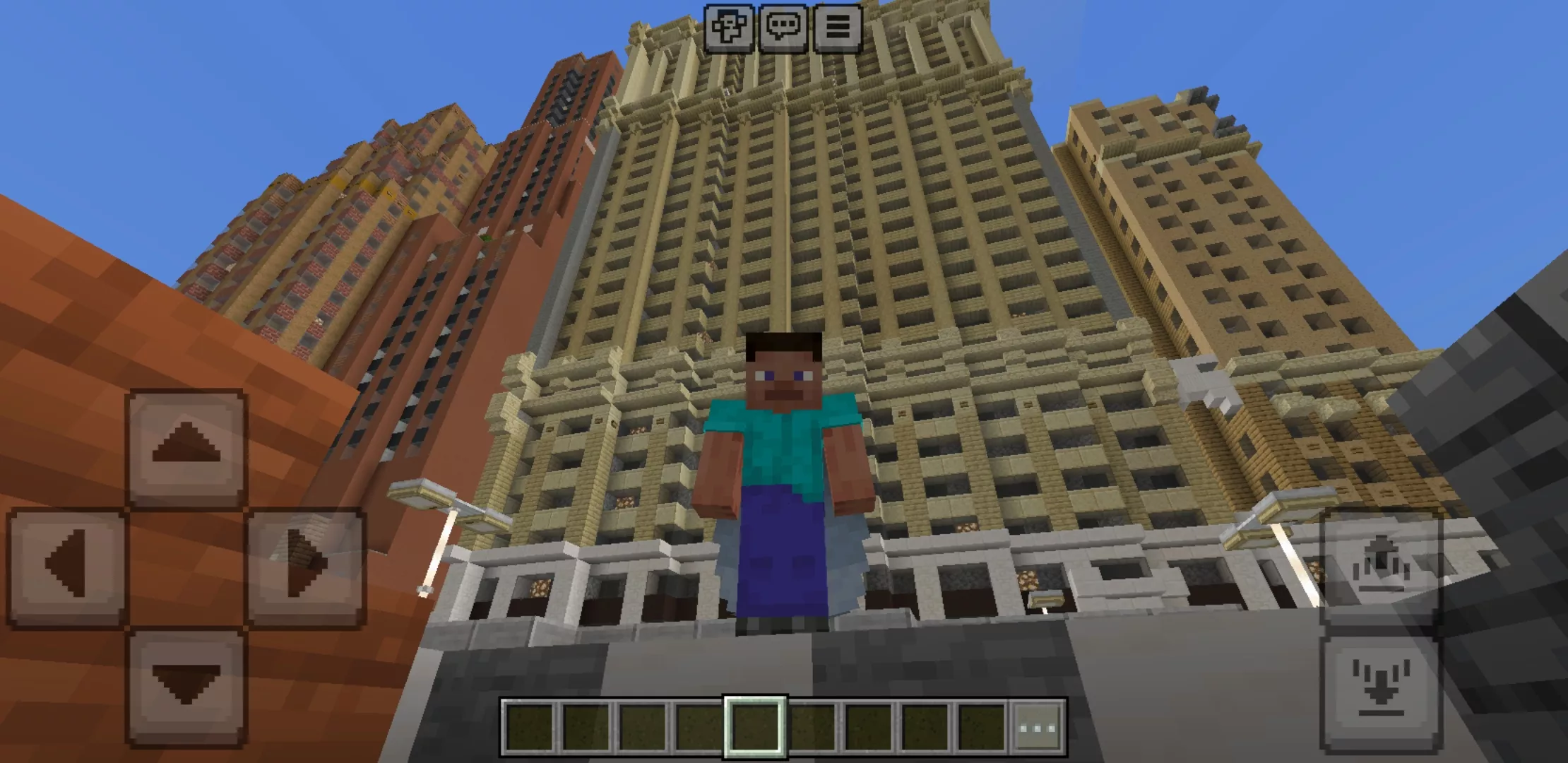
City maps can be very different. Some worlds recreate modern streets with tall skyscrapers, offices, apartments, shops, schools, parks, and roads. Others focus on abandoned cities, destroyed districts, secret laboratories, futuristic places, or fantastic locations that do not exist in real life.
These maps are especially interesting because every building can become part of the gameplay. A player can settle in an apartment, turn a skyscraper into a base, explore houses for hidden rooms, create a police or hospital roleplay, organize races through the streets, or survive in a city full of dangers.
| City map type | What the player gets |
| Modern city | Skyscrapers, roads, apartments, offices, shops, parks, and realistic urban districts. |
| Abandoned city | Destroyed streets, empty buildings, hidden places, survival atmosphere, and exploration goals. |
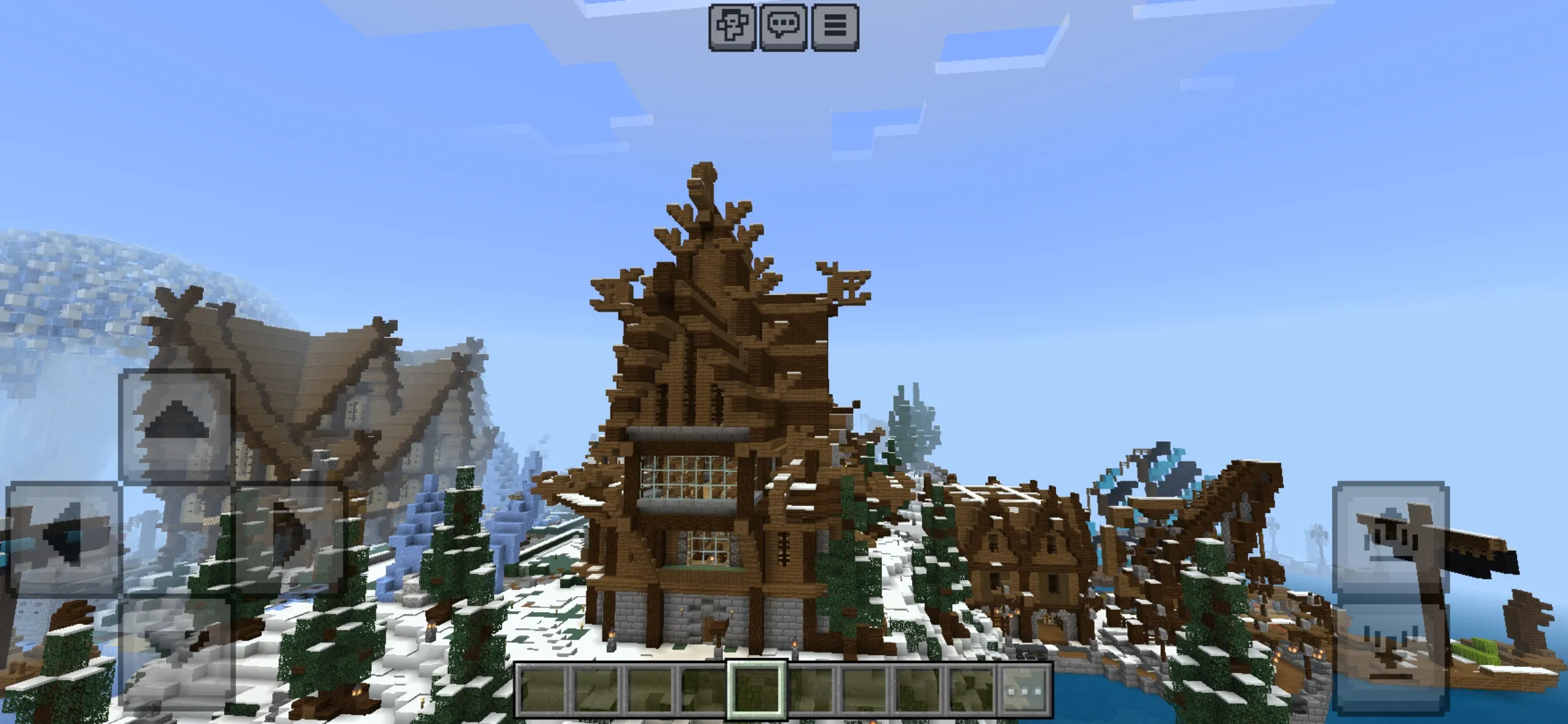
| Fantasy city | Unusual architecture, castles, magical districts, custom buildings, and creative locations. |
| Roleplay city | Houses, schools, hospitals, police stations, shops, roads, and locations for multiplayer stories. |
Download Cities Maps for Minecraft PE
Players download Cities Maps for Minecraft PE when they want a world that is already prepared for exploration. Instead of creating roads, houses, and districts block by block, users can install a finished map and immediately start moving through streets, checking buildings, choosing a home, or turning the location into a roleplay server.
Many maps in this category are available in .mcworld and .mctemplate formats. These file types are convenient for Minecraft PE users on Android because they can be imported into Bedrock Edition faster than manually installed folders. After opening the file, the city world appears in the game and can be launched like a normal map.
Best Uses for City Maps
City maps are not limited to simple walking. They can be used for survival, creative building, roleplay, multiplayer games, screenshots, videos, hide-and-seek, races, quests, and custom stories. A detailed city gives players many places to use, from small houses to large office towers.
For survival gameplay, a city map can become a dangerous environment with limited resources, empty buildings, hidden loot, and mobs in dark streets. For creative mode, it can become a base for new construction. Players can add furniture, vehicles, decorations, signs, lighting, parks, bridges, and other details to make the city feel more complete.
City Maps for Multiplayer
City maps are a strong choice for multiplayer because they give every player a role and a place. One user can live in a house, another can work in a shop, someone can become a builder, and others can explore, decorate, protect, or expand the city. This makes urban maps useful for private servers and friendly Bedrock sessions.
Large cities also work well for mini-games. Players can organize races through roads, hide in buildings, create police chases, build trading zones, or start custom quests. The more detailed the map is, the more gameplay options it can support.
More Bedrock Maps
Players who want more ready-made worlds can also visit the full map collection with survival locations, parkour challenges, horror worlds, mini-games, puzzle maps, adventure areas, and other custom places for Android.
The best city maps make Minecraft PE feel larger, busier, and more realistic. They give players a place to explore, live, build, decorate, roleplay, and create their own stories. Whether the goal is to walk through a modern megacity, settle in a quiet neighborhood, explore an abandoned district, or play with friends in a detailed urban world, this category helps users find the right city map for Minecraft Bedrock Edition.