Download Mods for Minecraft PE
Best Mods for Minecraft Bedrock
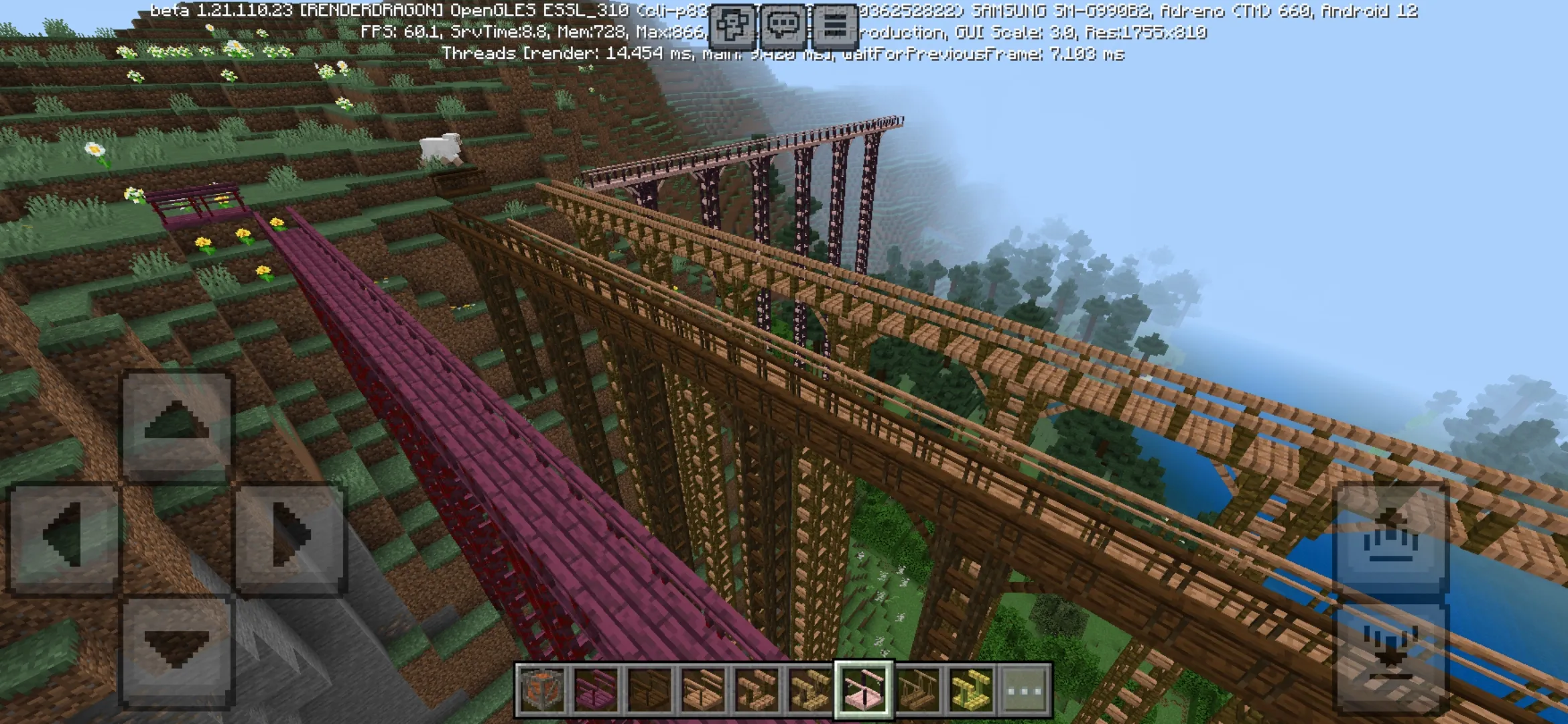
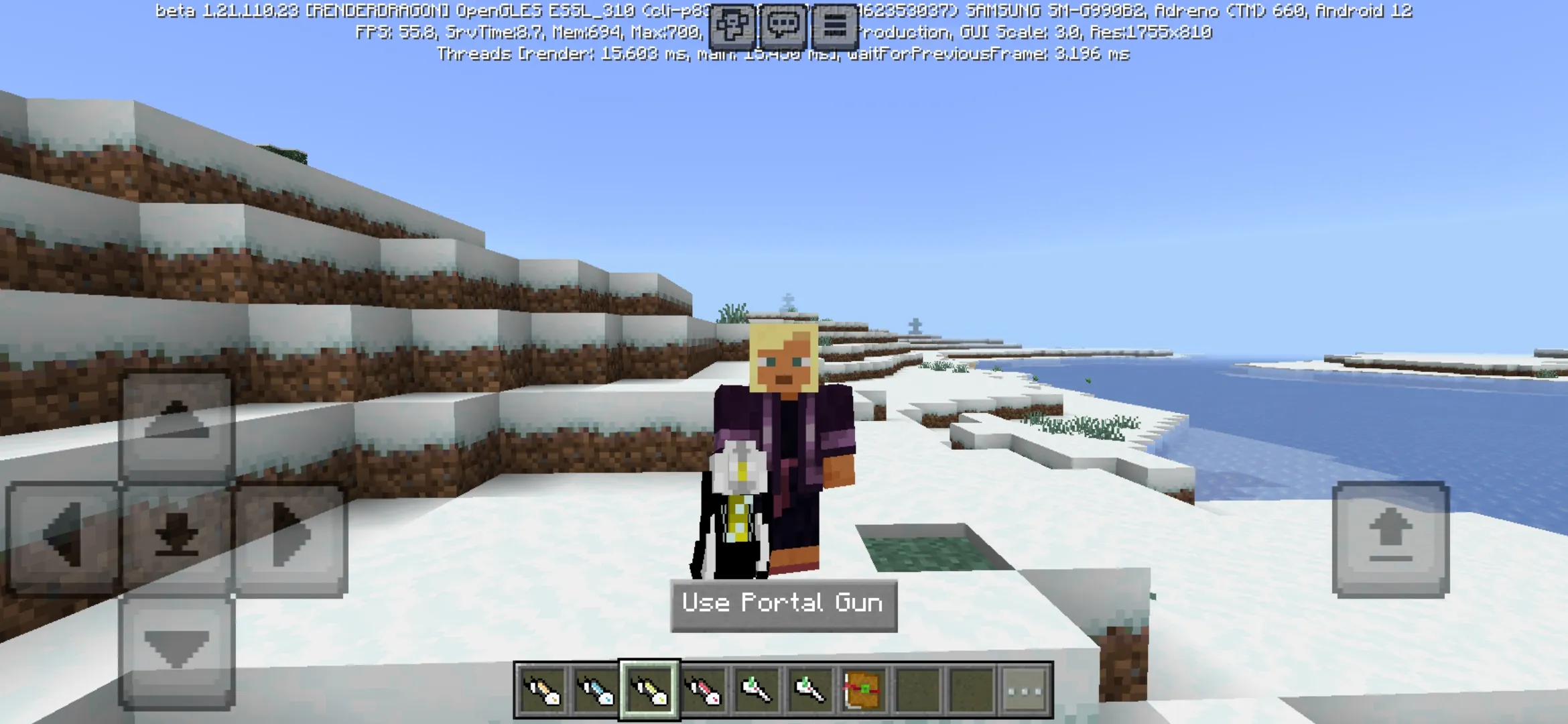
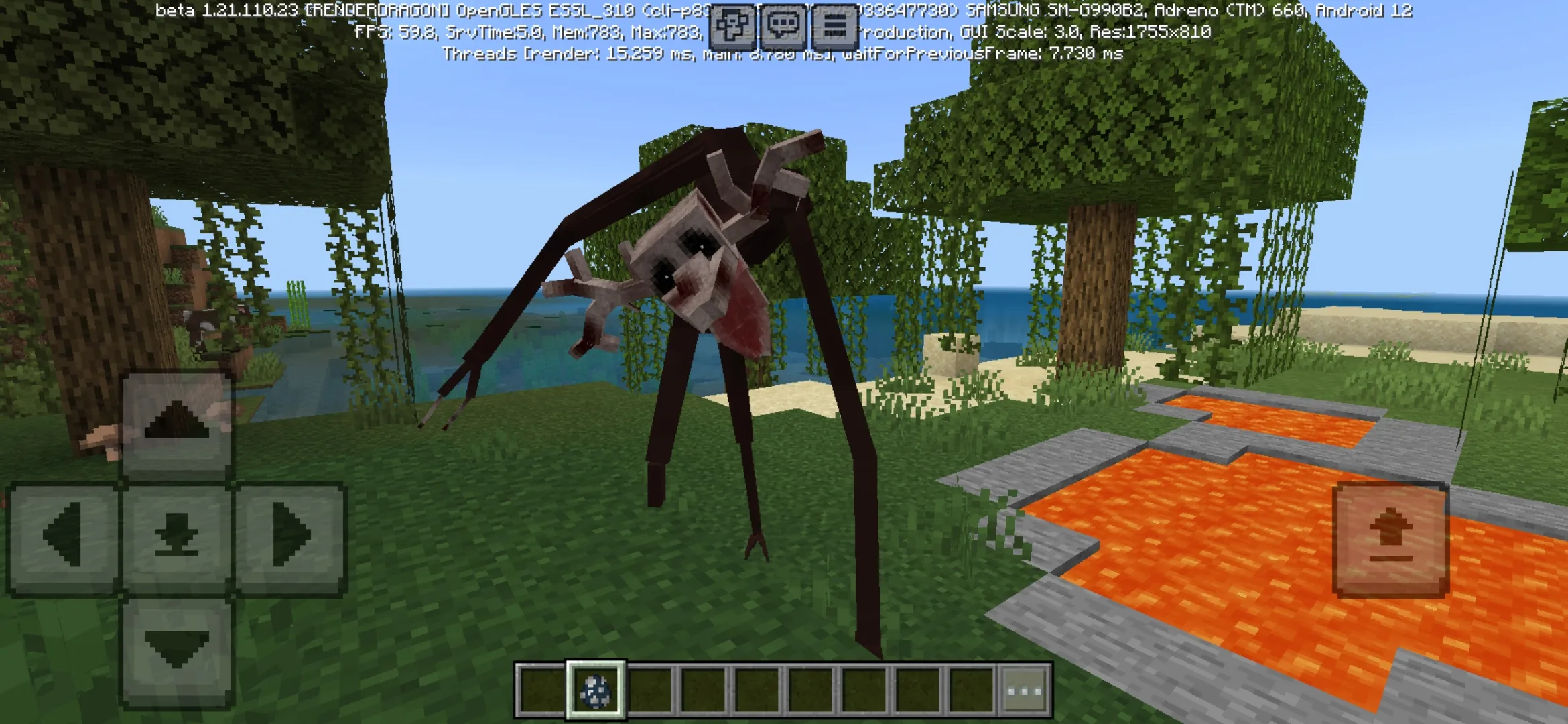
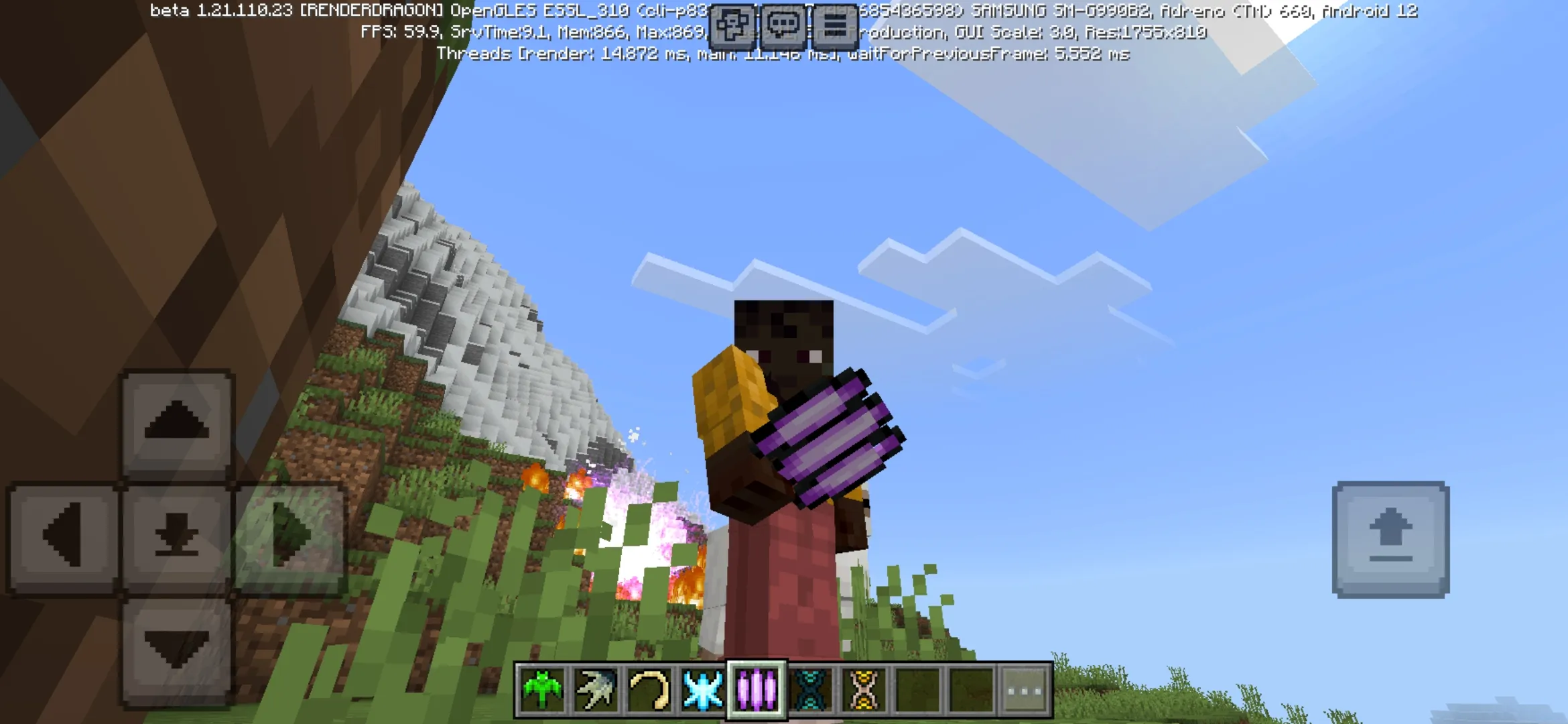
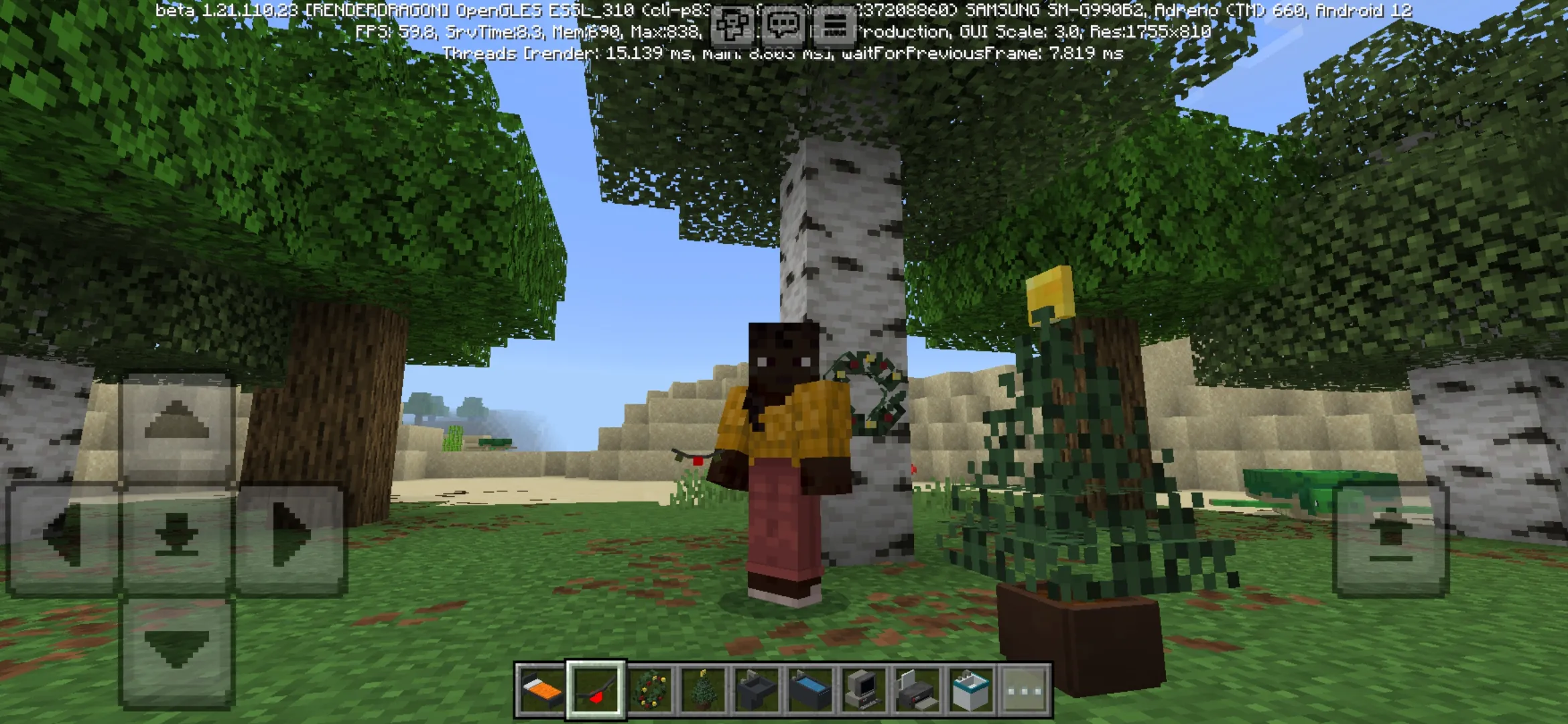
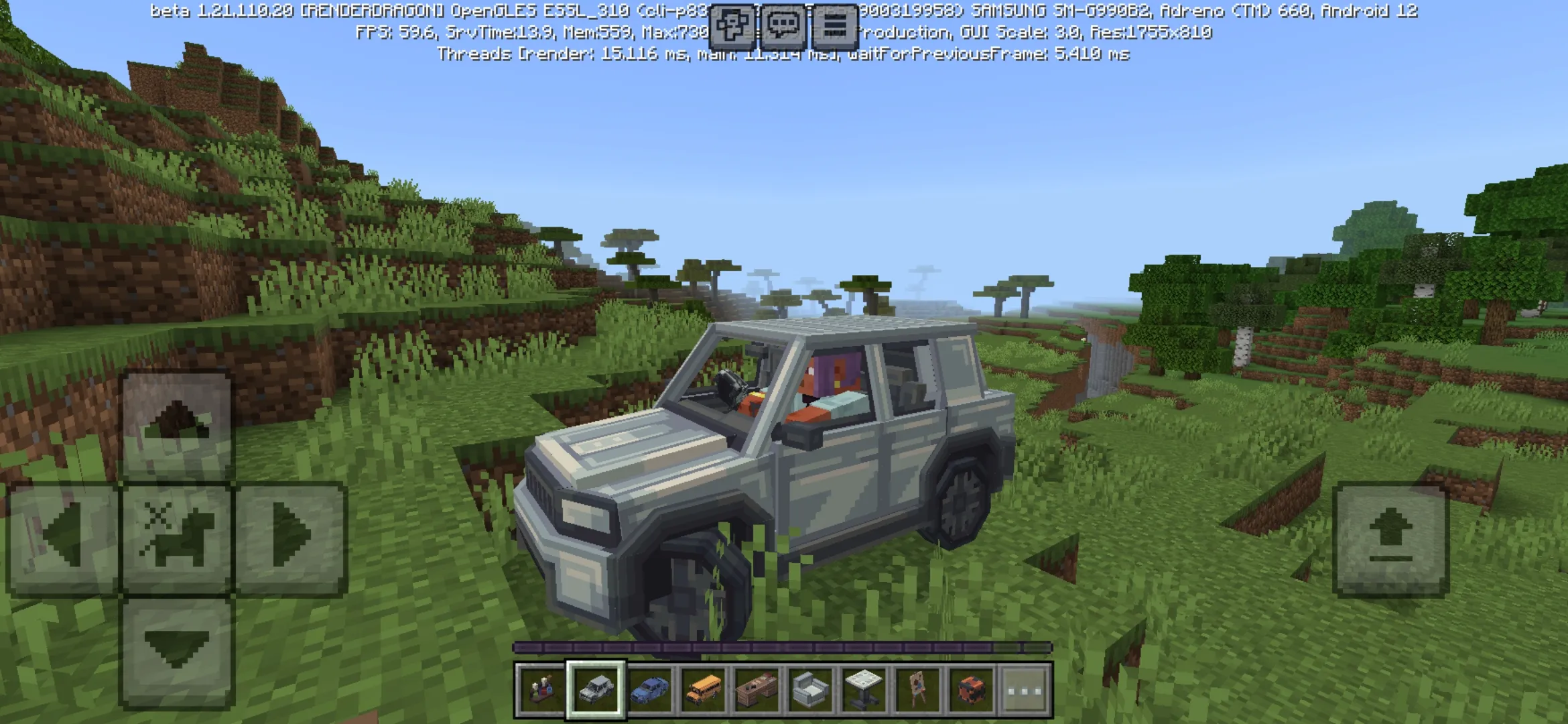
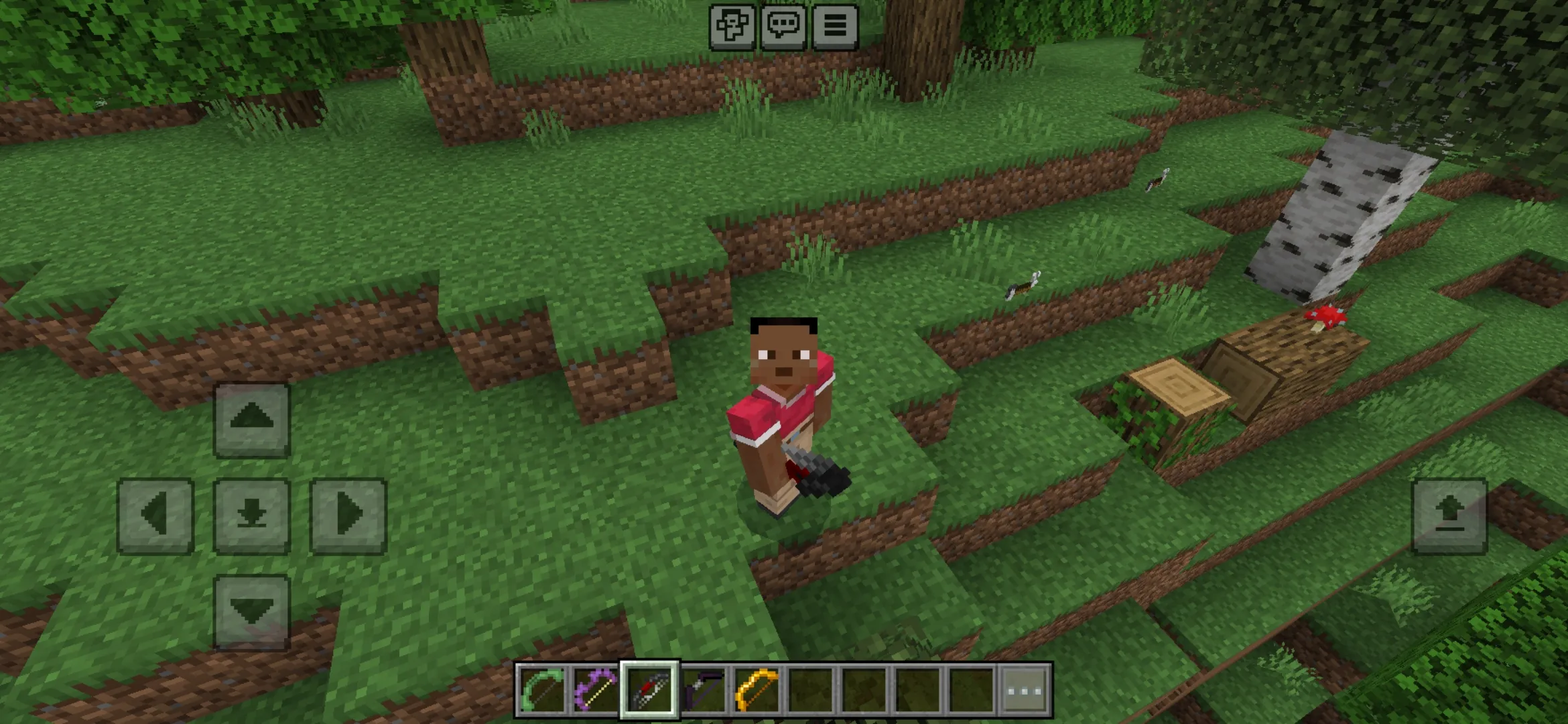
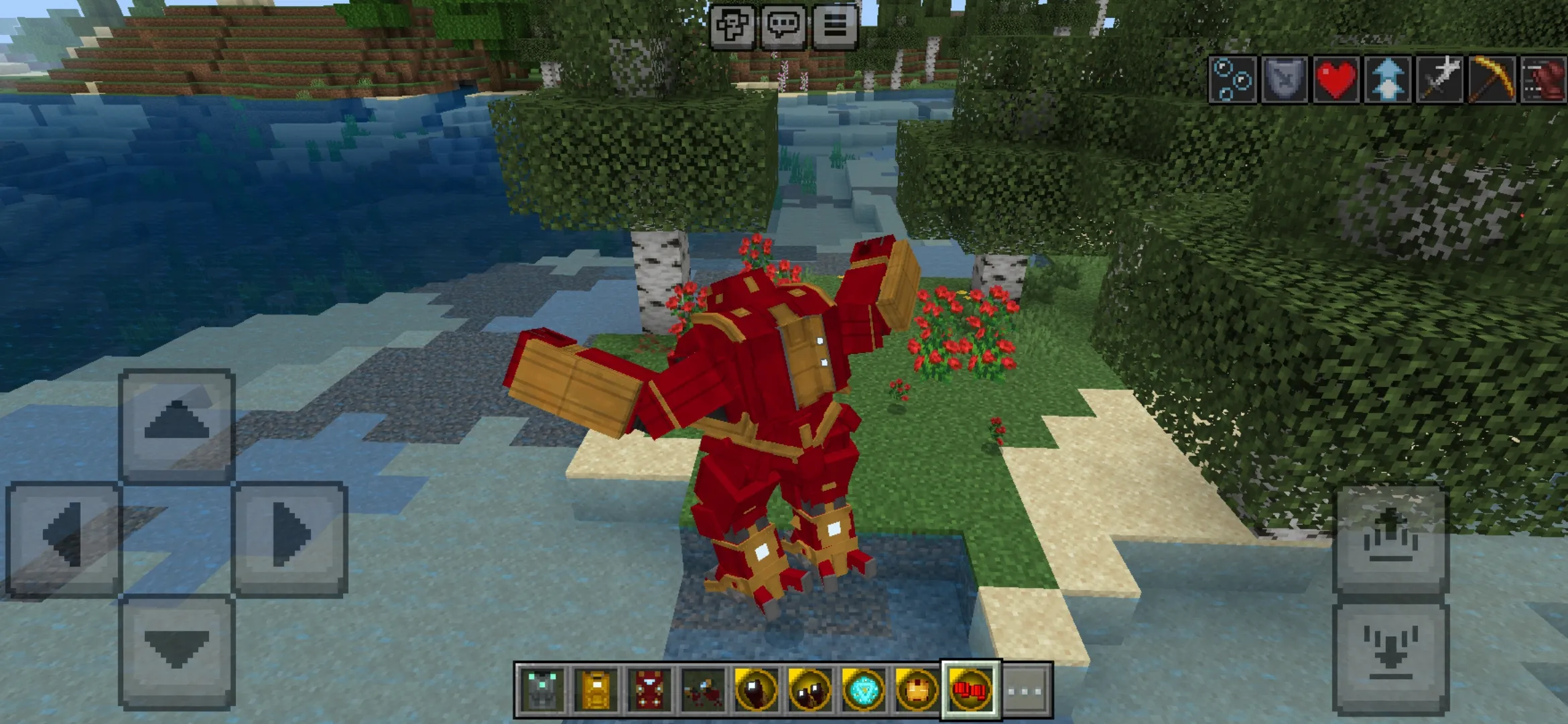
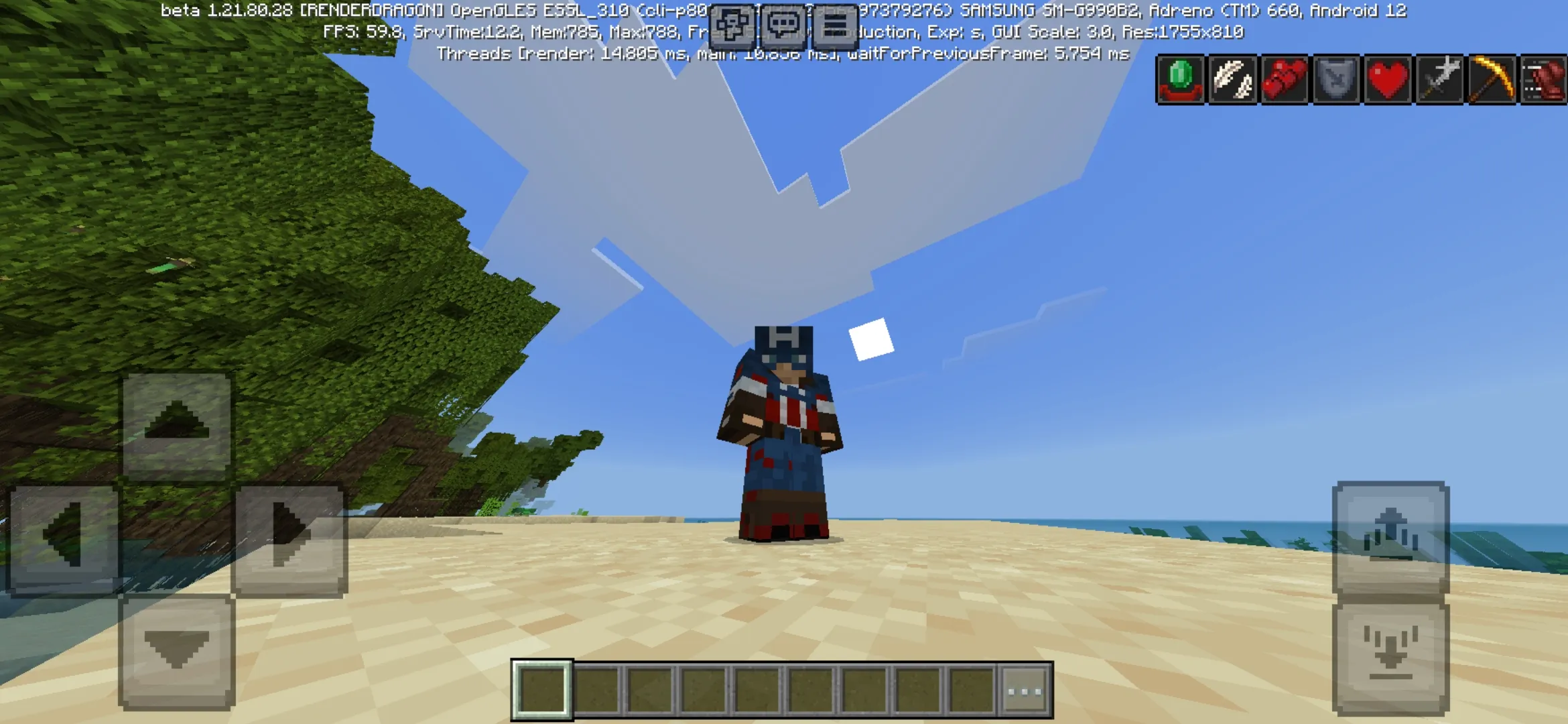
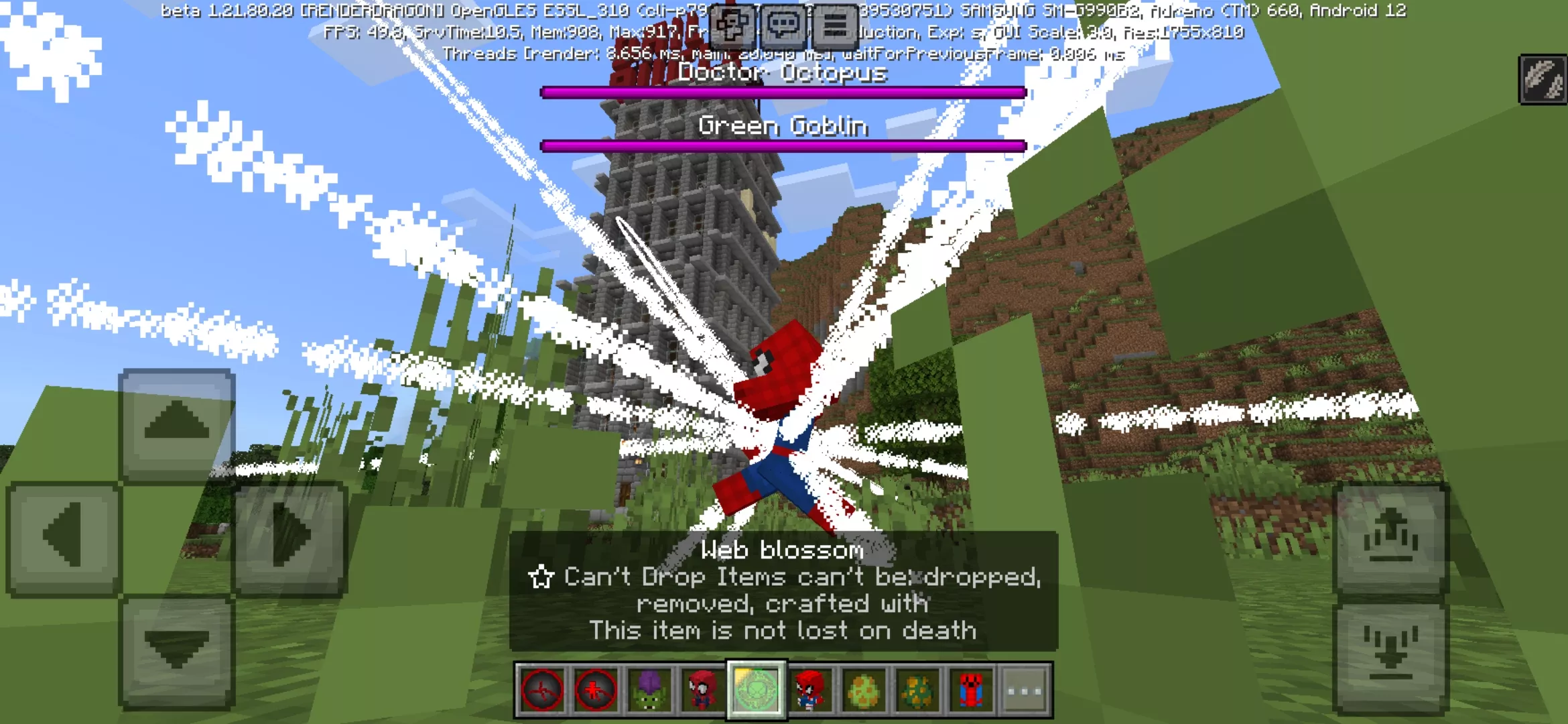
Best Mods for Minecraft PE on Android
Minecraft PE mods turn the default Bedrock Edition into something far bigger. Add new mobs, custom weapons, vehicles, magic systems, anime characters, horror creatures, full RPG progression, and complete gameplay overhauls — all on your Android phone or tablet.
Each mod on this page is a free download in .mcpack or .mcaddon format. One tap and the addon imports straight into Minecraft Bedrock — no extra apps, no manual file copying.
Popular Mod Categories
The category covers every type of Minecraft PE mod players actually search for. Some addons make survival harder with stronger monsters and bosses. Others add cars, planes, and helicopters for faster travel. There are mods for building cities in one tap, mods that bring superheroes and anime worlds into Bedrock, and small utility addons that fix everyday problems.
- Weapon Mods — guns, swords, explosives, melee combat, and PvP gear
- Superhero Mods — Marvel, DC, custom suits, powers, and abilities
- Horror Mods — scary entities, jumpscares, and dark survival
- Monster Mods — bosses, custom mobs, and harder fights
- Vehicle Mods — cars, planes, helicopters, and bikes
- Building Mods — instant houses, cities, and creative tools
- Animal Mods — pets, wildlife, and farm creatures
- Anime Mods — characters and worlds from popular anime series
- Mob Mods — new entities and creature replacements
- Nature Mods — biomes, plants, weather, and natural details
- More Items — extra craftables, tools, and consumables
- New Blocks — decorative and functional blocks
- Tool Mods — better gear and survival tools
- Utility Mods — quality-of-life and gameplay helpers
- Minecraft Live — addons inspired by official Mob Vote and event content
Supported Minecraft Bedrock Versions
Most mods in this section work with the newest Minecraft Bedrock builds on Android. Compatibility depends on the addon — always check the supported version on the mod page before downloading.
- Minecraft 26.x — latest Bedrock release. Support for the newest scripts, entities, and APIs.
- Minecraft 1.21 — large active base. Most popular mods and addons run on 1.21 without issues.
- Minecraft 1.20 — stable legacy. Many older mods still work correctly.
- Older versions — only when the mod page clearly lists support.
If a mod imports but does nothing in-game, the cause is usually a version mismatch. Check the addon page first, then update or downgrade your Minecraft Bedrock if needed.
How to Install Mods on Minecraft PE
Most Minecraft PE mods are distributed in .mcpack or .mcaddon format. Both formats are designed for one-tap install on Android — no file managers, no rooting, no third-party launchers.
- Download the .mcpack or .mcaddon file from this page.
- Tap the file — Minecraft Bedrock opens automatically and imports the addon.
- Open your world settings → enable the behavior pack and resource pack.
- Turn on experimental gameplay if the mod requires it.
- Launch the world and start playing with the new content.
For a full guide with screenshots and troubleshooting, open how to install mods on Android.
Mods, Addons, and Behavior Packs — What’s the Difference?
On Android, the words “mod” and “addon” mean the same thing. Bedrock Edition does not run Java-style mods. Instead, it uses behavior packs and resource packs bundled inside .mcpack or .mcaddon files.
Behavior packs change how mobs, items, and entities work. Resource packs change how they look and sound. Most large mods include both — that’s why a single mod can add new creatures with custom textures, animations, and AI all at once.
Performance and Device Compatibility
Heavy mods with many entities, scripts, or HD textures can drop FPS on weaker phones. If your device has 3 GB RAM or less, stick to lightweight addons or run one large mod at a time.
Stable performance also depends on the number of active packs. Five small mods can run smoothly together, but two oversized addons can crash the game. Test mods one by one before stacking them in the same world.
Before downloading, check the mod’s file size, screenshots, and update date. Outdated addons built for older Bedrock versions often cause crashes or invisible textures on the latest 1.21 and 26.x builds.
Do Mods Work in Multiplayer and Realms?
Many mods work in multiplayer worlds, but every player needs the same Minecraft Bedrock version with the same packs enabled. If one player has the addon disabled, mod content will not appear or will behave unpredictably.
Realms have stricter rules. Some addons run perfectly on a Realm, others fail because of how scripts and entities are handled on the server side. Always check the multiplayer compatibility note on the mod page before installing on a shared world.
Common Mod Problems and How to Fix Them
Even when a download finishes correctly, a Minecraft PE mod can still fail. Most issues come down to version mismatch, disabled packs, or experimental gameplay turned off.
- Mod does not import — file is damaged or built for a different Minecraft Bedrock version.
- Imported but nothing changed — behavior pack or resource pack is not enabled in world settings.
- Missing or invisible textures — addon is outdated for the current Bedrock build.
- Game crashes after activation — multiple heavy mods are conflicting with each other.
- Low FPS on Android — too many active packs, or one oversized mod loaded with HD assets.
- Experimental gameplay required — open world settings and enable the relevant toggles.
- Mod works in single-player but not in multiplayer — host and players must run identical versions and packs.
Why Players Download Minecraft PE Mods
Vanilla Bedrock Edition has limits. Mods remove them. Survival becomes harder, creative builds happen in seconds, and worlds get filled with content that Mojang would never ship by default — superheroes, anime characters, custom RPG systems, scary horror entities, modern weapons, working vehicles.
This is also why mods stay one of the strongest content clusters for Minecraft PE on Android. A new mod release often gets thousands of downloads in the first day. The .mcpack format makes installation easy enough that even kids can drop a mod into their world without help.
Where to Start
If you’re new to Minecraft Bedrock mods, start with the featured downloads at the top of this page — they’re the most popular addons right now. Need something specific? Use the category links above to jump straight to weapons, horror, vehicles, or anime mods. Want the very latest additions? Sort the grid by date.
For the matching game version, head to the Download Minecraft APK page and grab the latest Bedrock APK before installing your mods.