Download Clients for Minecraft PE
Best Clients for Minecraft Bedrock
Best Clients for Minecraft PE on Android
A Minecraft PE client is a complete toolkit. Instead of installing dozens of single addons one by one, you load one client and get combat, movement, visuals, FPS boost, and utility features all in one ClickGUI menu.
Every client on this page is a free download. Modded APK clients install like any Android app. Mod menu clients import as .mcpack files in one tap. No rooting, no third-party launchers.
What a Client Does
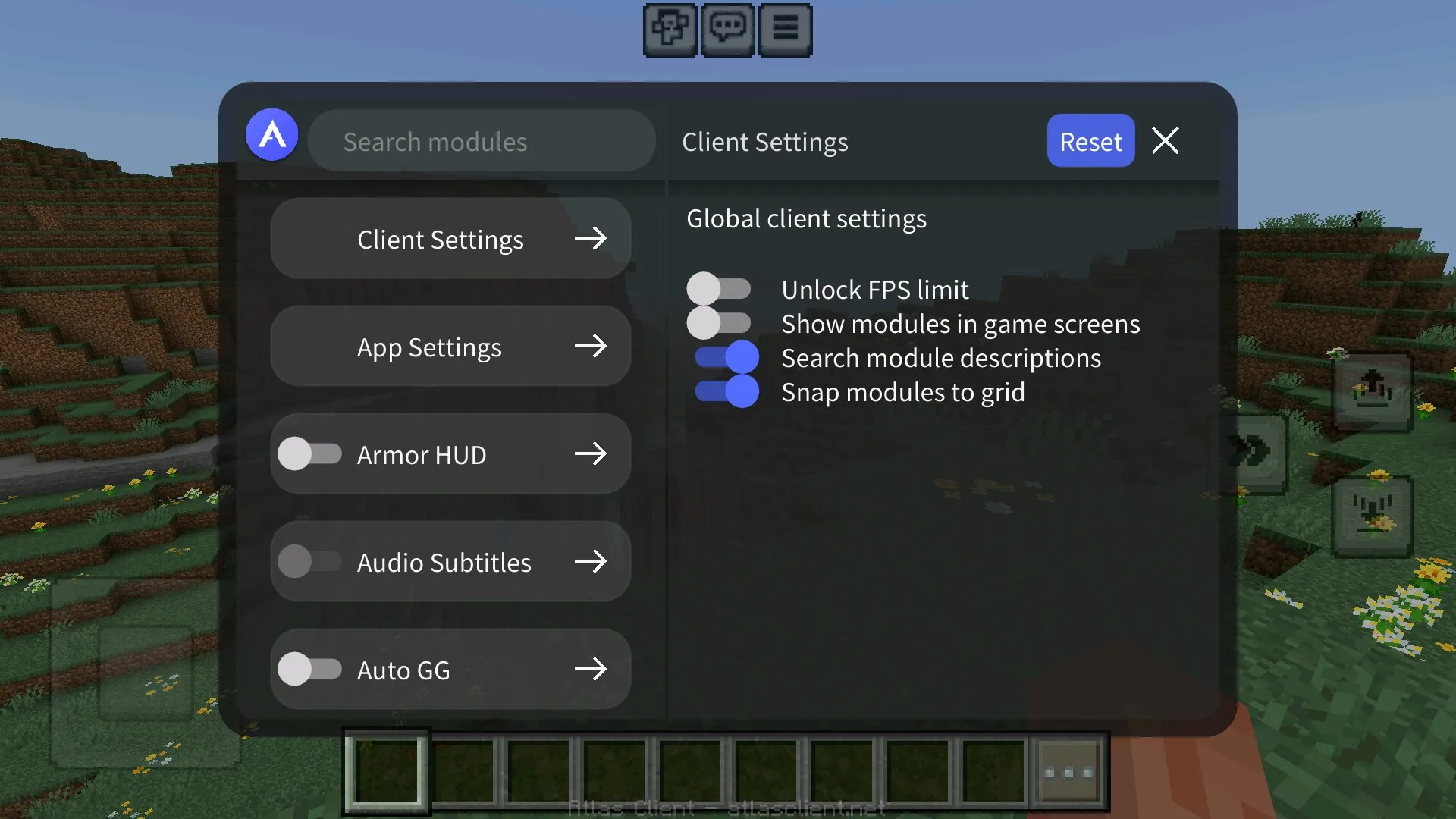
Clients exist to control everything from one menu. Open the in-game ClickGUI, scroll through categories, toggle what you want, close the menu and play. No need to manage active resource packs, world settings, or behavior pack order for every feature.
- Combat modules — Killaura, Reach, Anti-Knockback, Auto-Totem, Triggerbot
- Movement modules — Fly, Speed, NoFall, Spider, Sprint, High Jump
- Visual modules — X-Ray, Fullbright, ESP, Tracers, Chest Finder
- Render modules — FPS Boost, low-quality mode, smooth chunk loading
- World modules — Nuker, Scaffold, Auto-Mine, Tree Capitator
- Player utility — Auto-Eat, Anti-AFK, NameTags, Coordinates HUD
Two Types of Minecraft PE Clients
Clients split into two formats with very different installation paths and use cases.
Modded APK clients — a complete Minecraft Bedrock build with cheats wrapped inside. Install the APK separately from your official Minecraft. Examples: Apollon, Lumina, Glacier, some versions of Onix. Best when you want a dedicated cheat-only build that doesn’t touch your main Minecraft account or worlds.
Mod menu clients — a single .mcpack that adds a full ClickGUI on top of your normal Minecraft Bedrock. Examples: Toolbox-style menus, Ultimate Cheat Menu, Onix in mod-menu form. Best when you want to keep your official Minecraft and just unlock extra features inside it.
Supported Minecraft Bedrock Versions
Most clients in this section work on the newest Minecraft Bedrock builds. APK clients are built around a specific Bedrock version — once Mojang ships a new release, the client needs an update too. Mod menu clients usually adapt faster because they ride on top of any compatible Bedrock build.
- Minecraft 26 — latest Bedrock release. Newer clients are being rebuilt for the 26.x rendering and script changes.
- Minecraft 1.21 — large active base. Most stable APK and mod menu clients still target 1.21.
- Minecraft 1.20 — stable legacy. Many older clients still work correctly.
- Older versions — only when the client page clearly lists support.
Always match the client’s supported version exactly. Running a client built for 1.21 on a 26 install usually causes crashes or empty menus. Grab the matching Minecraft PE APK from the download page first.
How to Install a Modded APK Client
APK clients install like any Android APK from outside Google Play. The process takes about a minute.
- Download the client APK file from this page.
- Open Android Settings → Security → enable Install from unknown sources for your browser or file manager.
- Tap the downloaded APK and follow the install prompts.
- Launch the client — it opens as its own Minecraft Bedrock build.
- Sign in if needed, open the in-game ClickGUI, and toggle the modules you want.
How to Install a Mod Menu Client
Mod menu clients install like any other addon — one tap and Minecraft imports the pack.
- Download the .mcpack file from this page.
- Tap the file — Minecraft Bedrock opens and imports the client automatically.
- Open your world settings → enable the client under Behavior Packs and Resource Packs.
- Turn on Experimental Gameplay if the client requires it.
- Launch the world and open the ClickGUI from the in-game button or hotbar item.
Clients and Achievements
Modded APK clients run as a separate Minecraft build, so they don’t affect your official Bedrock app or its achievements. Anything you do inside the client stays inside the client.
Mod menu clients are different — they activate inside vanilla Minecraft Bedrock, which disables achievements in that world. Some modern mod menus are built achievement-friendly using only resource pack tricks. The client page lists this when supported.
Do Clients Work on Realms and Servers?
Most public servers and Realms run anti-cheat systems that detect client features fast. Killaura, fly, reach, and X-Ray modules trigger flags within minutes. Visual-only modules like Fullbright are harder to spot, but large competitive servers still ban anything that looks like a client.
Clients are best used in single-player worlds, private LAN games, or among friends on personal servers where everyone agrees to use them.
Performance and Device Compatibility
Modded APK clients run as their own build, so performance depends entirely on the client itself. Some are heavily optimized with FPS Boost modules built in — they can actually run faster than vanilla Bedrock on weaker phones.
Mod menu clients add weight on top of vanilla Bedrock. A full ClickGUI with dozens of active modules can drop FPS by 10–20% on mid-range Android. If your device has 3 GB RAM or less, enable only the modules you actually need and turn off the rest.
Always check the client’s file size and update date. Outdated APKs built for older Bedrock versions often crash on launch on the latest 26 or 1.21 builds.
Common Client Problems and How to Fix Them
Even with a clean install, a client can still fail to launch or work correctly. Most issues come from version mismatch, signature conflicts, or pack order.
- APK won’t install — Android signature conflict with another Minecraft Bedrock APK already installed. Uninstall conflicting builds first.
- “App not installed” error — APK is corrupted or not signed correctly. Re-download the file.
- Client launches but ClickGUI is empty — built for a different Bedrock version. Check the supported version on the client page.
- Mod menu imported but nothing happens in-game — behavior pack not enabled in world settings, or Experimental Gameplay is off.
- Modules toggle but don’t work — Realm or server anti-cheat blocked the feature. Use the client in a single-player world.
- Heavy FPS drop with full menu active — too many modules running at once. Disable everything you don’t need.
- Game crashes on launch — outdated client APK or device incompatibility. Try a different version or a mod menu client instead.
Why Players Download Minecraft PE Clients
One install, one menu, full control. That’s the appeal. Instead of stacking ten different .mcpack addons and managing world settings for every one, you load a client and get the same features through a single ClickGUI.
Clients also unlock things single addons can’t easily do — unified hotkeys across modules, custom themes for the in-game menu, persistent settings that survive across worlds, and FPS Boost layers that improve performance instead of hurting it.
Where to Start
If you’re new to Minecraft Bedrock clients, decide first whether you want a modded APK or a mod menu.
APK clients give the cleanest experience and don’t touch your official Minecraft. Mod menu clients are easier to install and let you keep your normal Bedrock setup. Once you’ve picked a client, head to the Download Minecraft PE page and grab the matching Bedrock APK before installing.