

Download Minecraft 26.20 APK for Android and unlock Closed Captions, the first proper Chaos Cubed preview with Sulfur Caves, and a redesigned Realm Hub — all in one Bedrock build.
This update is bigger than the version number suggests. Minecraft Bedrock 26.20 changes how the game feels on a phone, not just what’s in it.
What’s New in Minecraft 26.20
Mojang squeezed three headline features into Minecraft 26.20: customizable Closed Captions, an experimental peek at Chaos Cubed, and a redesigned Realm management screen.
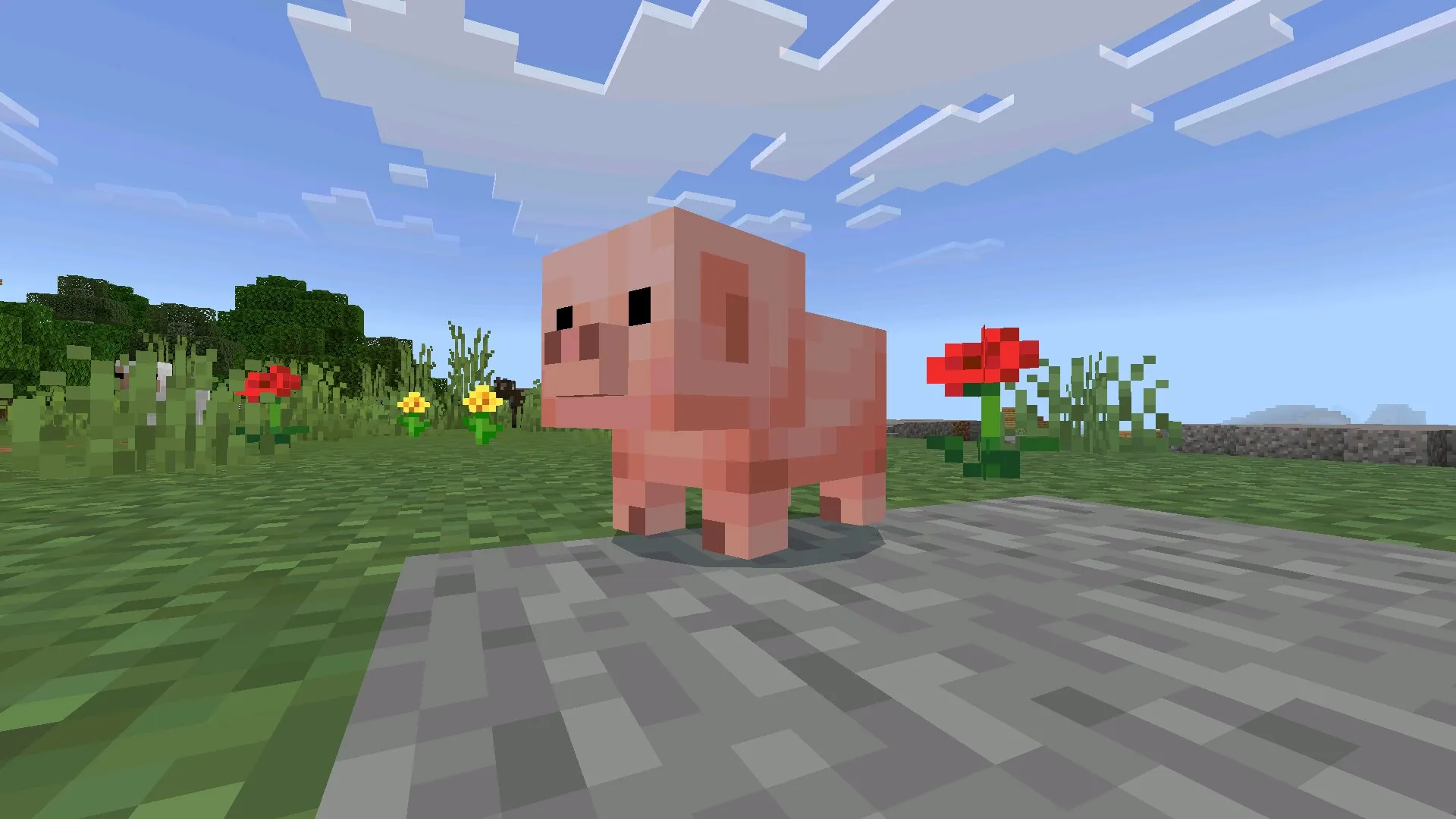
Underneath sits the usual stack of fixes — retuned knockback, minecart momentum, baby mob textures, Vibrant Visuals shadow artifacts, and dozens of small corrections you’ll feel before you read about them.
Closed Captions on Mobile
This is the headline accessibility feature, and it’s overdue. Captions can be tuned by category, screen position, and how long they stay on screen.
For Android players, the practical benefit is huge. You can finally play Minecraft Bedrock 26.20 with the volume off — on a bus, in a quiet room, late at night — and still react to creepers, arrows, and explosions instead of being ambushed.
Stepping into the Sulfur Underworld
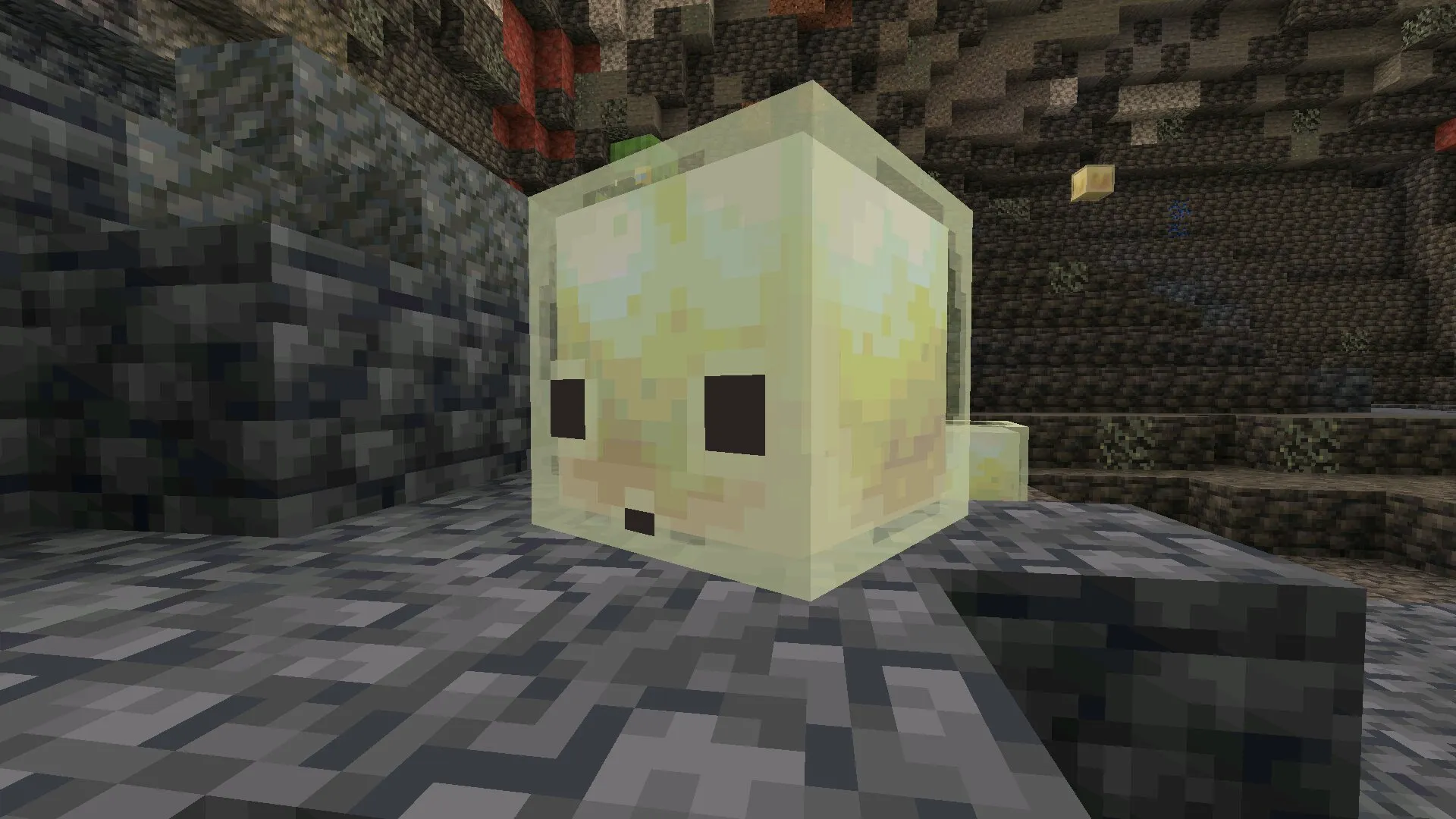
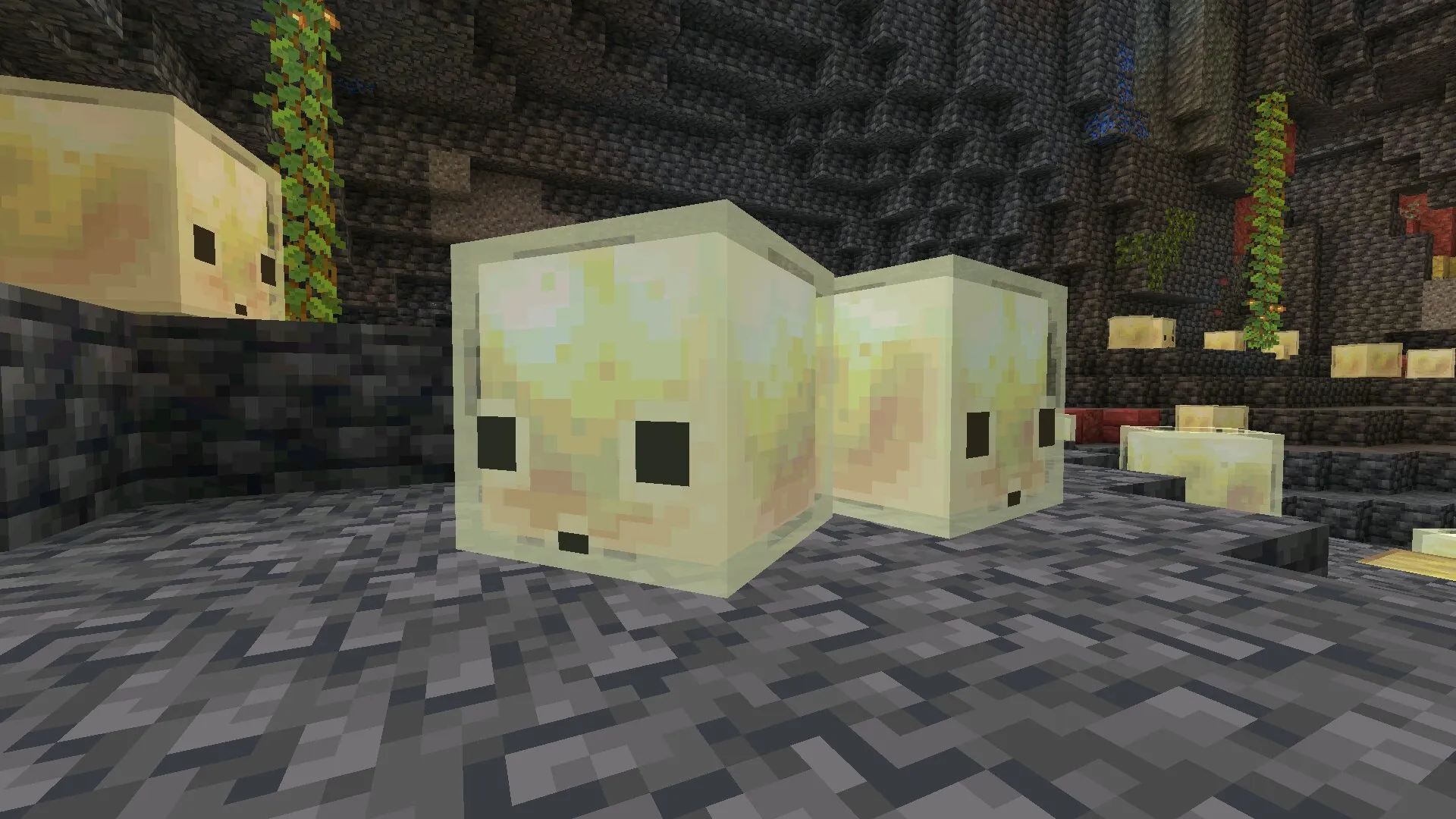
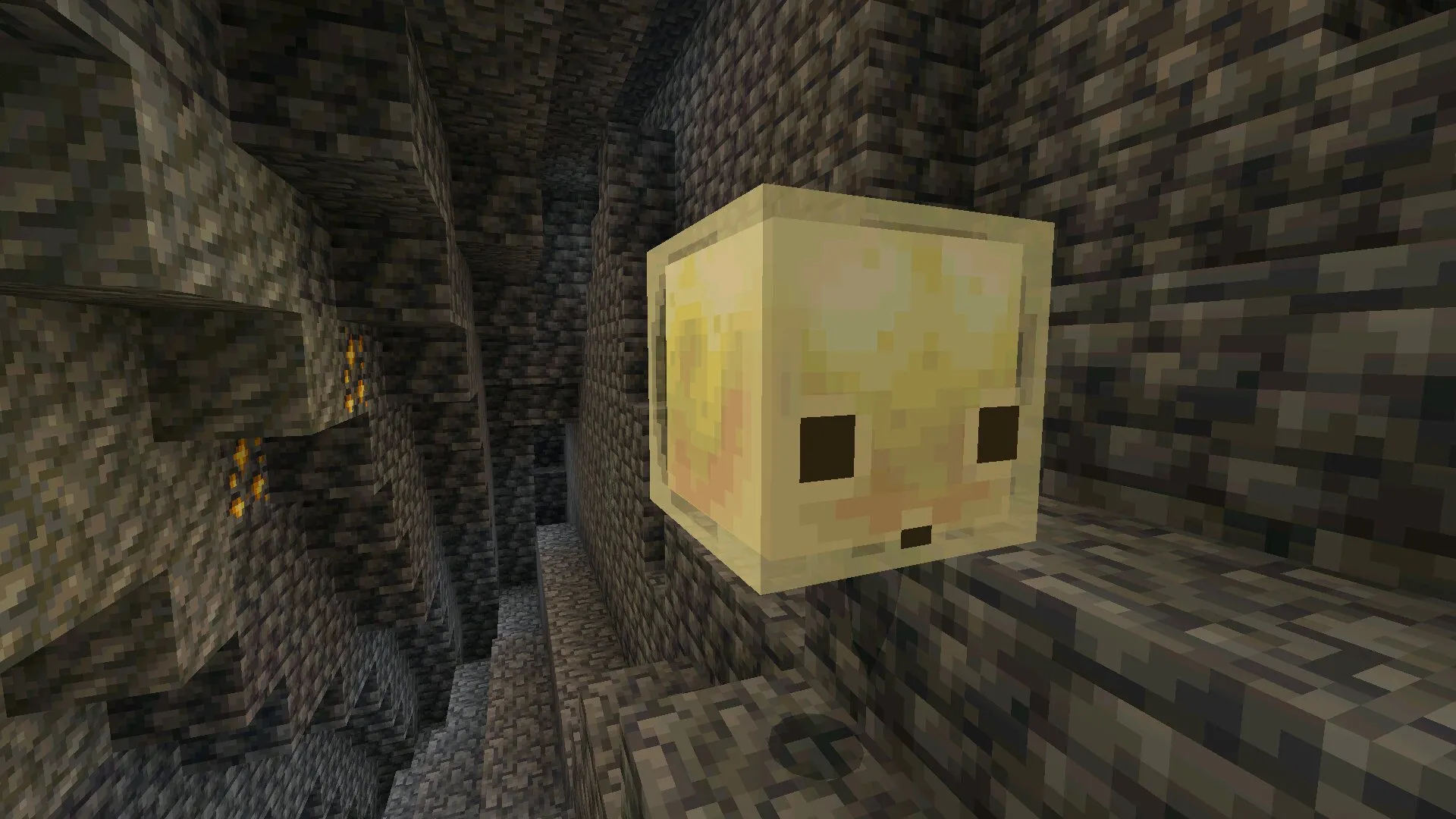
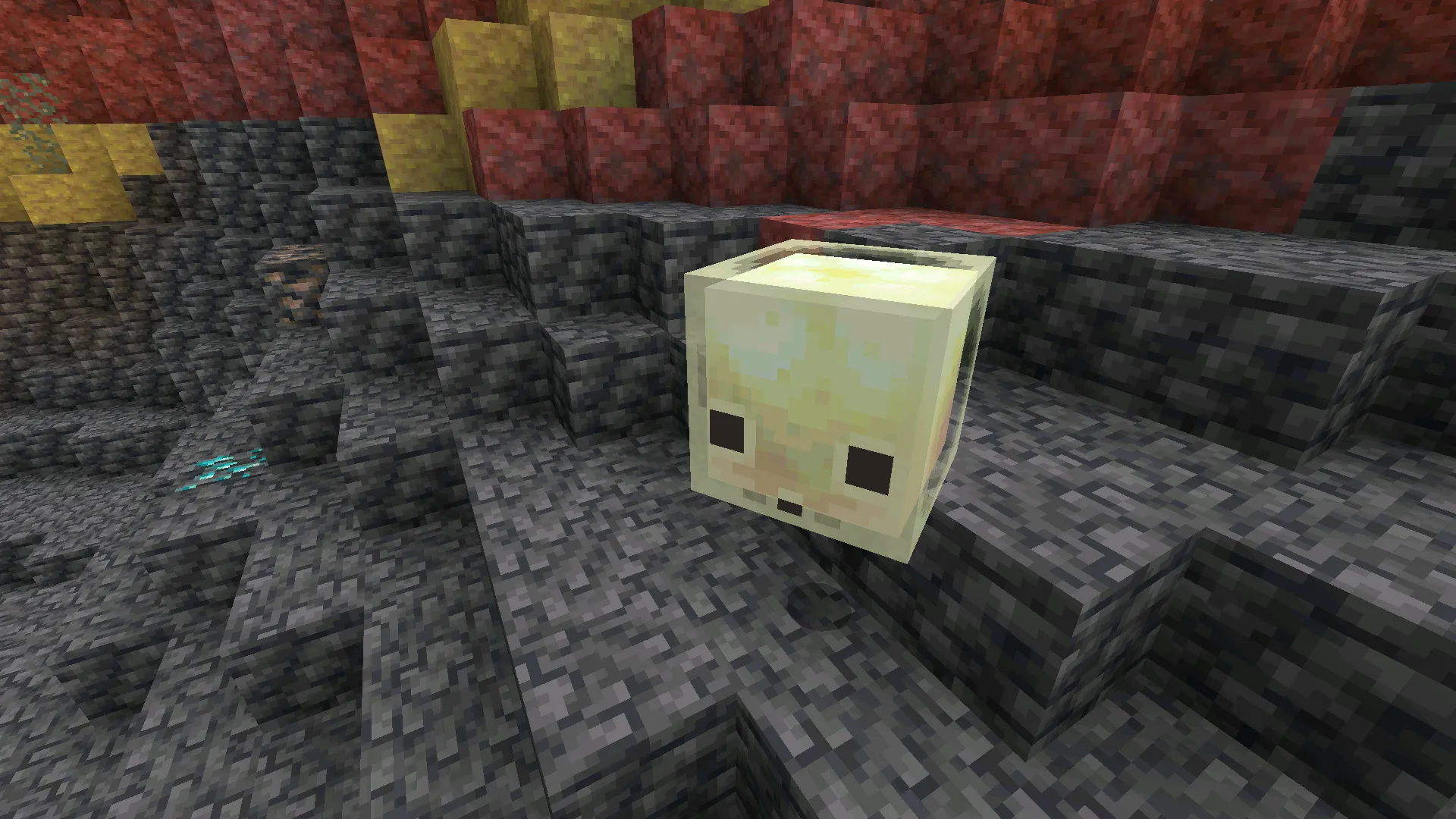
Sulfur Cubes are the new mob, and they don’t behave like anything else in Bedrock. Hit one from below and it pops straight up. Hit it from the side and it slides off in the opposite direction.
Damage scales the knockback, so a Mace strike sends a cube flying farther than a punch. After playing with them for a while, they start to feel less like enemies and more like reactive physics puzzles.
Finding the Caves
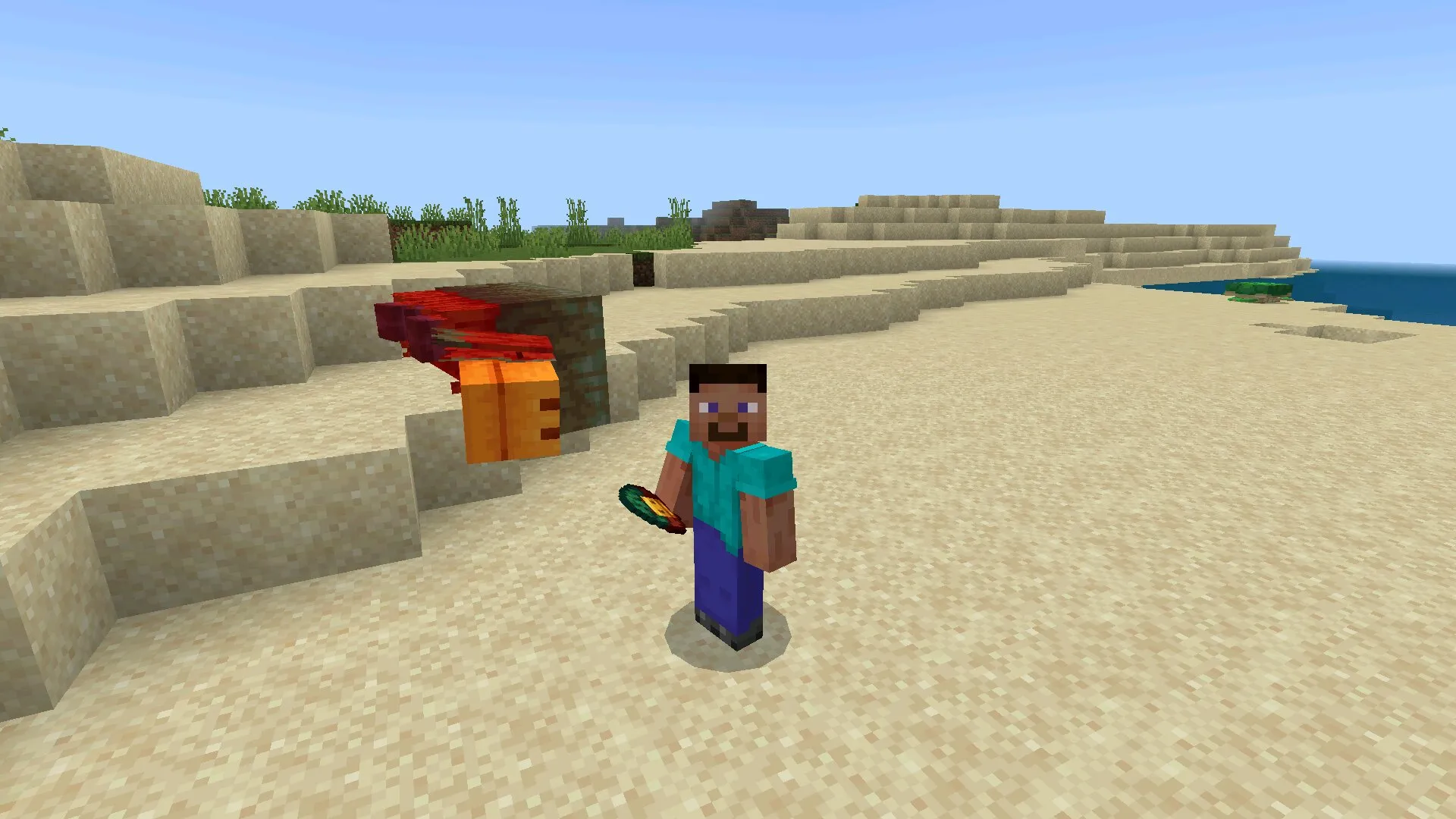
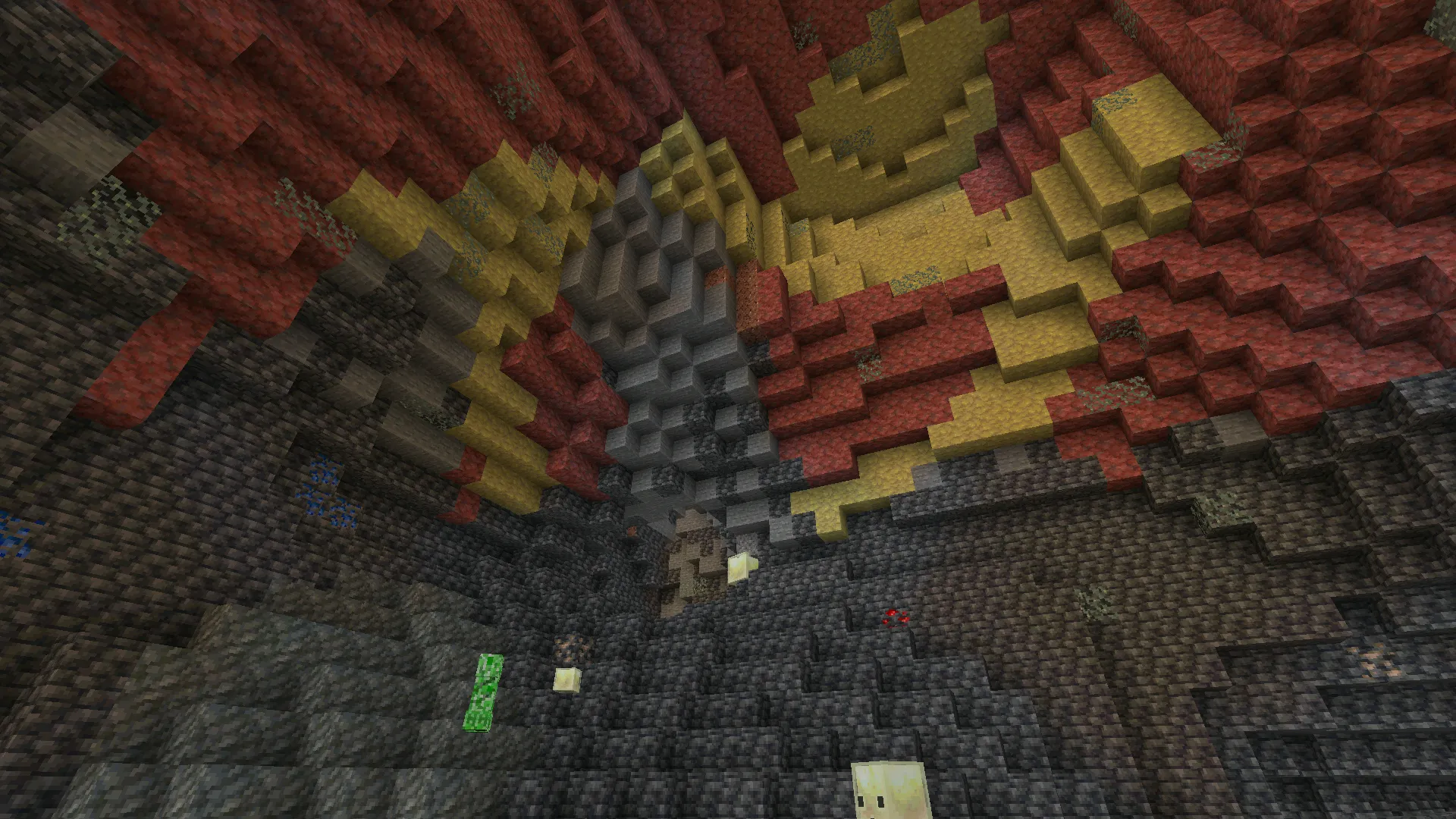
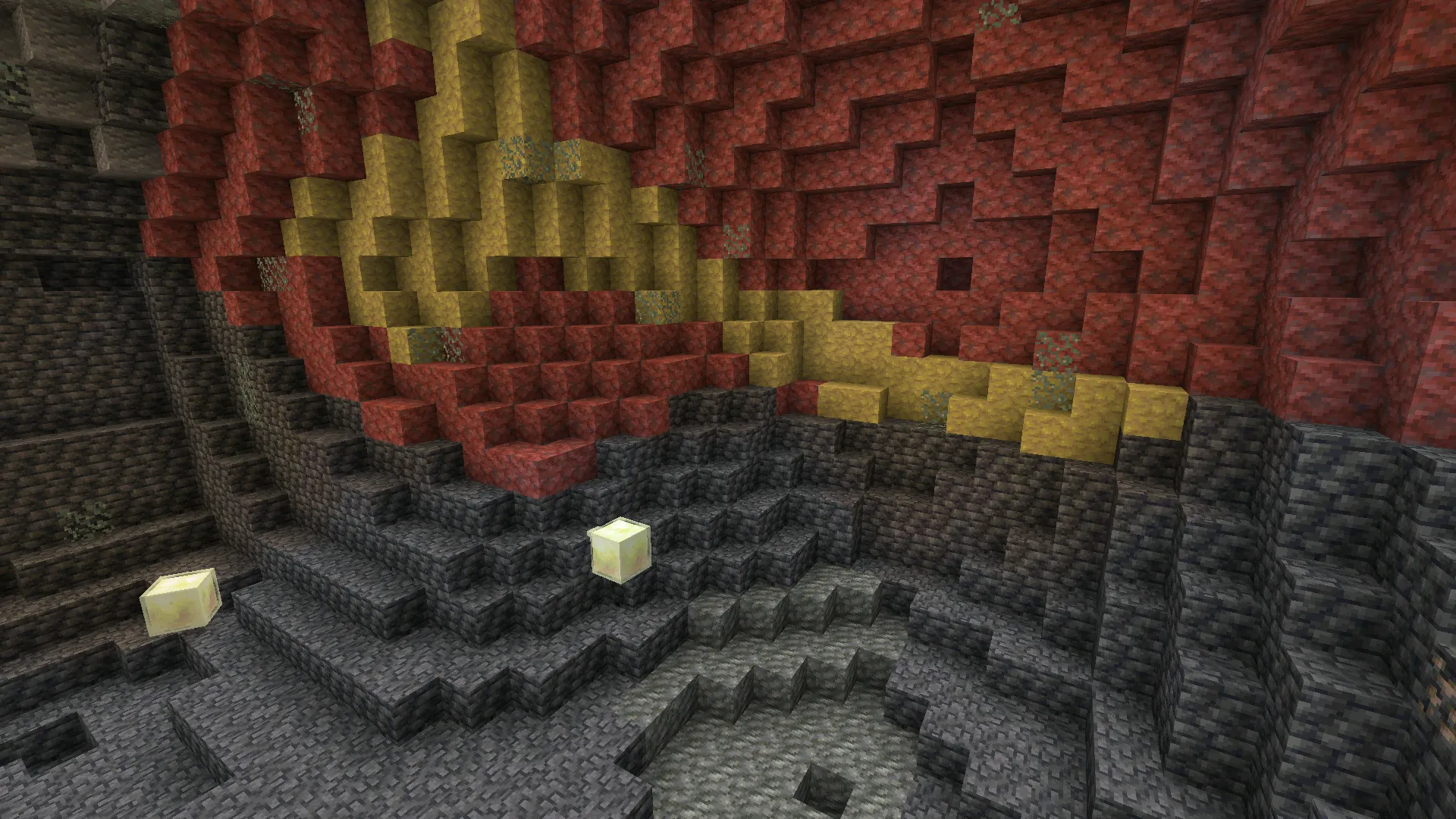
Sulfur Springs are the surface marker — pools of yellow and red surrounded by faintly glowing toxic gas, scattered across the Overworld.
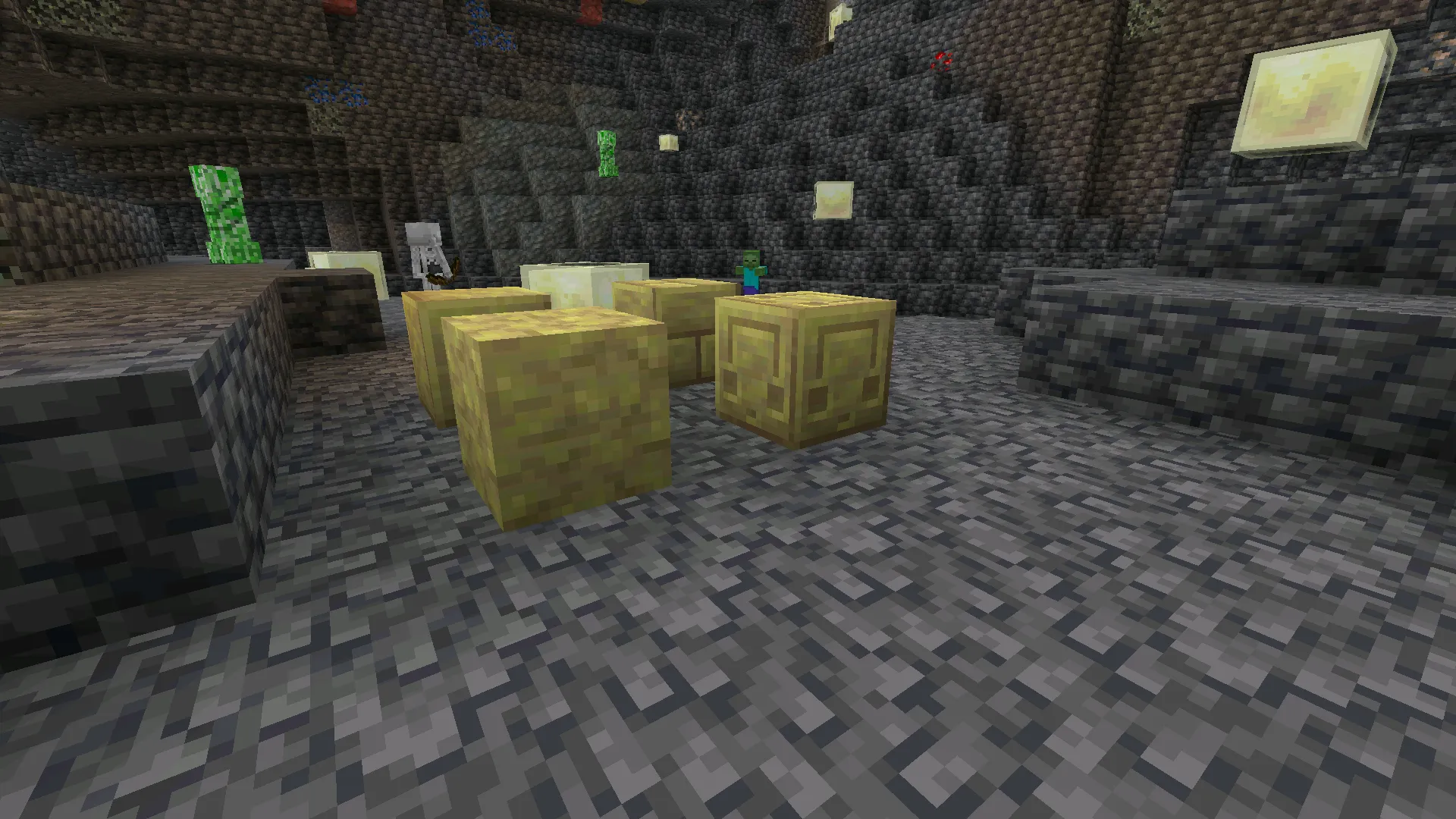
Mine straight down from a Spring and a Sulfur Cave usually opens up below. Inside: shallow water, glow lichen, Sulfur and Cinnabar blocks lining the walls, and Sulfur Cubes bouncing through the chambers.
Realm Hub and Gameplay Fixes
Realm Hub pulls Realm management into one place — admin roles, action logs, world edit screen, story feed, timeline, subscription controls. The Party System Beta lets you build a party, chat in a shared channel, and follow the leader into any world or Realm with one tap.
Knockback was retuned to feel closer to Java Edition. Damaged armor can finally be smelted into nuggets, and Bone Meal got proper tuning for Tall Seagrass and Grass Blocks adjacent to polished stone.
Android Compatibility
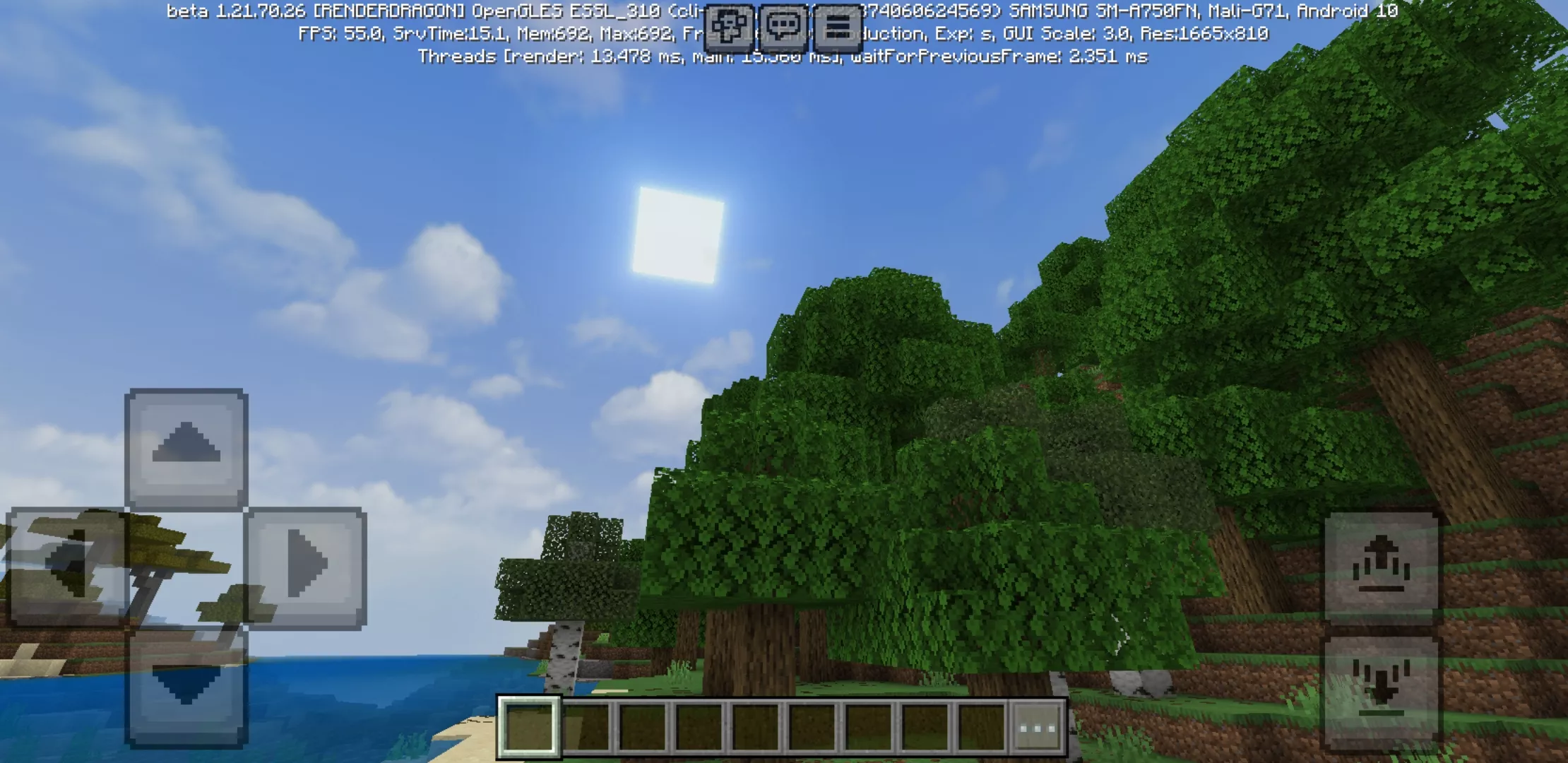
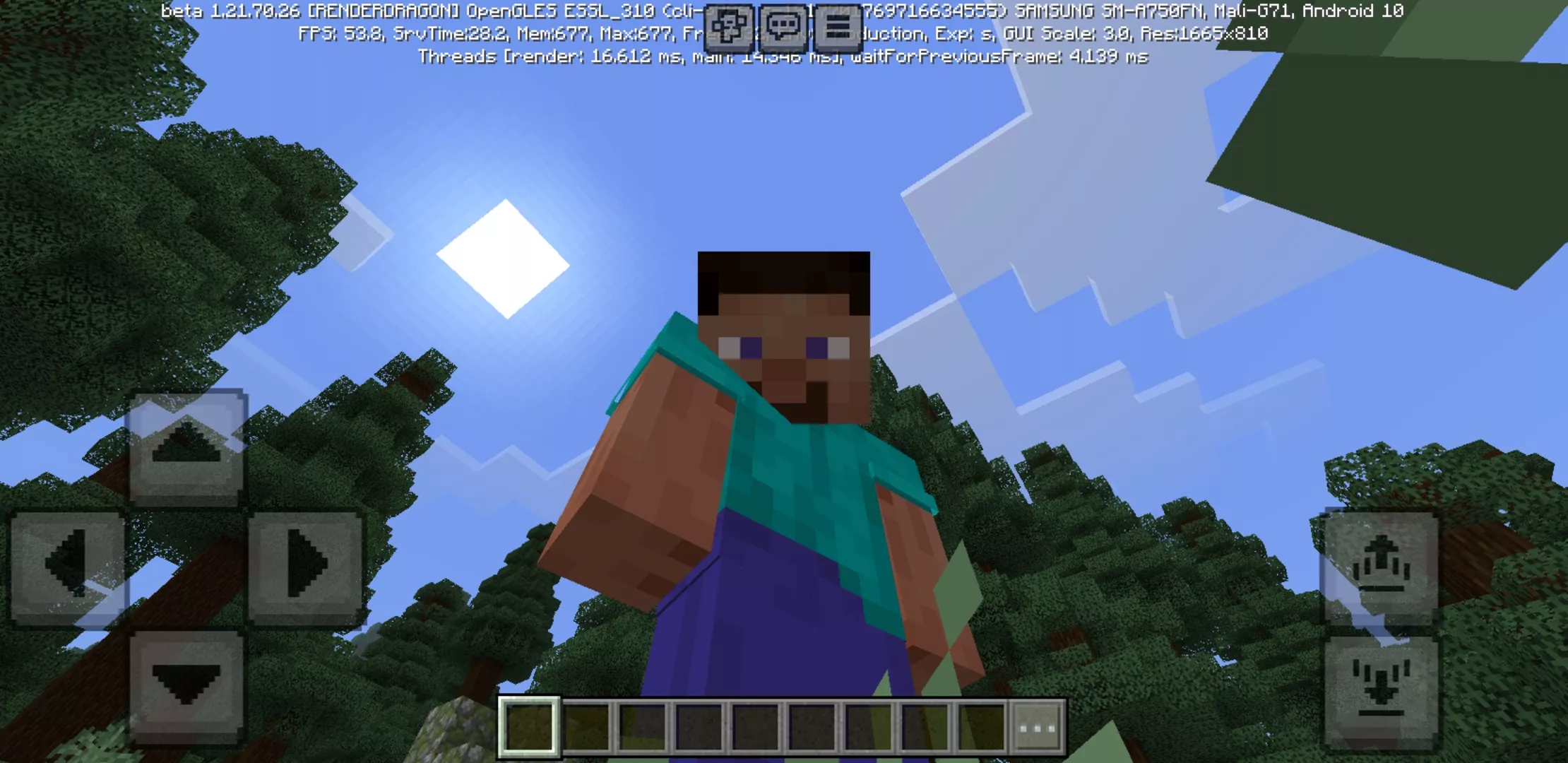
If 26.10 ran fine on your phone, Minecraft Bedrock 26.20 will too. Mid-range Android devices from the last five years handle the build without trouble, and tablets get a smoothness bump from the Vibrant Visuals work.
| Game version | 26.20 (1.26.20) |
| Platform | Android APK |
| Edition | Minecraft Bedrock |
| Update type | Major release with experimental drop |
| Experimental drop | Chaos Cubed |
How to Download Minecraft 26.20 APK
If the Play Store hasn’t pushed Minecraft 26.20 to your region yet, the APK route is straightforward. Back up your worlds first, then install over the previous build.
Most players go manual to download Minecraft 26.20 APK ahead of the staggered store rollout — and to test Sulfur content the same day it drops.
Safety Notes
Stick to known sources for the APK. Match the version label, package name, and file size against what Mojang published before installing.
Minecraft is a trademark of Mojang AB. This page is editorial coverage and isn’t affiliated with the developers.
Source
Based on Mojang’s official release notes for Minecraft Bedrock 26.20: Bedrock Edition 26.20 Changelog.