Utility Textures for Minecraft PE
Best Utility Textures for Minecraft Bedrock
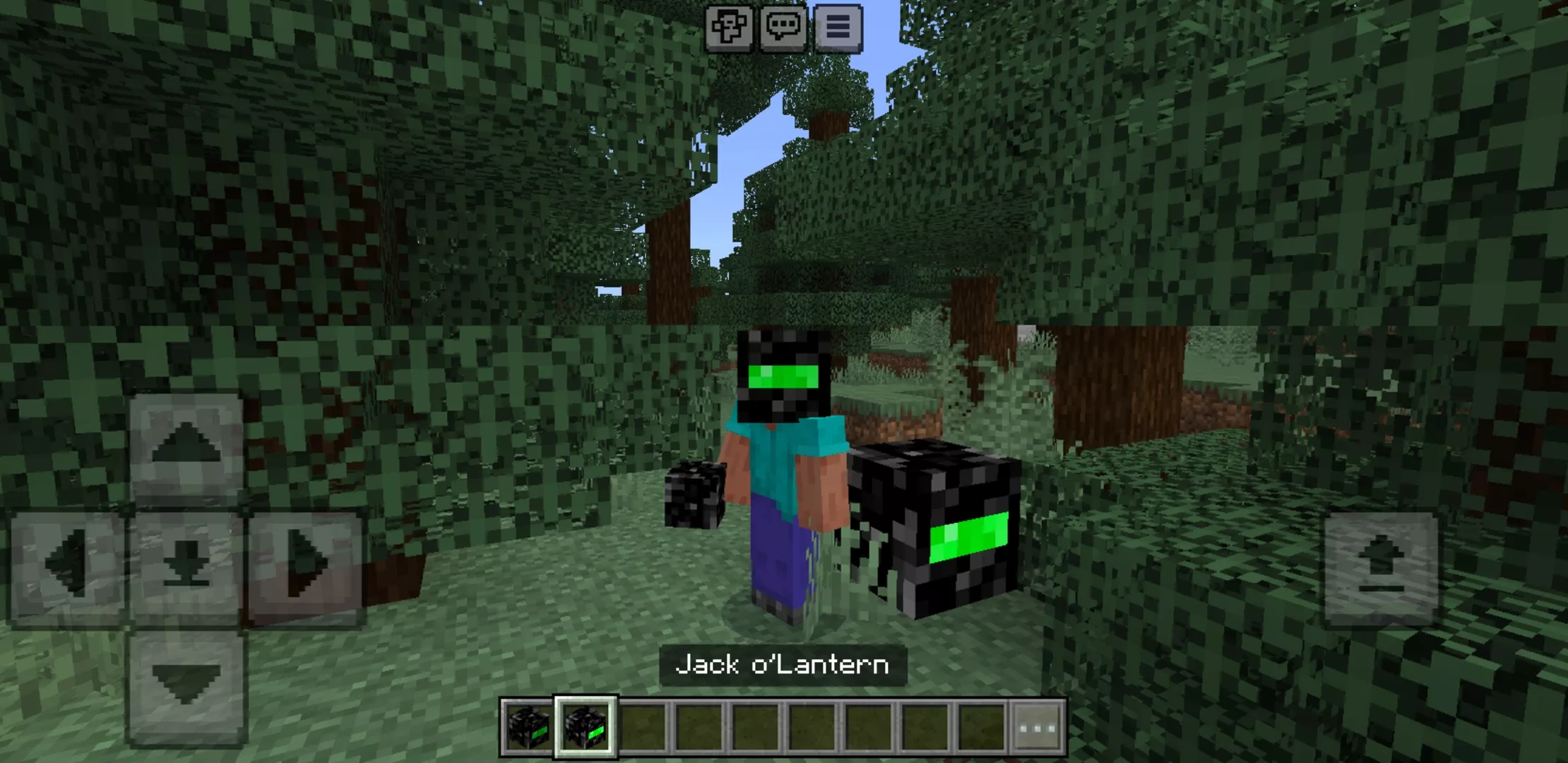
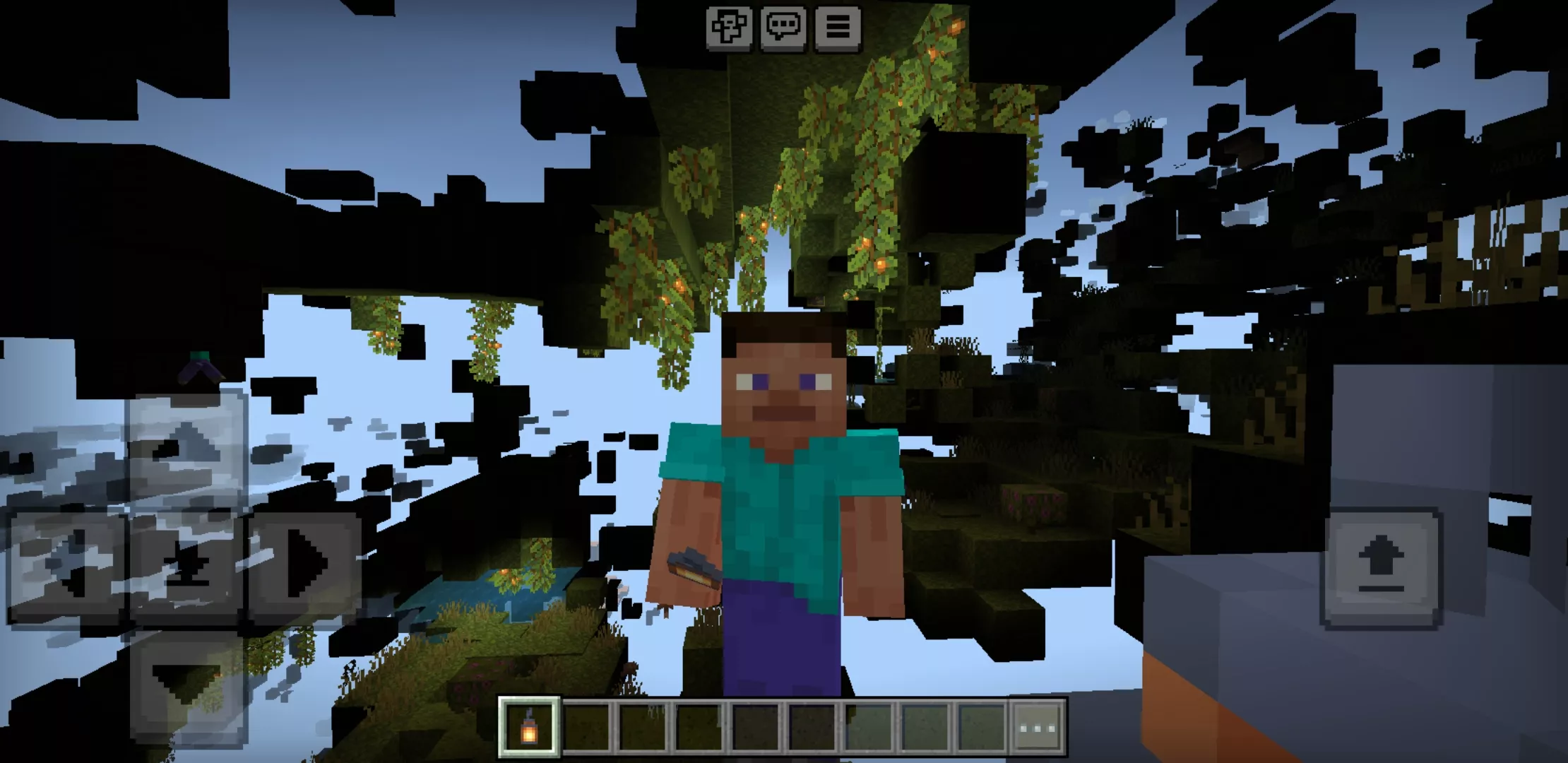
New Utility Textures for Minecraft PE 1.26 and 1.21 (.mcpack)
Utility Textures for Minecraft PE 1.26 and 1.21 are created for players who want the game to become more convenient, readable, and practical. Unlike decorative texture packs, these updates focus on useful visual changes that can help during survival, mining, exploration, building, PvP, and everyday Bedrock gameplay on Android.
The main reason to download utility textures is comfort. Some packs make ores easier to notice, some improve visibility in dark caves, some simplify the interface, and others help players find important blocks, mobs, hidden areas, or resources faster. This category is useful for players who want practical improvements without changing the basic rules of Minecraft PE.
Utility Textures for Minecraft PE help Android players improve visibility, navigation, resource search, and gameplay comfort in Bedrock Edition. This makes the category useful for survival players, miners, builders, explorers, and users who want a cleaner visual experience.
What Can Utility Textures Change?
Utility texture packs can affect many parts of the game. Some updates make underground resources easier to see, while others brighten dark locations, improve water visibility, reduce visual noise, change particles, or make specific blocks stand out. These changes help players spend less time searching and more time actually playing.
For example, X-Ray-style textures can help locate valuable ores and caves. Night vision packs can make darkness less annoying during mining and exploration. Other packs may improve block outlines, simplify textures, highlight useful objects, or make the interface easier to read on a mobile screen.
| Texture type | What the player gets |
| X-Ray textures | Faster search for ores, caves, hidden blocks, and underground resources. |
| Night vision packs | Brighter caves, mines, forests, tunnels, and other dark locations. |
| Interface textures | Cleaner menus, easier reading, improved icons, and more comfortable mobile control. |
| Block highlight packs | Better visibility for useful blocks, borders, items, and important game elements. |
Download Utility Textures for Minecraft PE
Players download Utility Textures for Minecraft PE when they want to solve specific gameplay problems. Darkness in caves, hard-to-find ores, unclear blocks, overloaded visuals, or small mobile interface details can make the game less comfortable. A good utility texture pack helps remove these obstacles and makes the world easier to understand.
Most packs in this category are available in .mcpack format. This format is convenient for Minecraft Bedrock Edition on Android because it can usually be imported into the game quickly. After installation, players can activate the pack in world settings or global resources, depending on how they want to use it.
Best Uses for Utility Texture Packs
Utility textures are especially helpful during mining. Players can find ores faster, notice cave openings, avoid useless digging, and plan routes more effectively. This is useful when searching for diamonds, iron, coal, gold, copper, redstone, lapis lazuli, emeralds, and other important resources.
These packs are also useful during night travel and cave exploration. Better brightness and cleaner visuals help players avoid dangerous drops, hidden mobs, confusing tunnels, and poorly visible paths. On Android devices, this can be especially important because dark areas may be harder to see on a smaller screen.
Survival, Building, and Exploration
Utility Textures for Minecraft PE 1.26 and 1.21 are not only for mining. Builders can use them to see block borders more clearly, check structures, work with large projects, and make construction more comfortable. Explorers can use them to navigate caves, ruins, forests, abandoned places, and underground routes.
Survival players can benefit from practical visual changes every day. Clearer blocks, brighter spaces, and easier resource detection can save time and reduce mistakes. This makes utility textures one of the most practical categories for long-term Bedrock worlds.
Performance and Compatibility
Many utility packs are lighter than large realistic texture packs because they usually change specific visual details instead of redesigning the entire world. However, players should still check compatibility with their Minecraft PE version before using a pack in an important world.
Useful visuals should make gameplay easier without making the screen confusing. The best utility textures stay simple, readable, and practical, especially for mobile players who need fast reactions and clear information.
More Texture Packs
Players who want more visual styles can open the full texture collection with realistic packs, utility textures, PvP designs, simple visuals, interface updates, and other .mcpack files for Minecraft Bedrock Edition on Android.
Utility Textures for Minecraft PE 1.26 and 1.21 are a strong choice for players who value convenience. They help make mining faster, exploration safer, dark places brighter, and important game elements easier to notice. Whether the goal is to find resources, explore caves, improve visibility, simplify the interface, or make survival more comfortable, this category gives Android users practical texture packs for everyday Minecraft PE gameplay.