
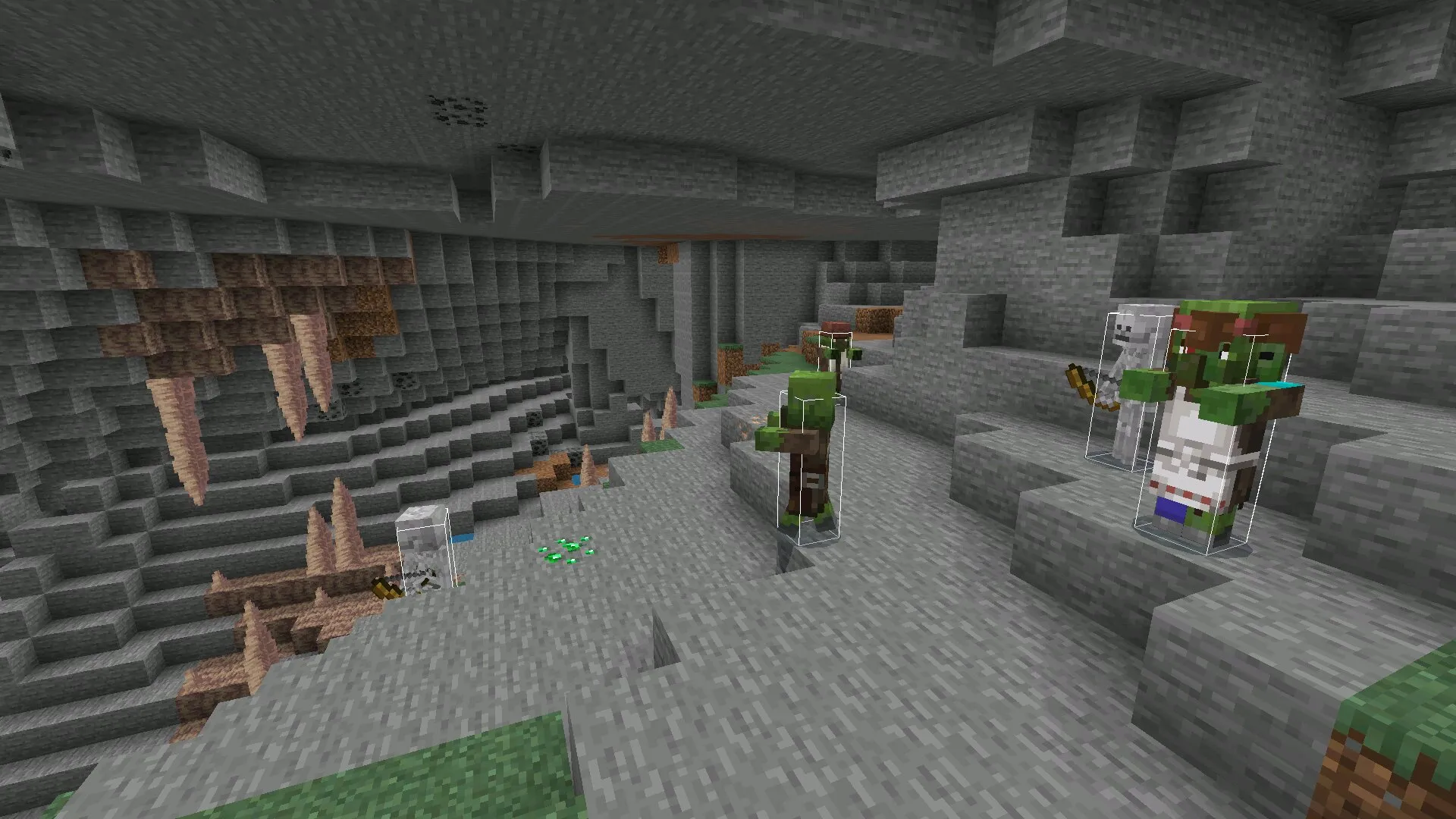
Download Atlas Client for Minecraft PE 1.26 and 1.21 Free on Android: customize Bedrock gameplay with crosshairs, HUD settings, subtitles, hitboxes, FPS tools, chunk borders, TNT timer, and useful scripts.
Atlas Client for Minecraft Bedrock Edition
Atlas Client for Minecraft PE 1.26 and 1.21 is created for players who want more control over the interface, visuals, performance, and useful gameplay information in Minecraft Bedrock Edition. This client adds a set of tools that can make survival, building, combat, exploration, and multiplayer sessions more comfortable on Android.
The main idea of the client is customization. Players can adjust the way the game looks, choose useful HUD elements, enable visual helpers, create profiles, and quickly return to saved settings. This makes Atlas Client useful for users who want Minecraft PE to feel more flexible and personalized.
Atlas Client for Minecraft PE gives players a convenient control panel with visual settings, performance tools, HUD elements, and gameplay helpers. This makes the client suitable for users who want a cleaner interface and more information during every adventure.
Advanced Customization
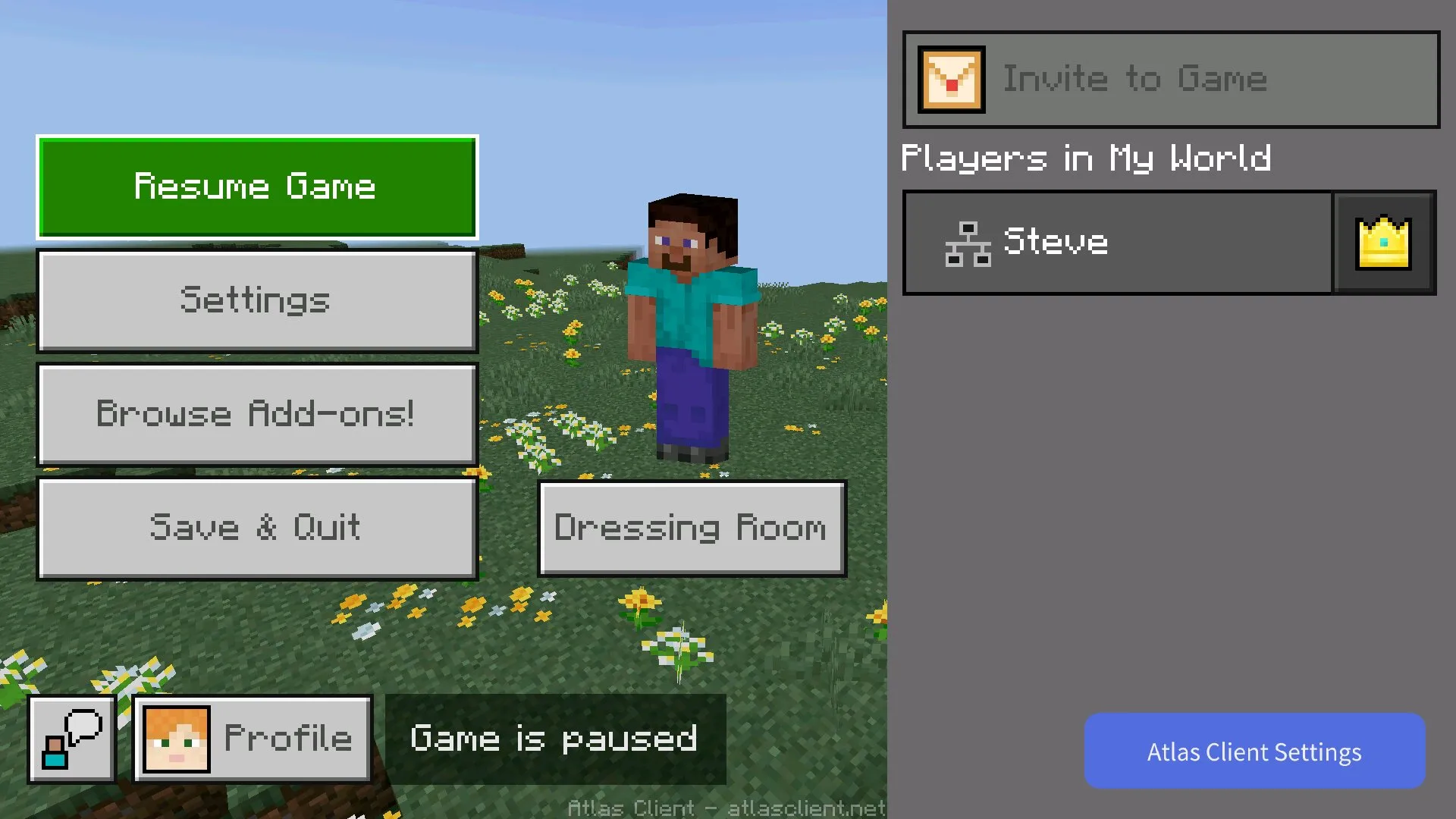
After launching Atlas Client, players may not notice major changes on the starting screen. The main features become available after entering the world. When the map loads, users can find a blue button in the bottom right corner and open the client menu.
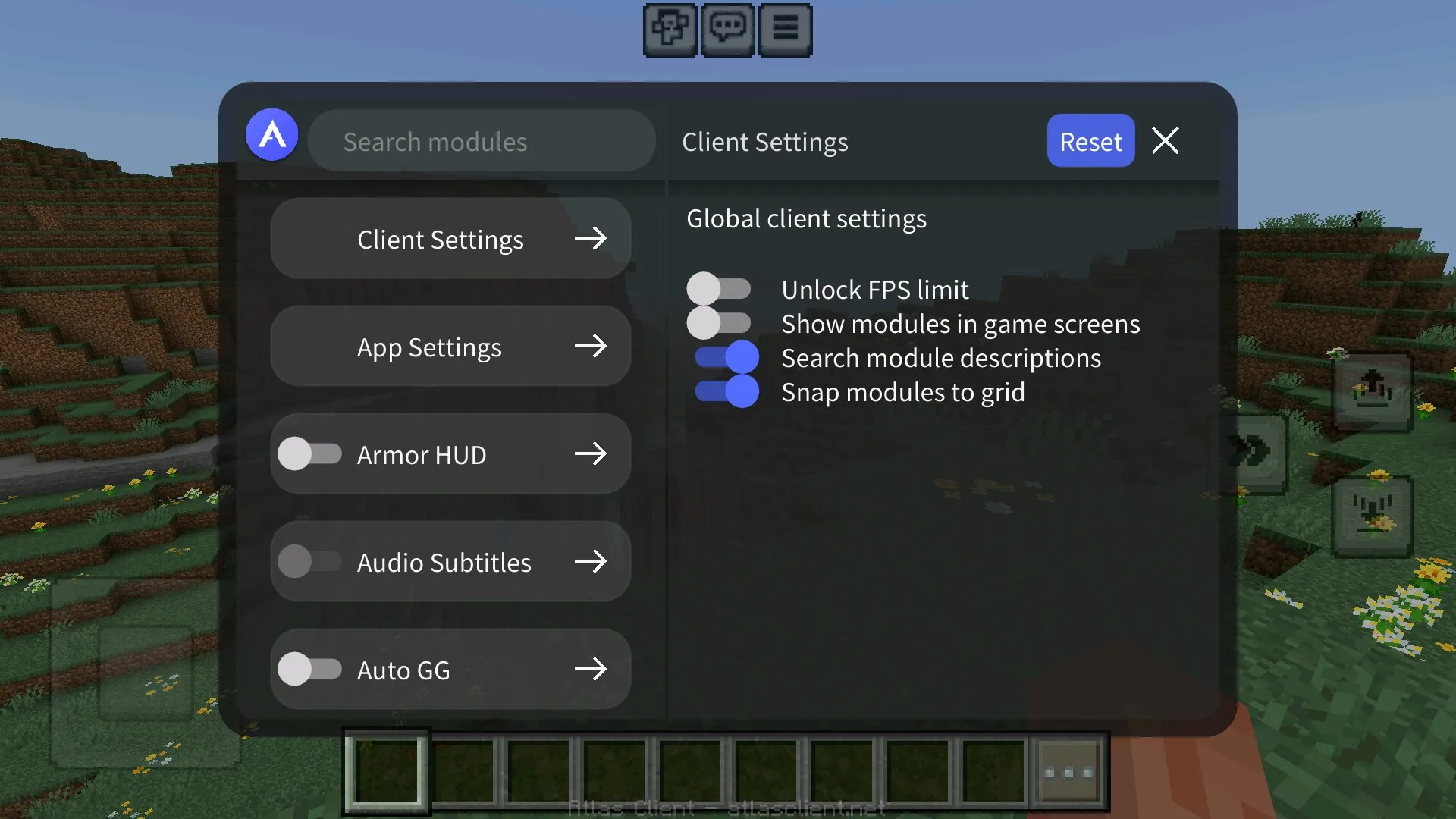
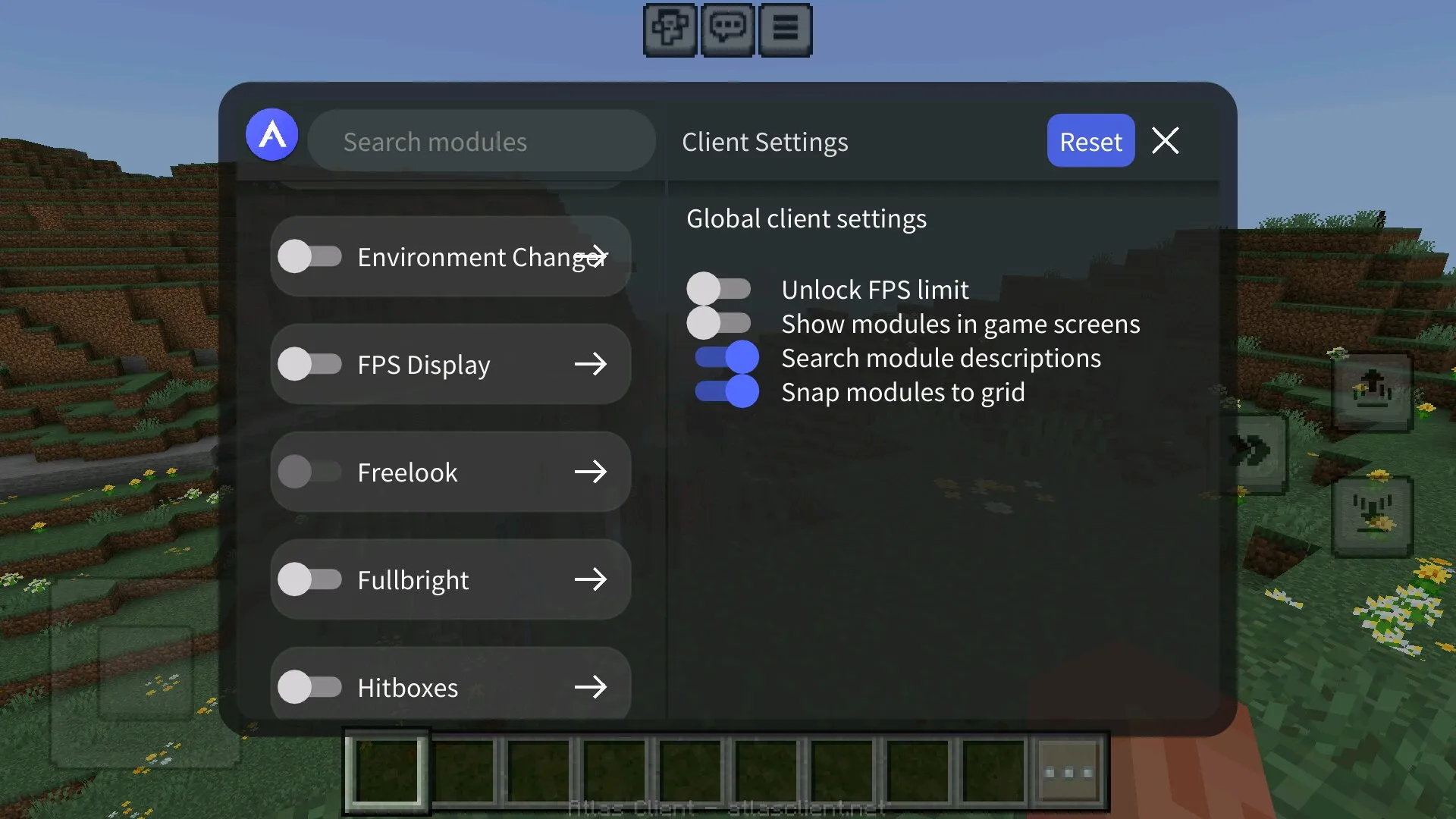
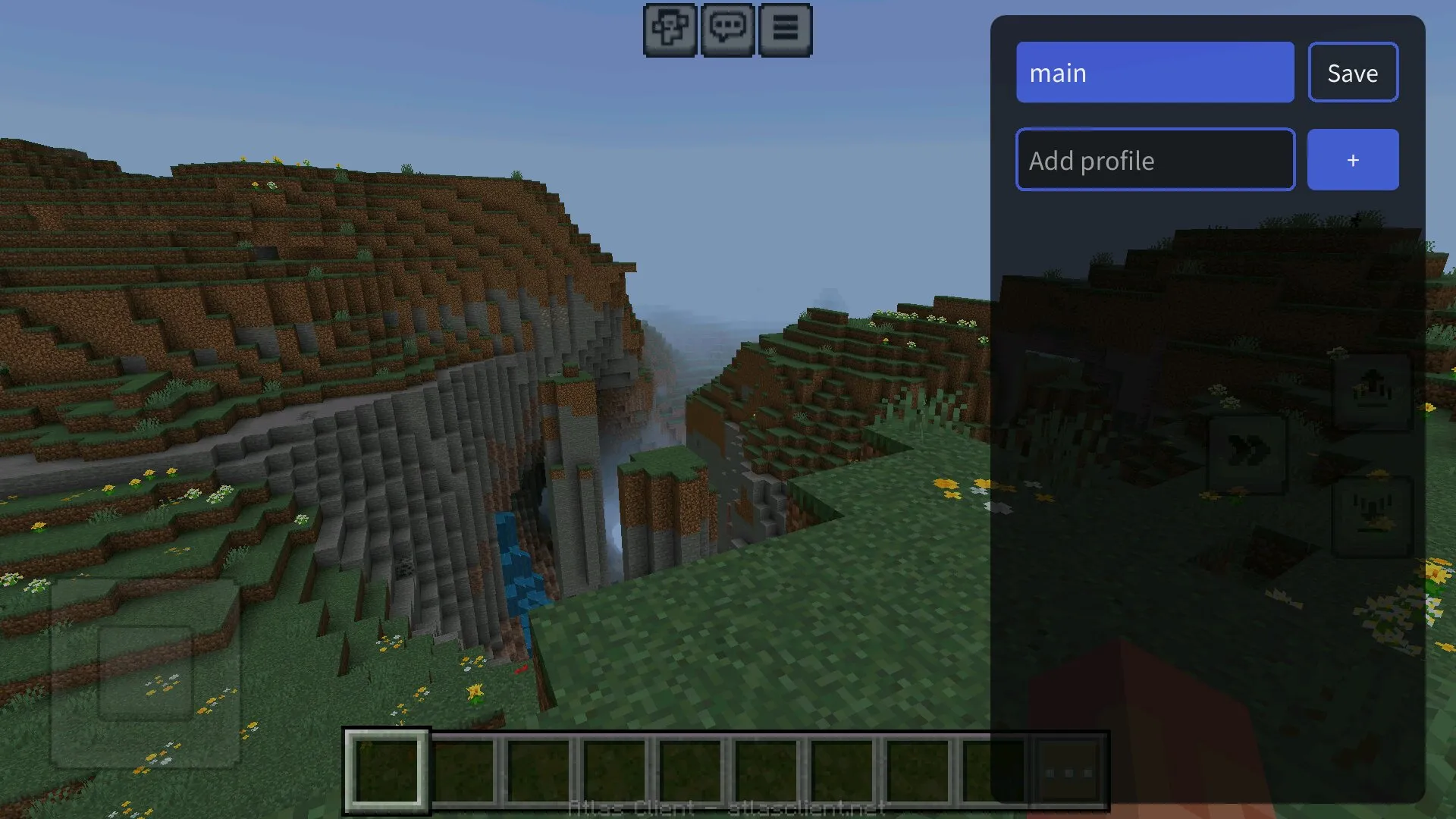
Inside this menu, players can change settings, load ready profiles, or create their own configuration. A profile can save the preferred setup, so the same interface, modules, and visual options can be activated again during the next session.
Custom HUD is one of the strongest parts of Atlas Client. It helps players decide which information should appear on the screen and how comfortable the interface should feel during gameplay.
Powerful Features
Atlas Client for Minecraft PE 1.26 and 1.21 includes many tools for smoother and more responsive gameplay. Players can unlock FPS limits, display active modules, use advanced HUD elements, and enable options that make control easier during intense moments.
For example, the armor indicator can show remaining protection for the player and other entities. Auto sprint removes the need to hold the run button all the time, while a dedicated chat hotkey makes communication faster. These options are especially useful during multiplayer, exploration, and survival challenges.
| Client feature | What it gives players |
| Custom crosshairs | More personal aiming style and better visual comfort during combat. |
| HUD settings | Useful information on-screen, including modules, armor, FPS, ping, and other indicators. |
| Chunk borders | Helpful grid visibility for building, farms, technical projects, and resource planning. |
| TNT timer | Extra timing information that helps players react before explosions. |
New Capabilities
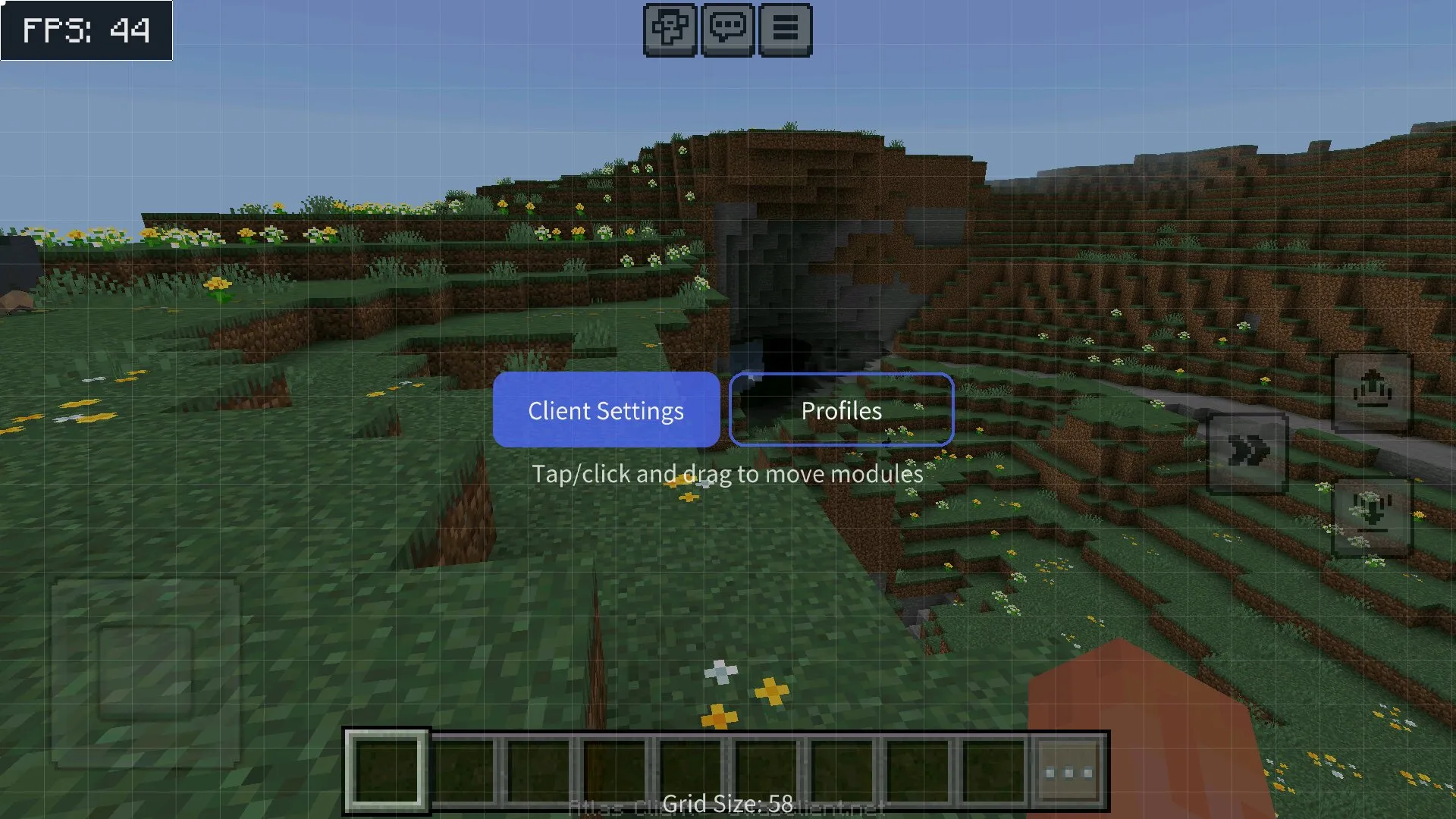
With Atlas Client, players can enable chunk borders for more precise building and world planning. This option is useful for large bases, farms, technical constructions, mining routes, and projects where exact borders matter.
The cinematic camera can help players create smoother scenes for screenshots and videos. Custom crosshairs add more personality to the interface and can make combat feel more comfortable. Subtitles also improve awareness by showing important sound information during gameplay.
Atlas Client can also improve visibility in dark areas, making caves, mines, night locations, and underground routes easier to explore without constant torch placement.
Hitboxes, Indicators, and Scripts
The client also includes visible hitboxes, kill cams, ping indicators, FPS indicators, and useful scripts. These tools help players better understand what is happening around them and react faster during difficult situations.
Hitboxes can make entity positions easier to notice, while FPS and ping indicators help track performance and connection quality. Useful scripts can simplify certain actions and make the gameplay flow feel more convenient, especially for players who want faster access to important functions.
Why Choose Atlas Client?
Atlas Client for Minecraft PE 1.26 and 1.21 is useful for different play styles. Survival players can use visibility tools, subtitles, auto sprint, and indicators. Builders can use chunk borders and interface settings. Combat players can test custom crosshairs, hitboxes, armor indicators, and performance tools.
The client does not focus on one small feature. Instead, it gives players a complete set of options for customization, visibility, control, and performance. This makes it a convenient choice for users who want to make Minecraft Bedrock Edition feel more personal on Android.
FAQ
Atlas Client has several useful features that players should understand before installing it. These answers explain what the client adds and how it can change Minecraft PE gameplay.
What is Atlas Client for Minecraft PE?
Atlas Client for Minecraft PE is a custom Bedrock client that adds interface settings, HUD tools, crosshairs, subtitles, hitboxes, FPS indicators, scripts, and other useful gameplay options.
Where can players find the Atlas Client menu?
After entering a world, players can look at the bottom right corner of the screen. A blue button opens the main menu with settings, profiles, and client features.
Can Atlas Client save settings?
Yes, players can create profiles, save their configuration, and quickly return to the same setup during future sessions.
What visual tools does the client include?
The client includes custom crosshairs, subtitles, hitboxes, chunk borders, cinematic camera, dark area visibility, armor indicators, FPS indicators, and ping information.
Is Atlas Client useful for building?
Yes, Atlas Client can be useful for building because chunk borders and HUD settings help players work with larger projects, farms, technical builds, and precise world layouts.
Why should players download Atlas Client for Minecraft PE 1.26 and 1.21?
Players should download Atlas Client for Minecraft PE 1.26 and 1.21 if they want custom HUD tools, crosshairs, hitboxes, FPS options, chunk borders, subtitles, scripts, and better control over Bedrock gameplay on Android.