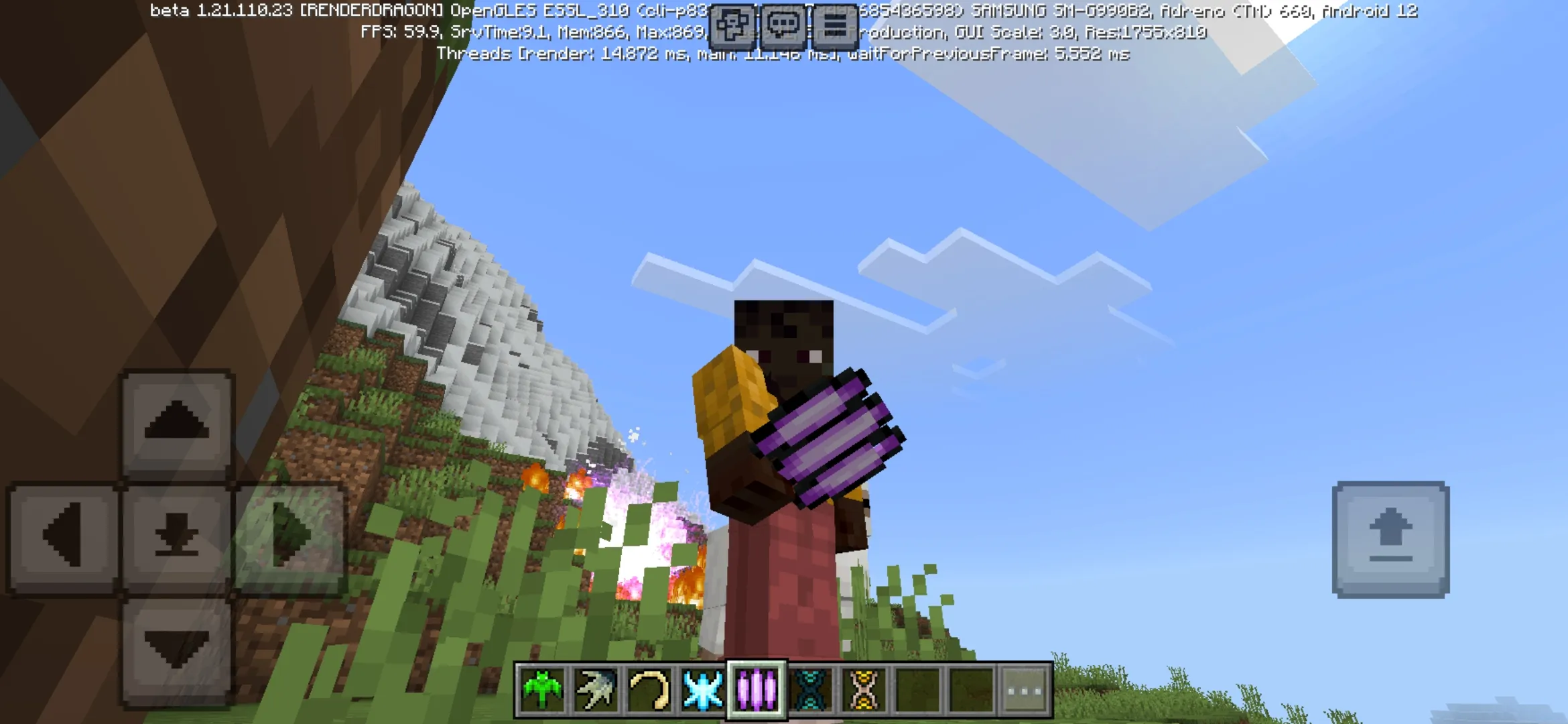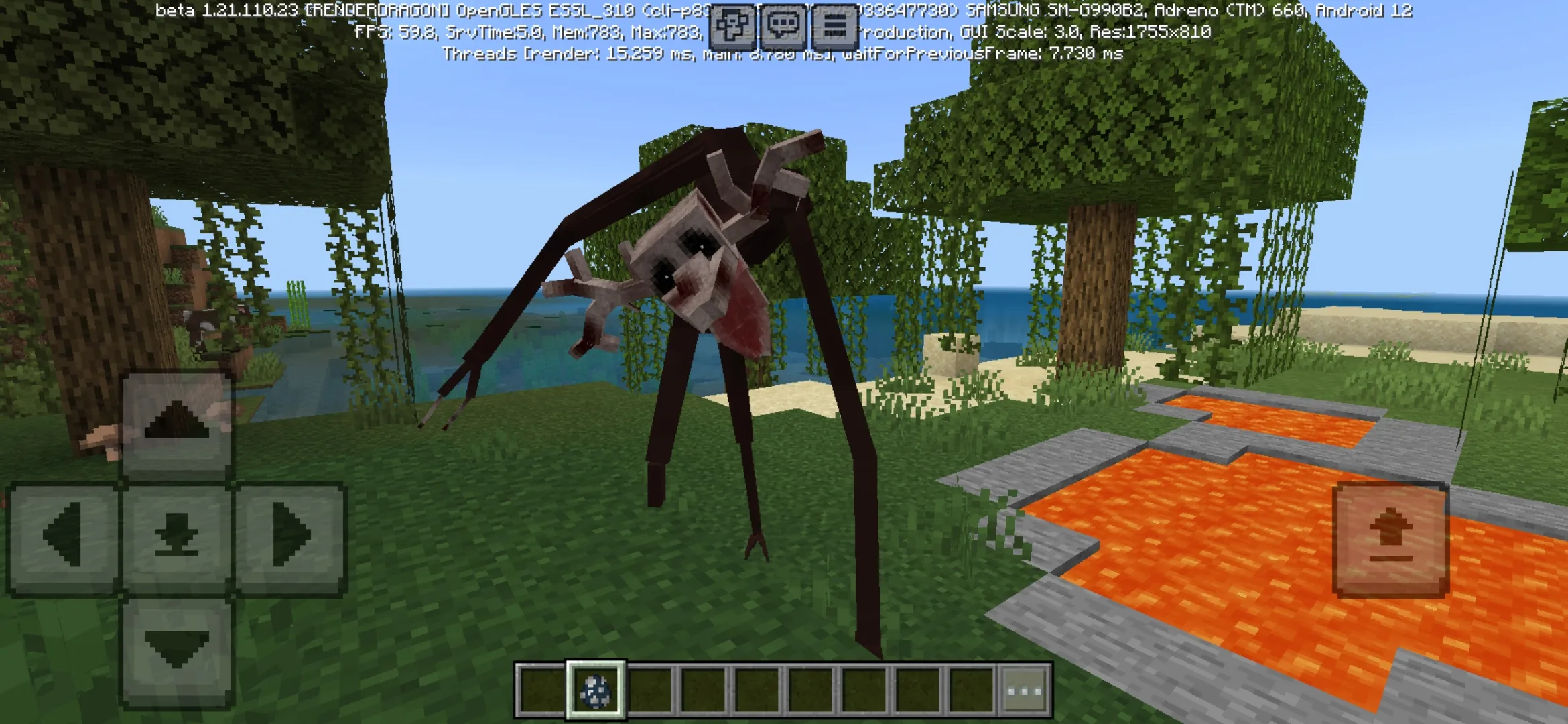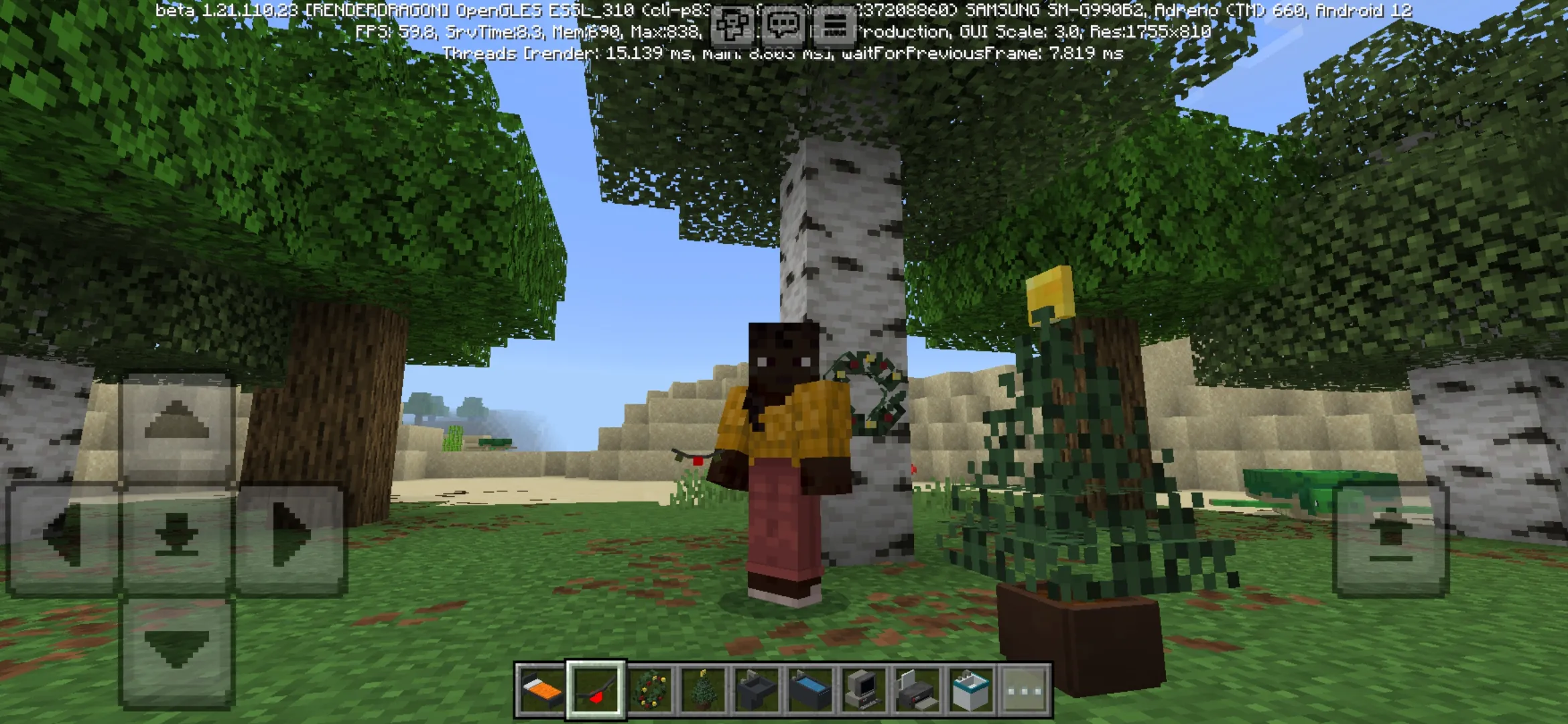


Download FPS Client for Minecraft PE and improve Bedrock Edition performance with cleaner visuals, simplified effects, better visibility, and smoother mobile gameplay.
FPS Client for Minecraft PE
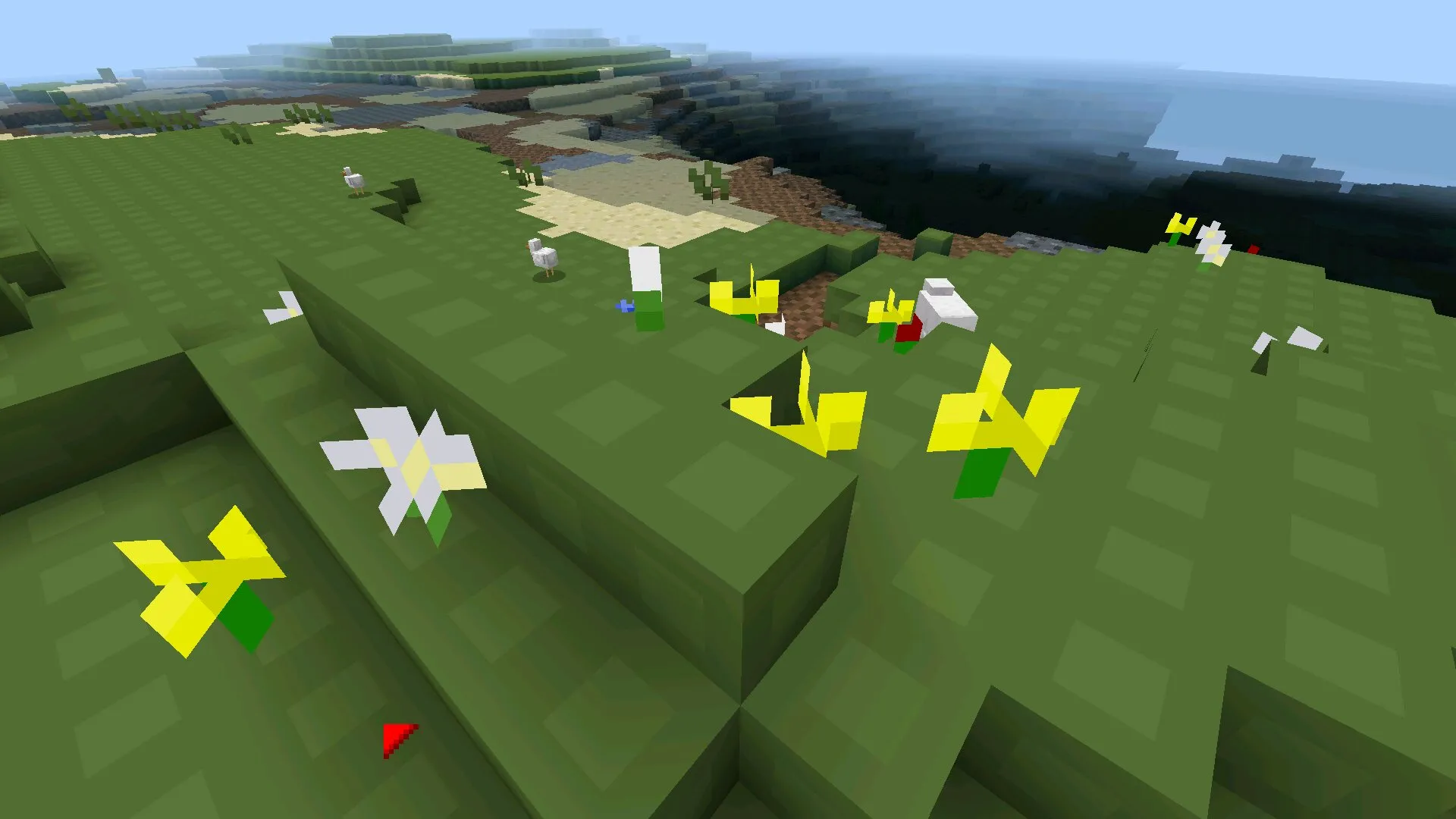
FPS Client is made for players who want Minecraft PE to run faster on weak or overloaded devices. The cubic world has many visual details, including rain, explosions, water fog, flowers, grass, stars, and detailed textures.
All these elements can make the game heavier and reduce the number of frames per second.
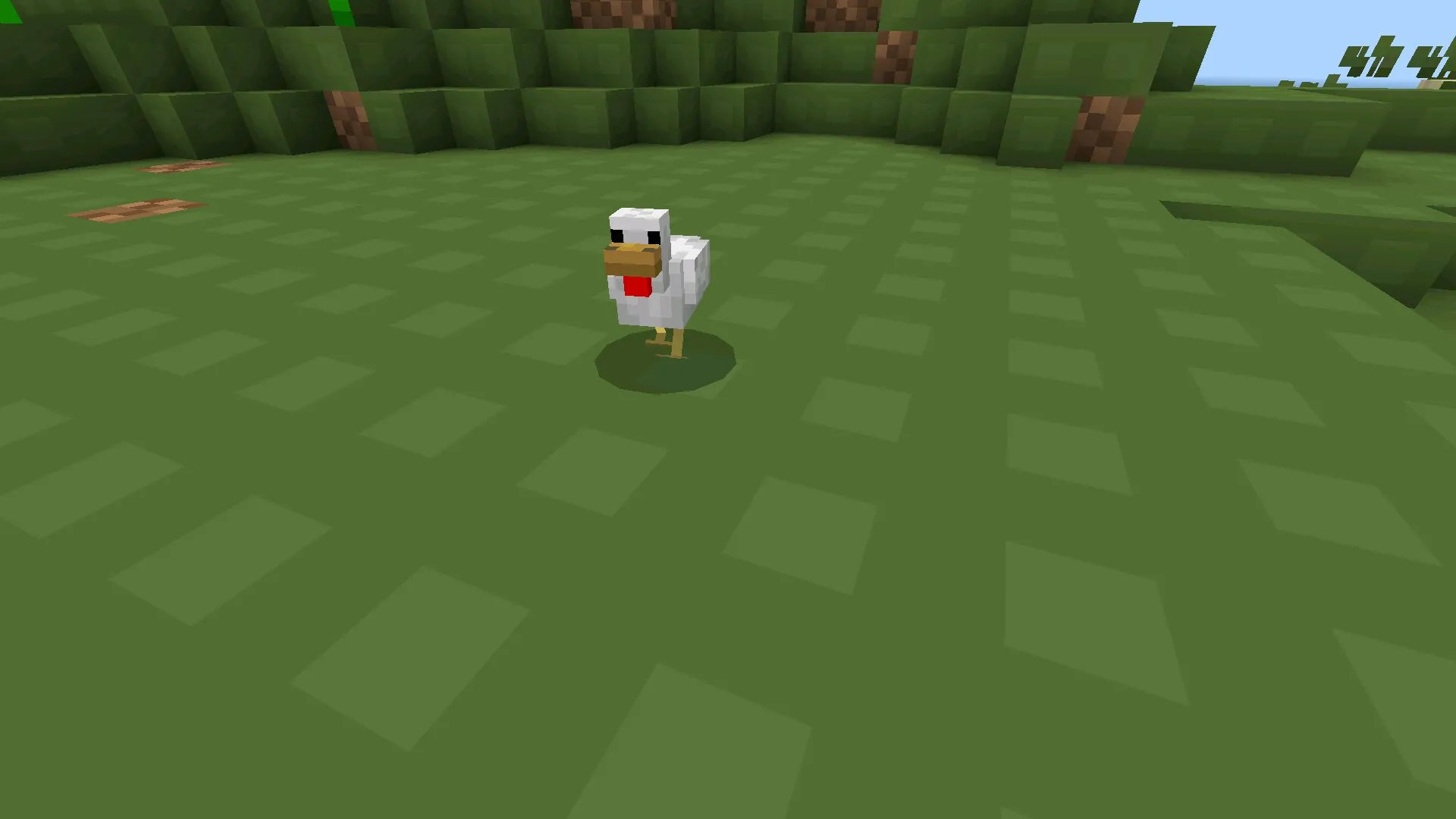
This client removes or simplifies visual parts that are not required for normal gameplay. As a result, the world becomes lighter, controls feel smoother, and survival is more comfortable on mobile devices.
Players who want more utility tools can also check other clients for Minecraft Bedrock with different options for performance, interface, PvP, and mobile comfort.
FPS Client
After installation, players can choose several visual optimization levels in the modification settings. There are three stages, from basic simplification to maximum performance mode.
The stronger the optimization, the more unnecessary details disappear from the game.
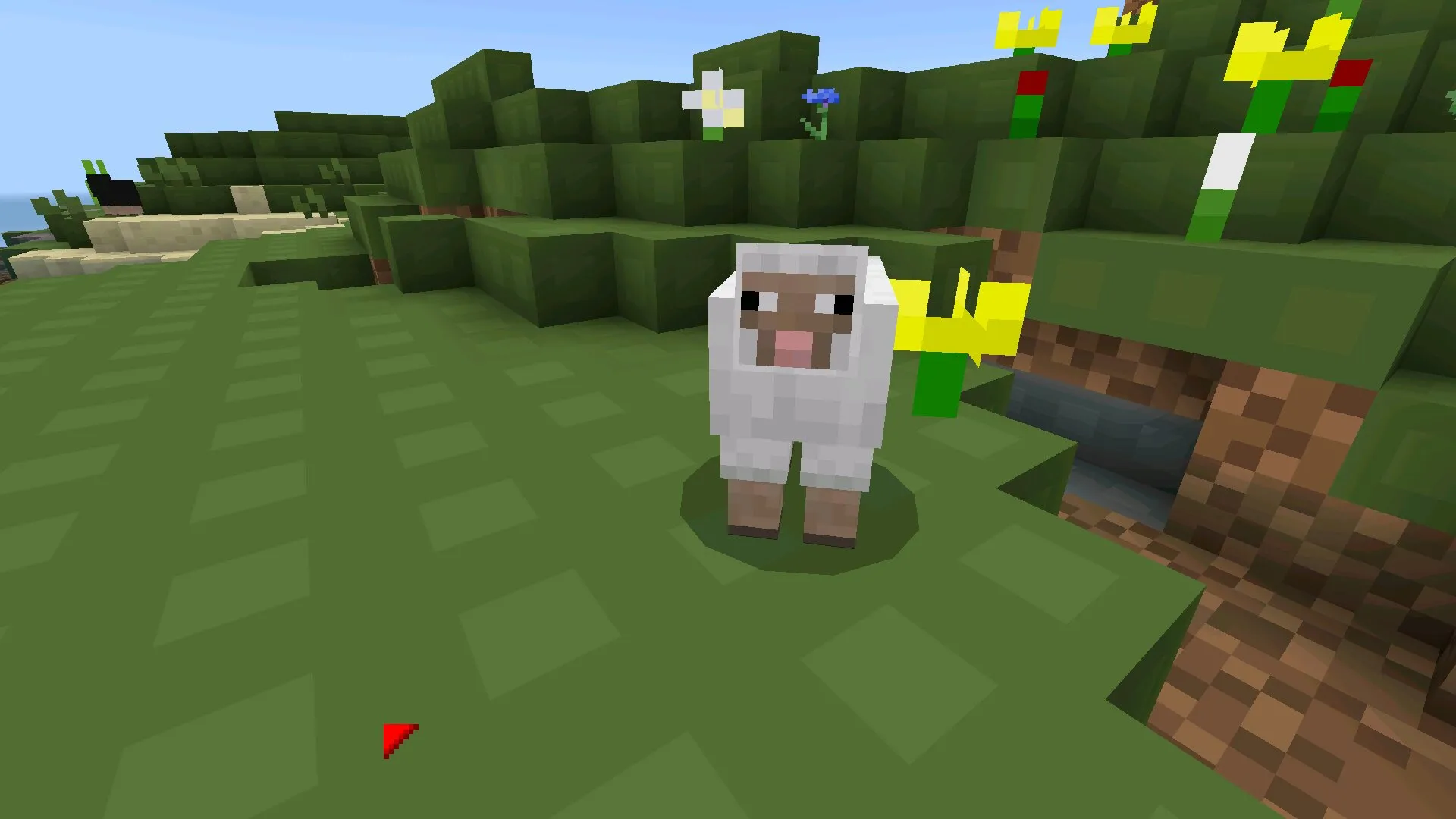
- Simplifies textures and visual effects for higher FPS;
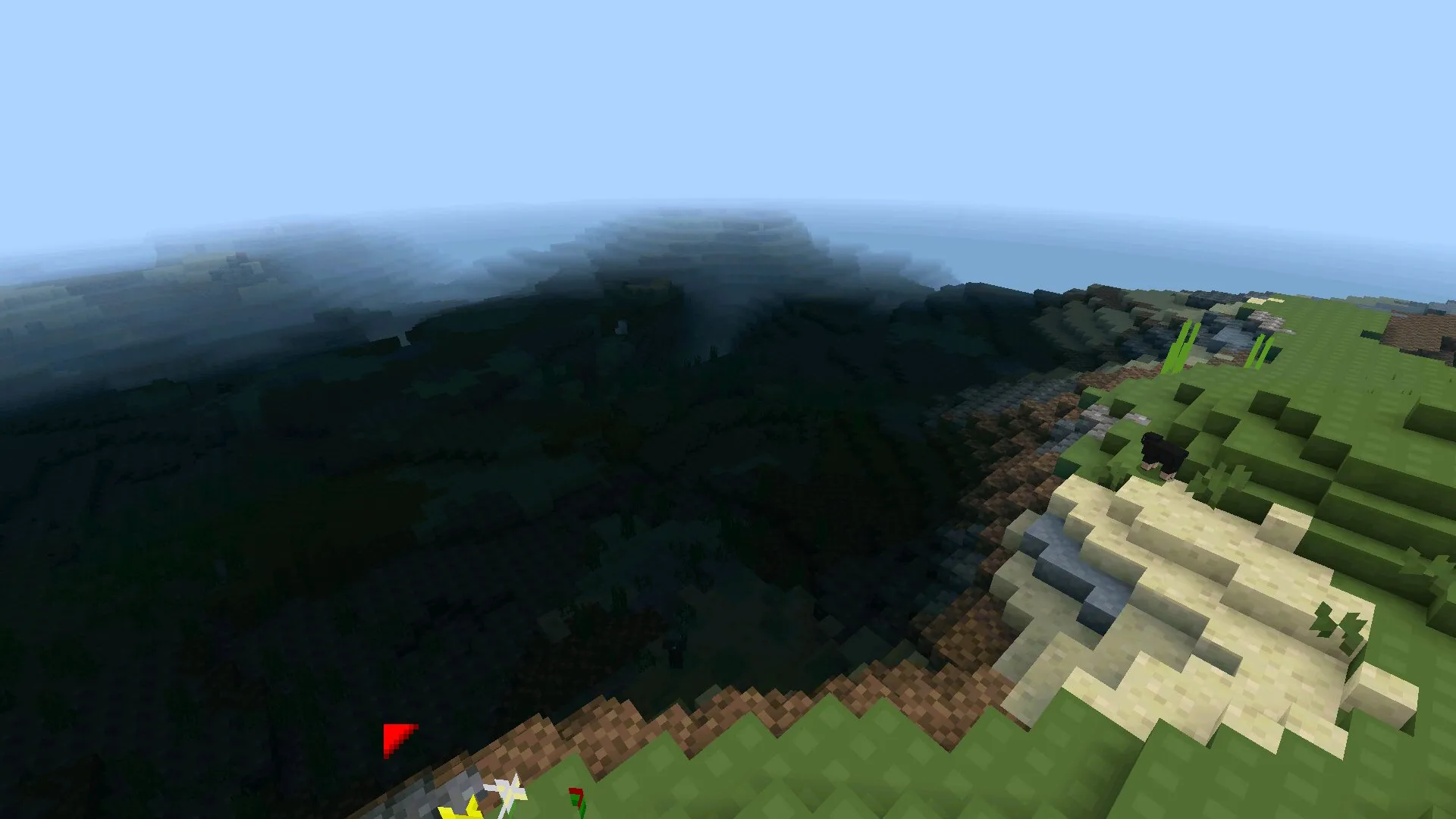
- Reduces rain, water fog, stars, grass, and extra particles;
- Adds brighter caves for easier underground exploration;
- Includes a cleaner dark interface with gray tones;
- Provides PvP options with shorter swords and better visibility.
Visual Optimization
Weather effects become less noticeable with FPS Client for Minecraft PE. This slightly reduces the atmosphere, but makes movement and camera control much smoother.
Visibility during rain and storms also becomes better, which helps during travel, survival, and exploration.
Caves are brighter because the client adds more light to dark areas. Players do not need to place torches everywhere or constantly hold light sources while moving underground.
Minimal Interface
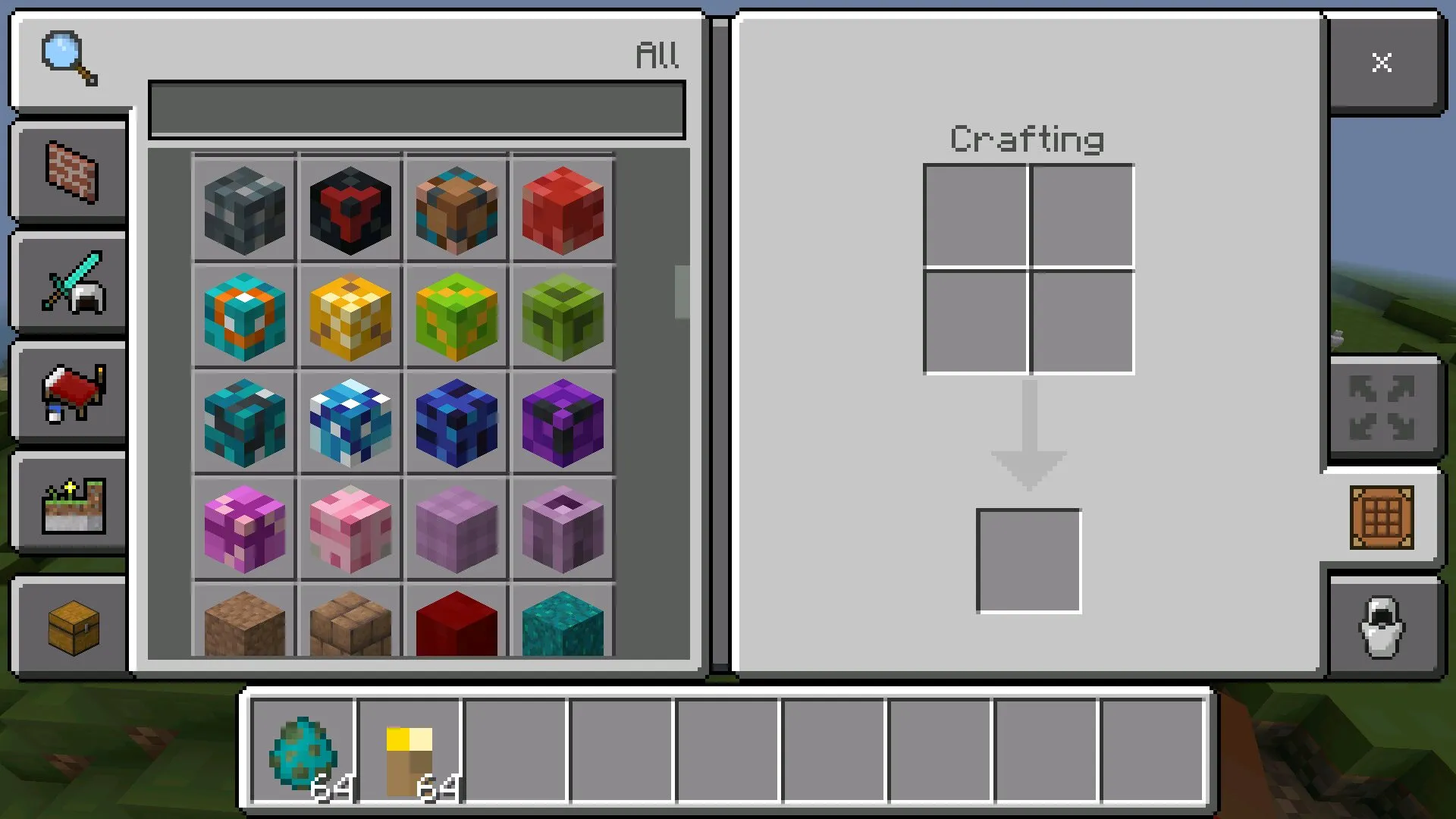
The client also changes the default interface. Menu and inventory elements become simpler, cleaner, and easier to read. The dark color scheme with gray shades looks comfortable and reduces eye strain during long sessions.
PvP Features
FPS Client for Minecraft PE also includes a PvP mode. In this mode, glass becomes more transparent, swords are shorter, and attack animations look faster.
Grass is shortened or removed in some places, so arenas have fewer distracting details and better visibility during fights.