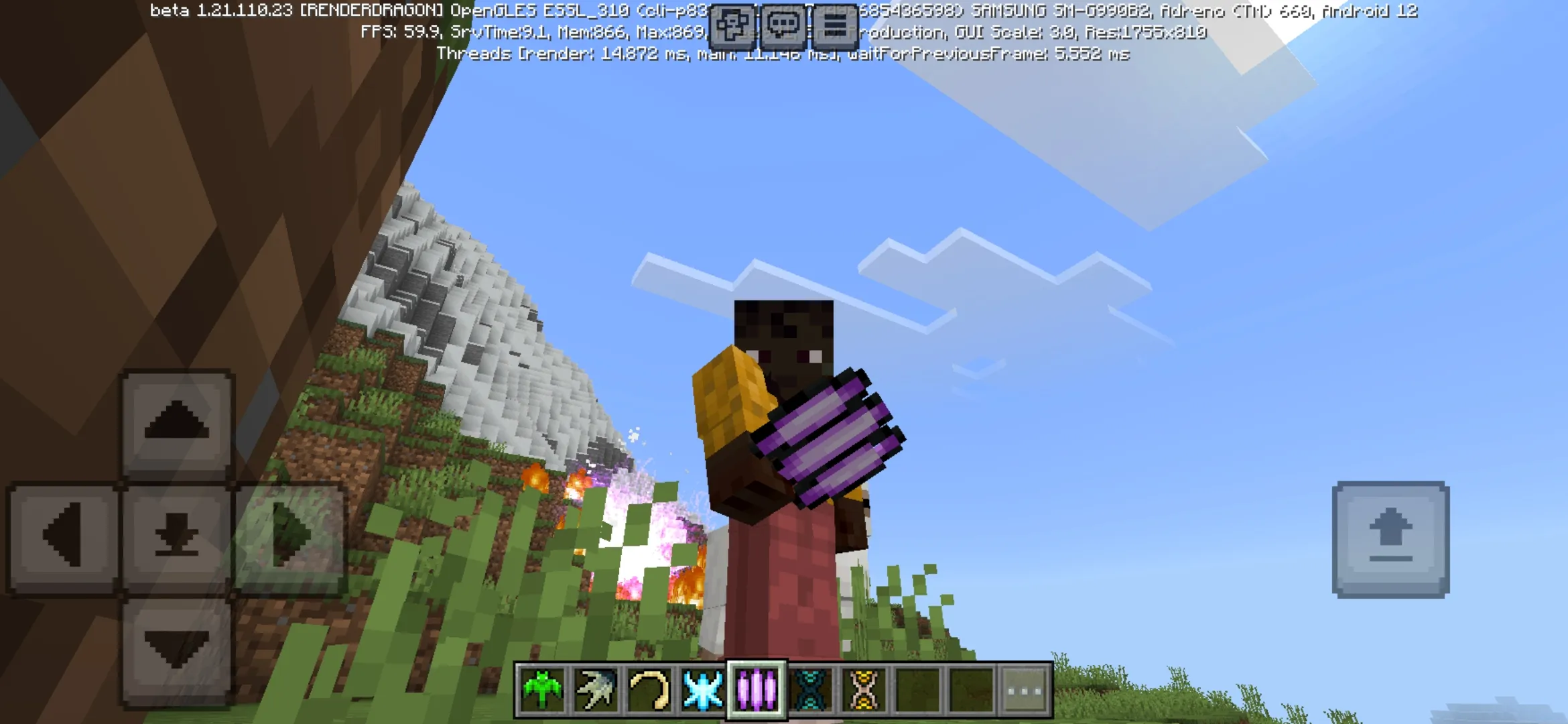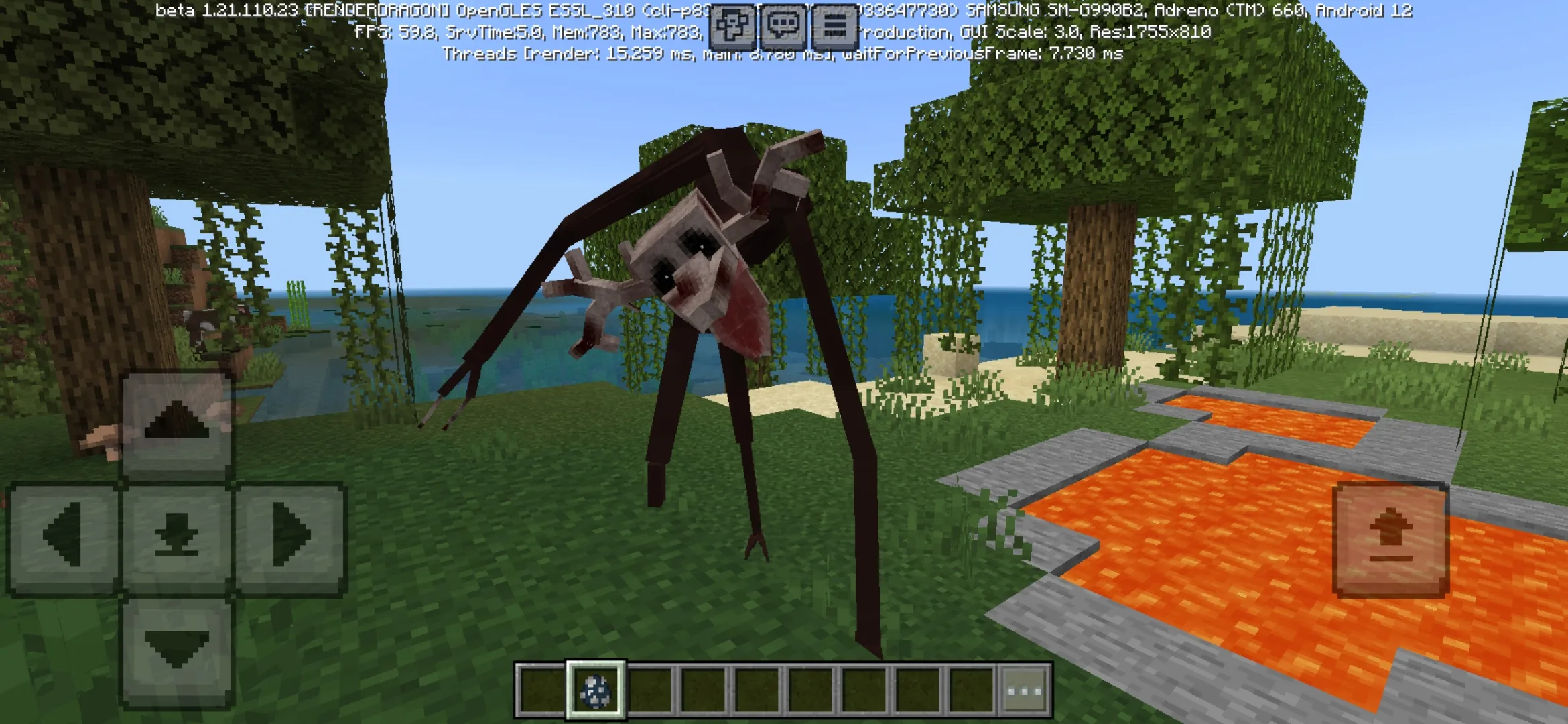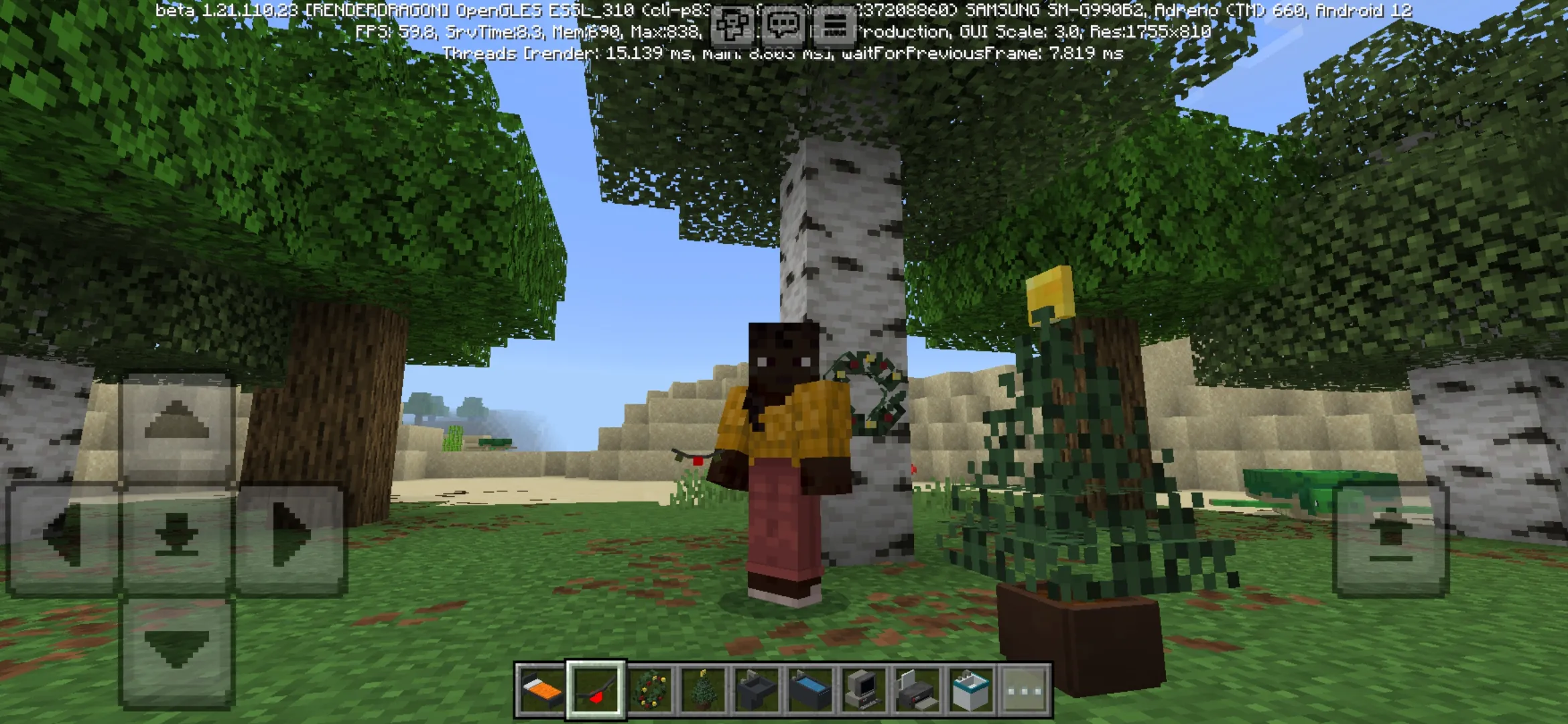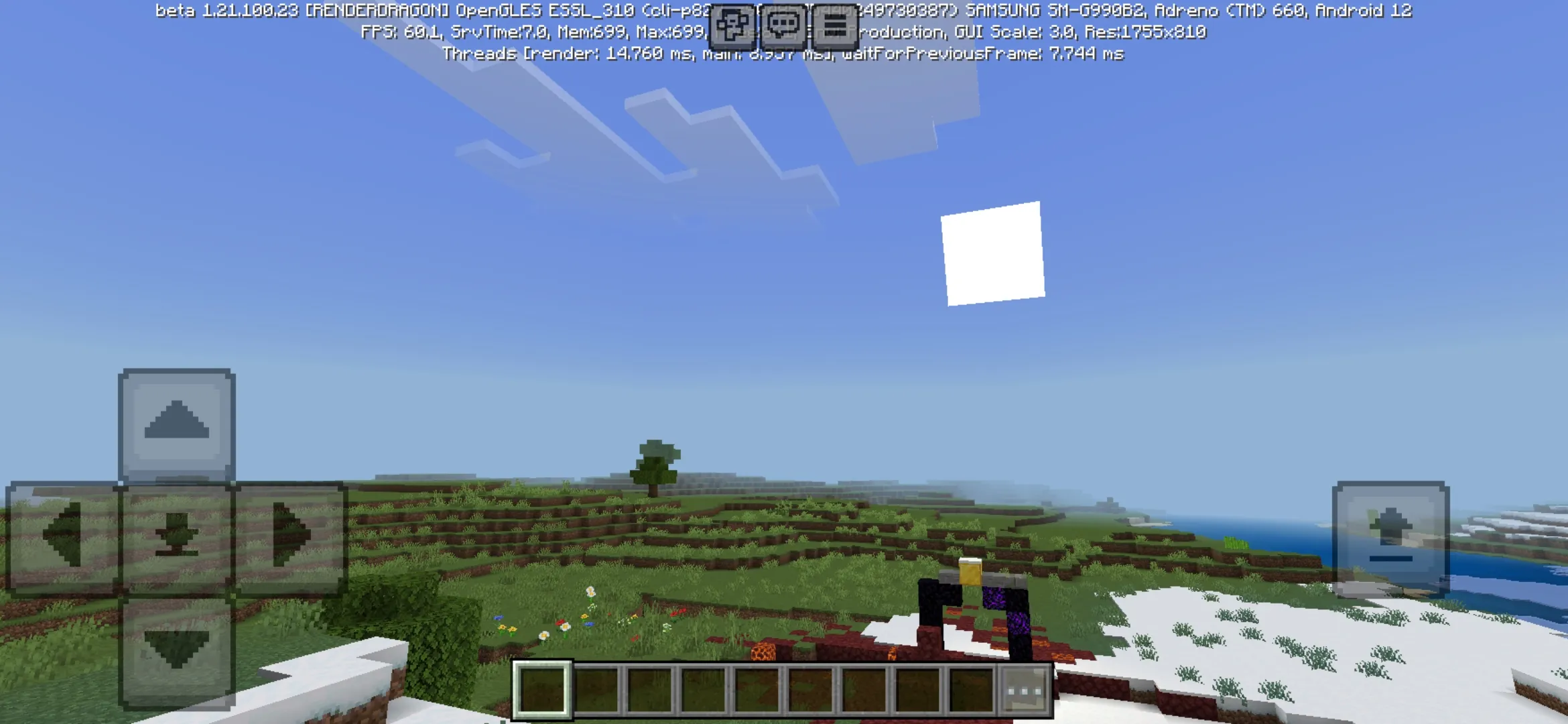

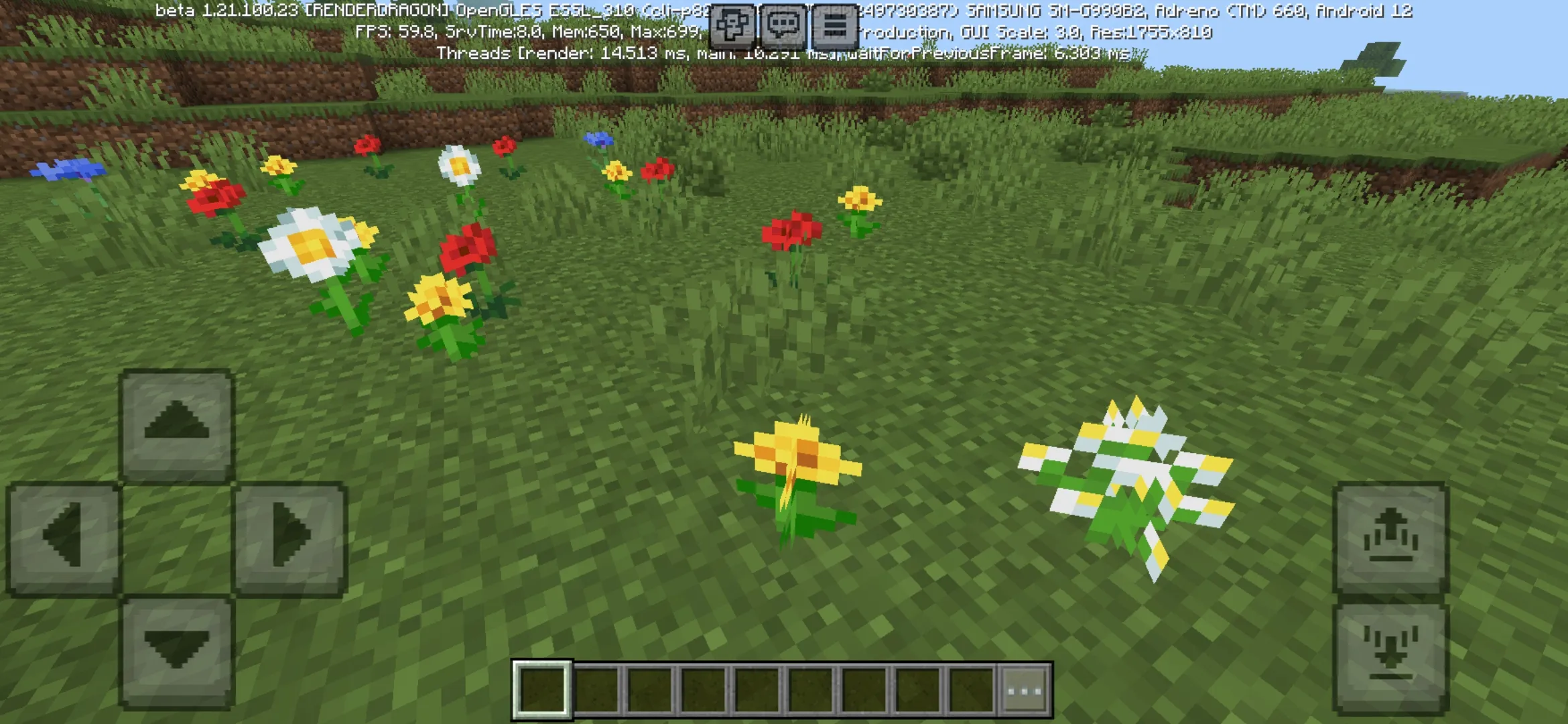
Download Lunac Shader for Minecraft PE 1.26 and 1.21 Free on Android: upgrade Bedrock graphics with deferred rendering, dynamic lighting, animated sky, shadow options, and realistic visual effects.
Lunac Shader for Minecraft Bedrock Edition
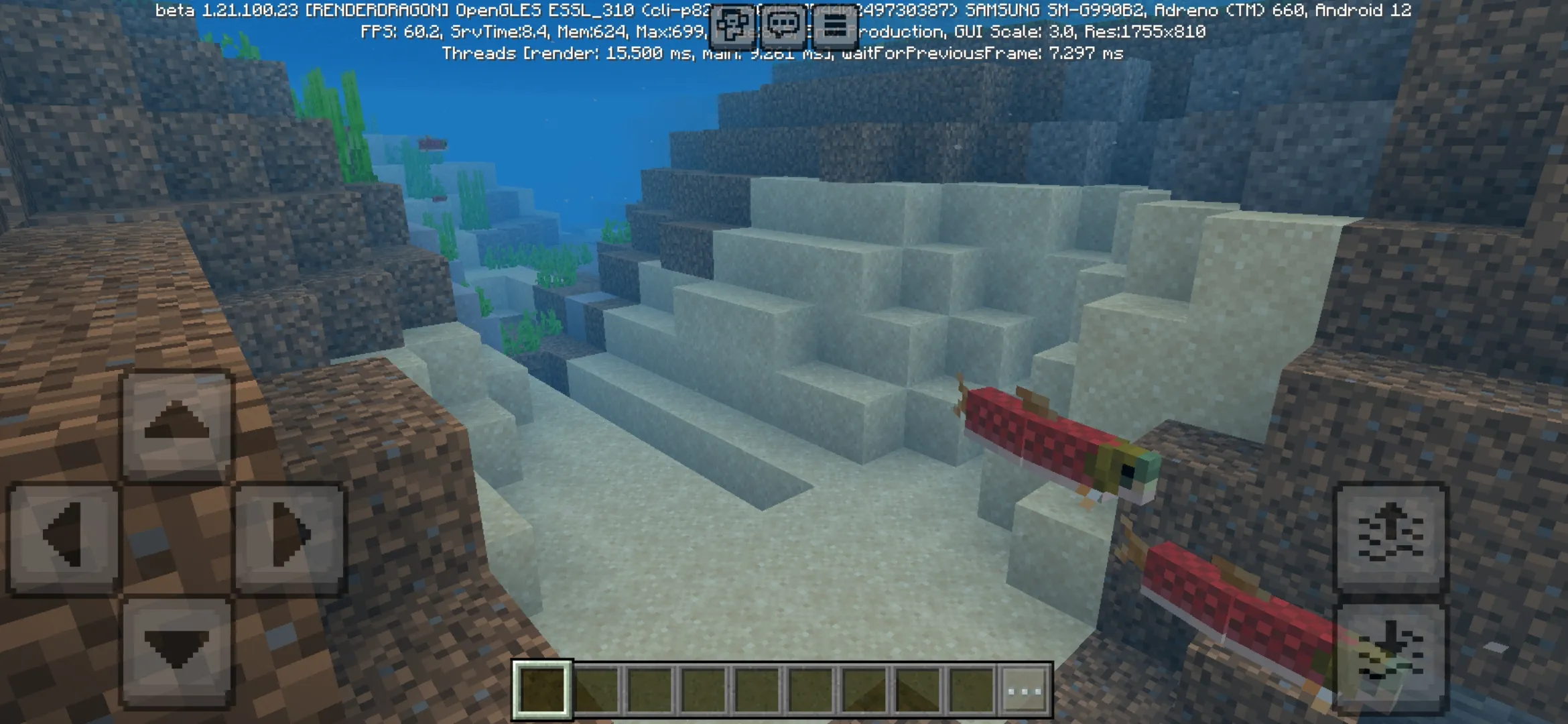
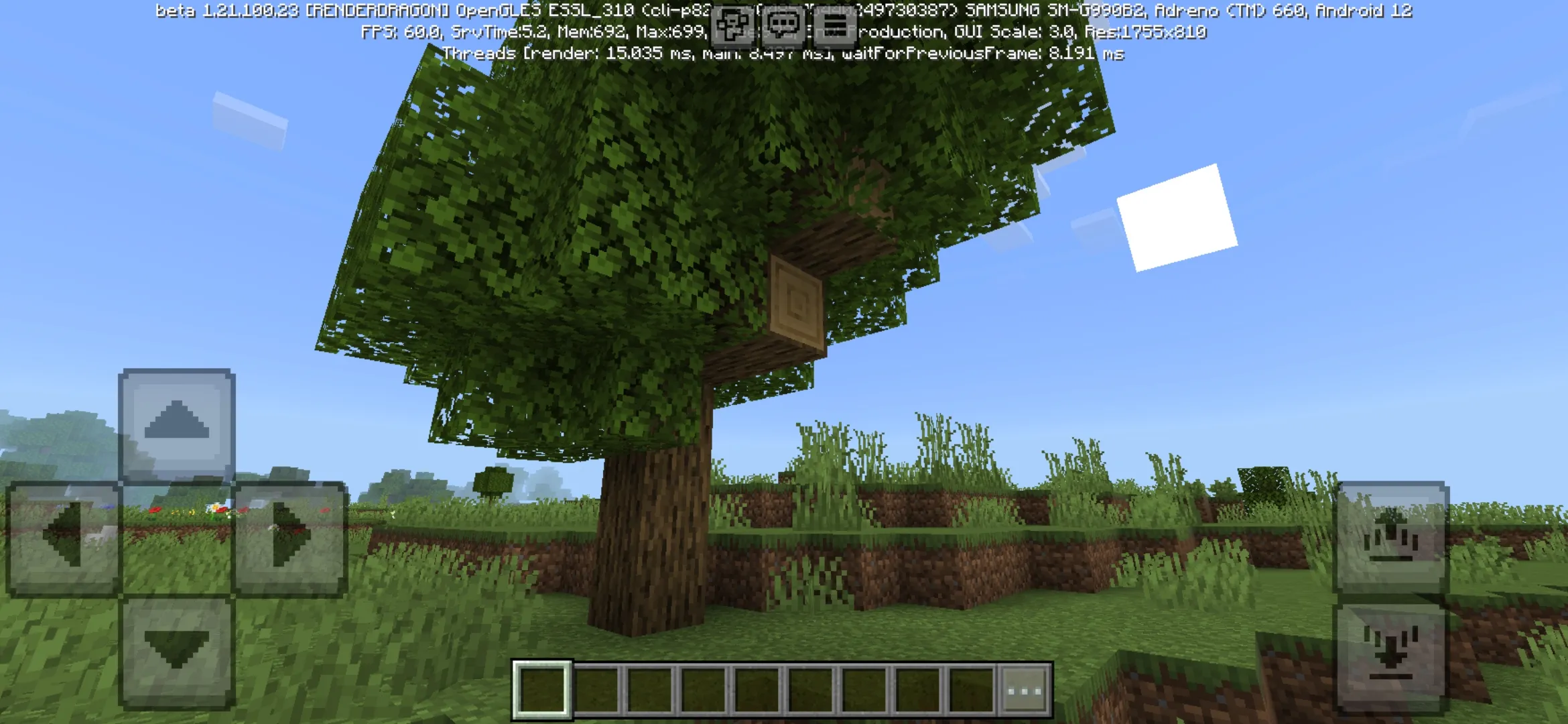
Lunac Shader for Minecraft PE 1.26 and 1.21 is created for players who want the cubic world to look more atmospheric, bright, and realistic. This shader changes the visual style of Minecraft Bedrock Edition by improving lighting, sky details, shadows, reflections, and the overall feeling of nature during everyday gameplay.
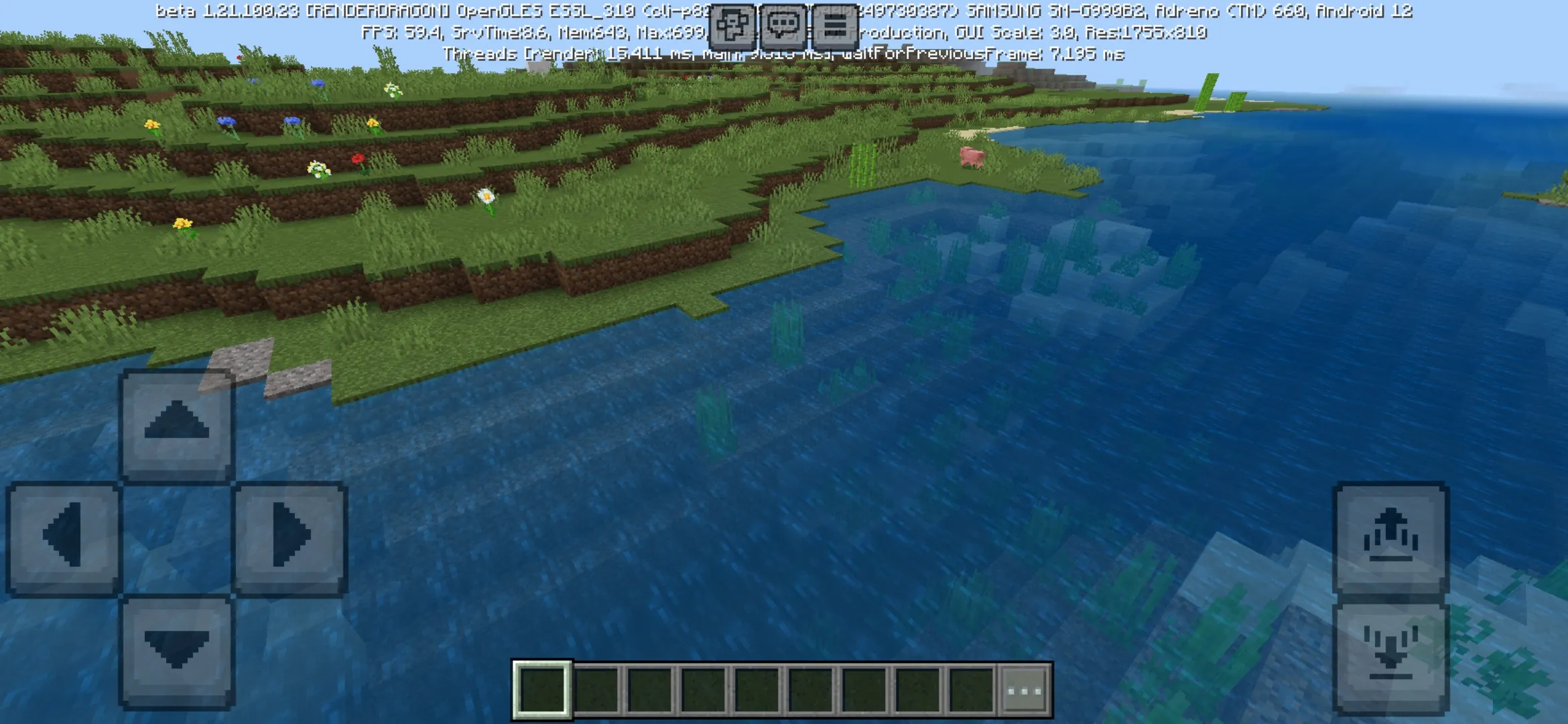
The main feature of this update is the use of deferred rendering technology and additional visual effects. Thanks to these changes, the world can look deeper and more dynamic without losing the familiar Minecraft PE style. Players can explore forests, fields, rivers, mountains, and buildings with a more cinematic atmosphere on Android.
Lunac Shader for Minecraft PE helps players make Bedrock Edition more beautiful with realistic lighting, improved sky visuals, and customizable shadow settings. This makes the shader useful for survival worlds, creative builds, screenshots, videos, and calm exploration.
The Beauty of the World
Standard Minecraft Bedrock graphics are simple and recognizable, but many players want more depth and atmosphere. Lunac Shader improves this part of the game by adding lighting changes that make the world feel more alive. Sunlight, shadows, and sky details become more noticeable during exploration.
The shader also improves the celestial space. In the original game, clouds and sky elements can look too static, especially when compared with updated foliage animation, grass movement, and water highlights. Lunac Shader makes the sky feel more expressive and helps the whole world look less flat.
Dynamic sky is one of the strongest visual parts of the shader. It makes landscapes, open fields, mountains, and water areas look more impressive during different moments of gameplay.
Lighting and Shadow Options
Lighting plays an important role in Minecraft PE because it affects how players see caves, buildings, forests, villages, and outdoor locations. With Lunac Shader, the game becomes more dynamic because light and shadows feel more connected to the environment.
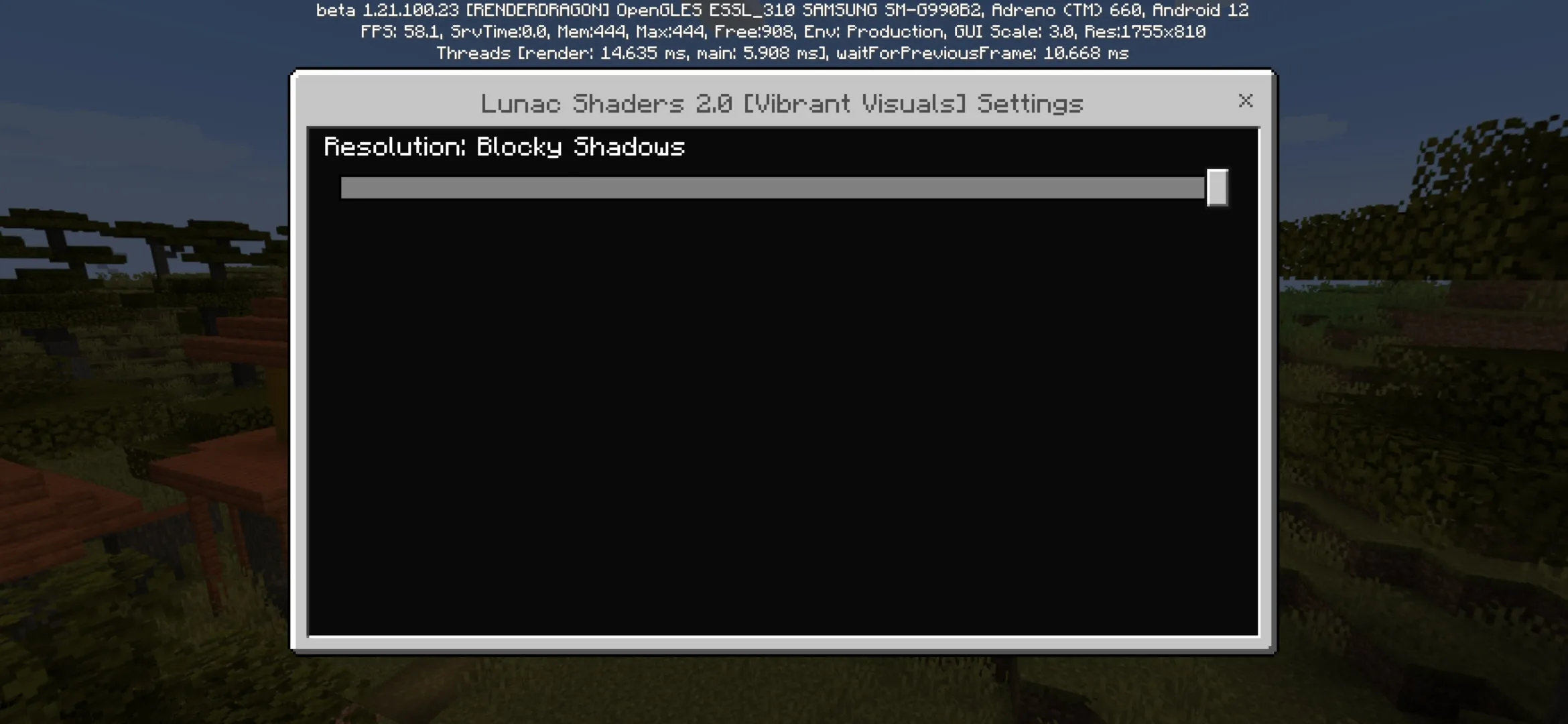
During installation, players can open the settings and choose one of two shadow options. This gives users more control over the final look of the shader. One option may be more comfortable for smoother gameplay, while another can make the visual picture more detailed and atmospheric.
| Shader feature | What it improves |
| Deferred rendering | Makes lighting and visual effects feel deeper and more modern. |
| Dynamic lighting | Improves the atmosphere of caves, houses, forests, and open landscapes. |
| Sky effects | Makes the sky and clouds feel more expressive during gameplay. |
| Shadow settings | Allows players to choose between two shadow options during setup. |
Result
The result of installing Lunac Shader for Minecraft PE 1.26 and 1.21 is a more beautiful and lively world. Ordinary locations can feel more impressive because lighting, shadows, and sky effects change how players see the environment. This is especially noticeable during travel, building, survival, and exploration.
Players can use this shader to improve screenshots, videos, roleplay scenes, houses, nature builds, and adventure maps. The shader does not add new mobs or items, but it makes existing locations look more polished and memorable.
After installing Lunac Shader, players can open the settings, choose one of two shadow options, and adjust the visual feeling of Minecraft PE.
Best Uses for Lunac Shader
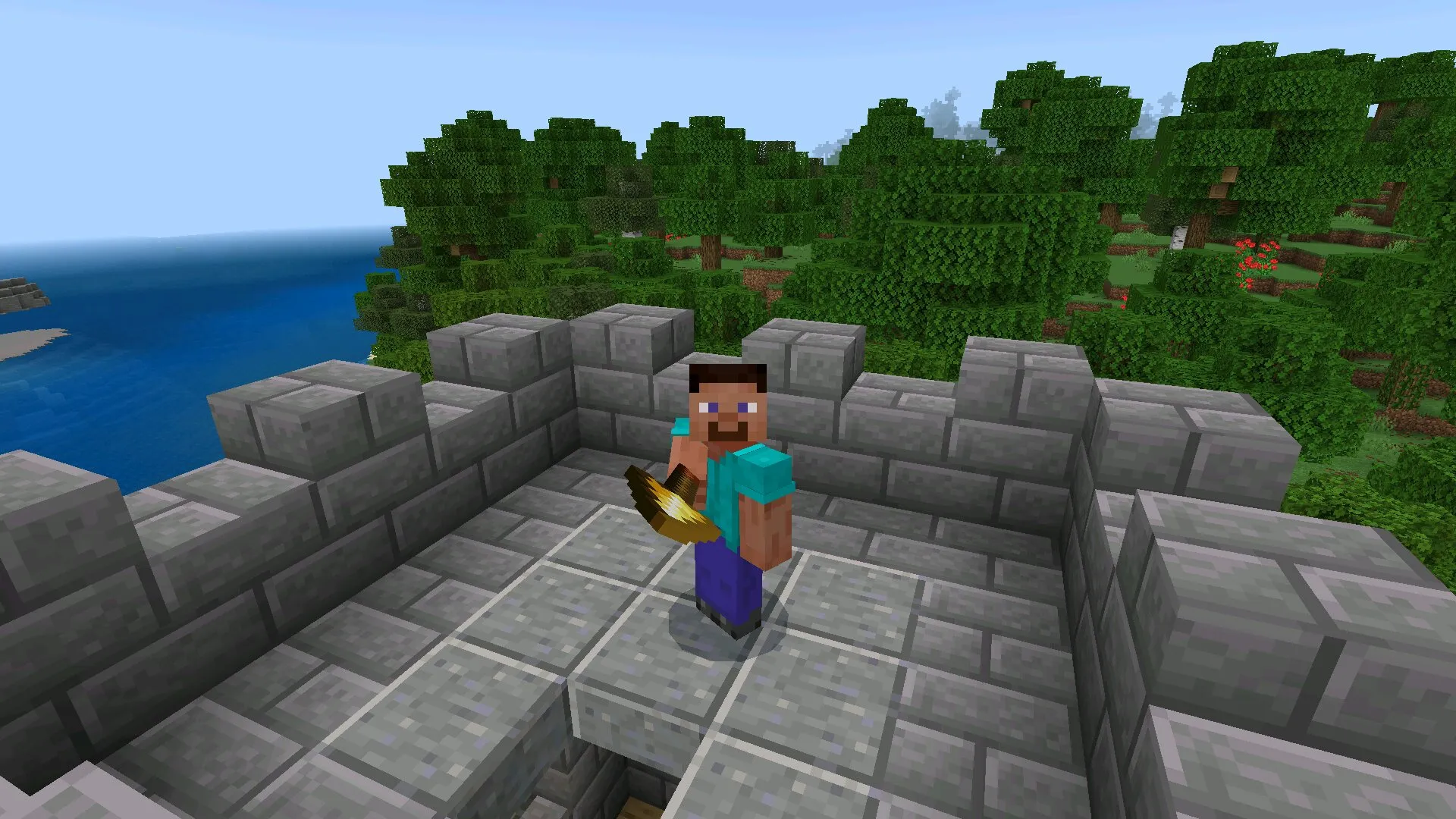
Lunac Shader is a good choice for players who enjoy beautiful landscapes. Forests, rivers, mountains, beaches, villages, and open plains can look much more atmospheric with better lighting and sky details. This makes exploration feel calmer and more impressive.
The shader is also useful for builders. Houses, castles, gardens, modern cities, fantasy locations, and survival bases can look better when shadows and light are more expressive. Players who create screenshots or videos can use Lunac Shader to make scenes look more cinematic.
More Shaders
Players who want more visual upgrades can also visit Shaders for Minecraft Bedrock and find other packs with realistic lighting, reflections, water effects, clouds, shadows, sunsets, and atmospheric graphics for Minecraft PE.
Lunac Shader for Minecraft PE 1.26 and 1.21 is a strong choice for Android users who want better graphics without completely changing the game. It improves the sky, lighting, shadows, and visual atmosphere, making the cubic world feel brighter, deeper, and more exciting during every adventure.
FAQ
Lunac Shader has several useful details that players should know before installing it. These answers explain what the shader changes and why it can improve Minecraft PE gameplay.
What is Lunac Shader for Minecraft PE?
Lunac Shader for Minecraft PE is a visual shader pack that improves lighting, sky effects, shadows, deferred rendering, and the overall atmosphere of Minecraft Bedrock Edition.
Does Lunac Shader add new mobs or items?
No, the shader focuses on graphics. It does not add new mobs, weapons, blocks, or survival mechanics to Minecraft PE.
What does deferred rendering improve?
Deferred rendering helps make lighting and visual effects look more modern, deep, and dynamic during gameplay.
Can players change shadow settings?
Yes, during installation or setup, players can choose between two shadow options and decide which visual style feels better for their device and world.
Why should players download Lunac Shader for Minecraft PE 1.26 and 1.21?
Players should download Lunac Shader for Minecraft PE 1.26 and 1.21 if they want dynamic lighting, improved sky visuals, shadow settings, deferred rendering, and more realistic Bedrock graphics on Android.