
Download No Blocks Map for Minecraft PE 1.26 and 1.21 Free on Android: create your own world from an empty void with commands, imagination, custom builds, and complete creative freedom in Bedrock Edition.
No Blocks Map for Minecraft Bedrock Edition
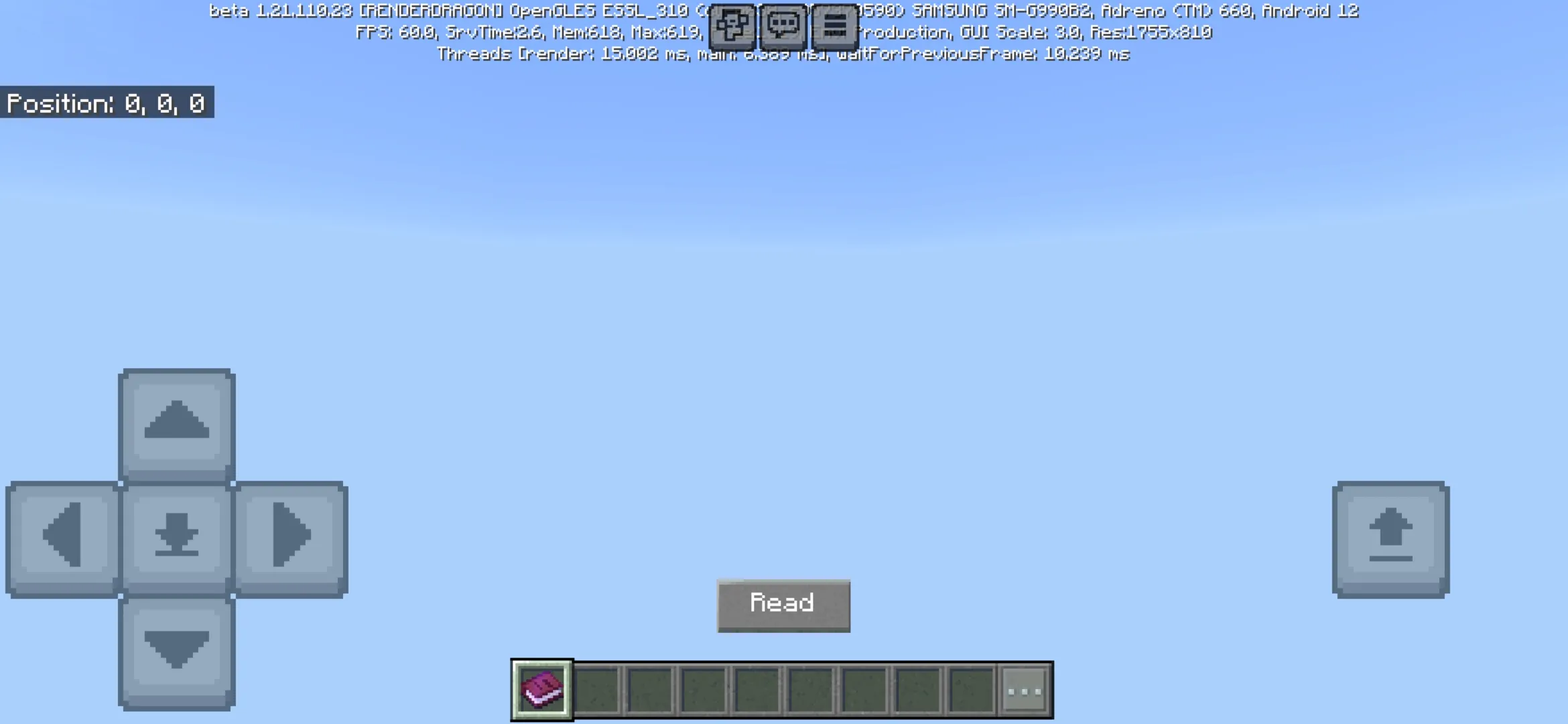
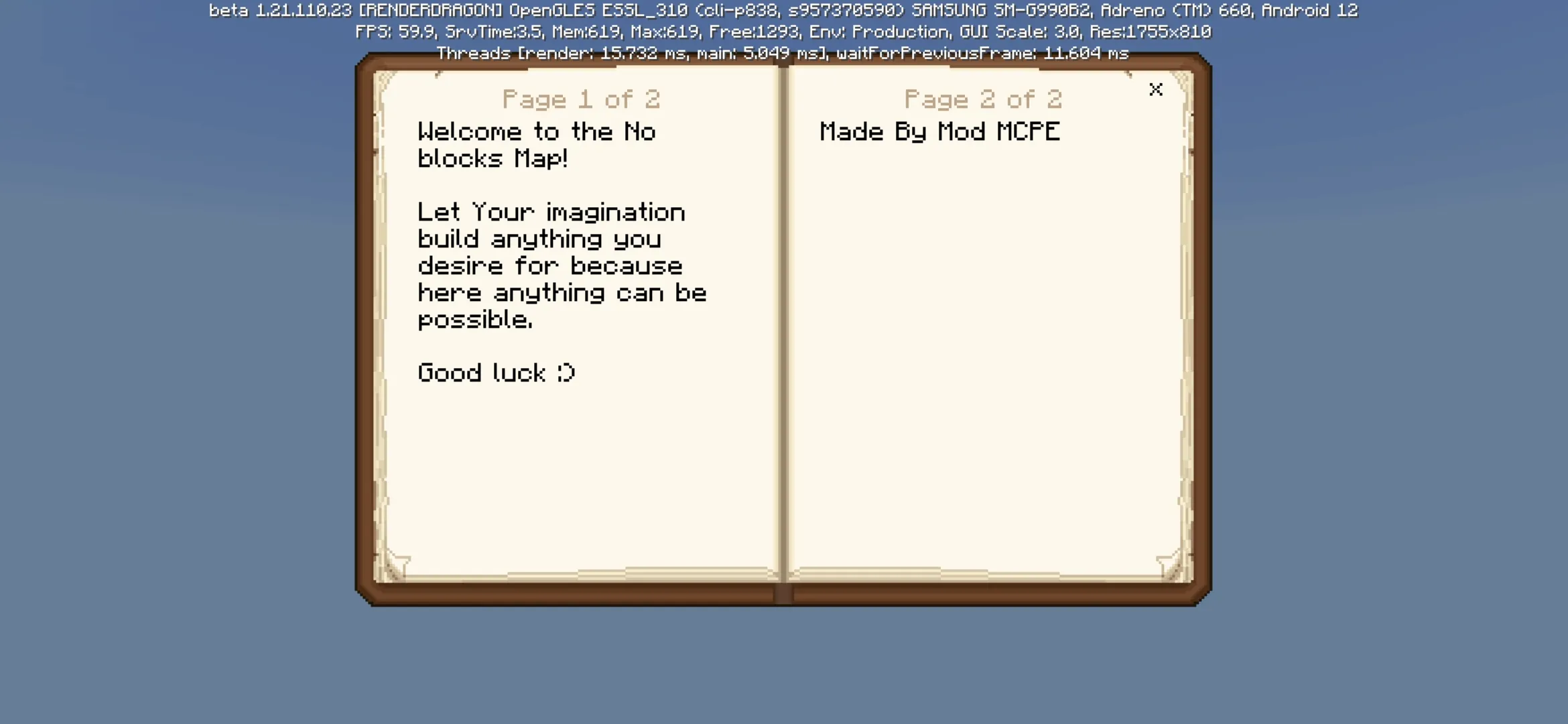
No Blocks Map for Minecraft PE 1.26 and 1.21 is created for players who want to start from absolutely nothing and build their own world from the beginning. This map places the player in a complete void without normal terrain, villages, mobs, forests, mountains, or ready-made structures.
At first, such a world may look empty and unusual, but this is exactly the main idea of the map. Players receive a clean space where they can decide what should appear first, how the world should look, and what kind of adventure should begin there.
Download No Blocks Map for Minecraft PE 1.26 and 1.21 if you want a blank Bedrock world where every block, structure, and location can be created by the player. This makes the map useful for builders, creative players, and users who want complete control.
Empty World for Custom Building
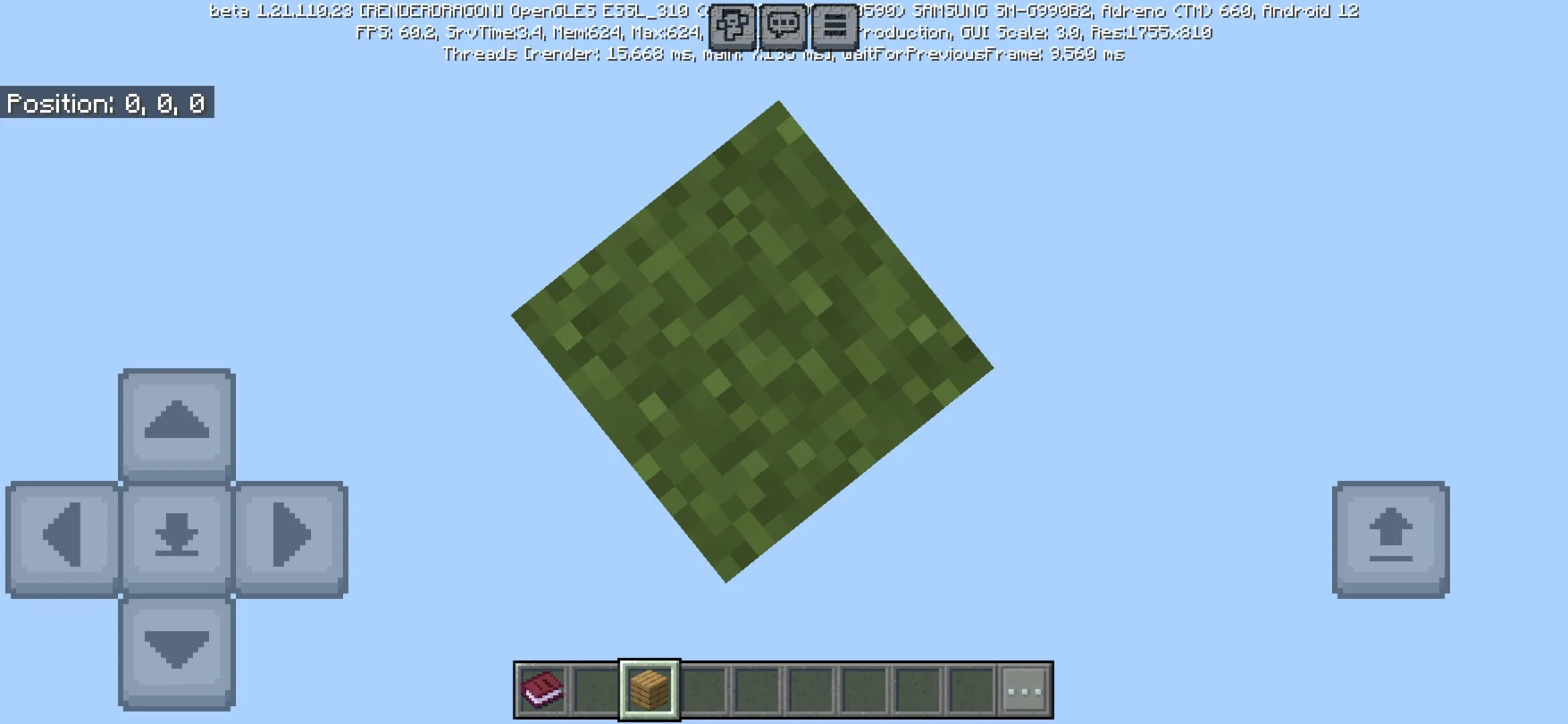
The main feature of No Blocks Map is the complete absence of ordinary terrain. Minecraft PE players appear in an empty space where nothing prevents them from starting a new project. There are no villagers, no dangerous mobs, and no natural objects that can interfere with the idea.
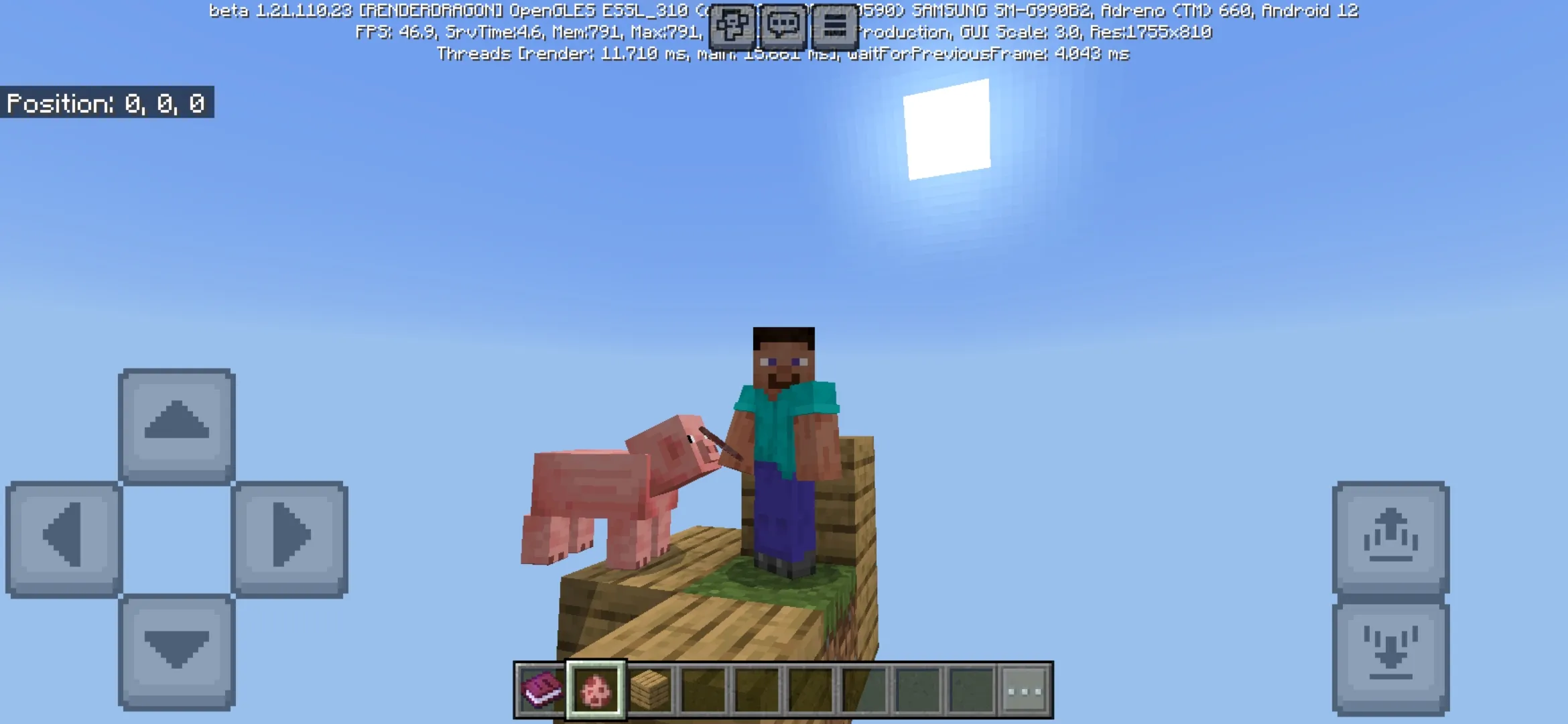
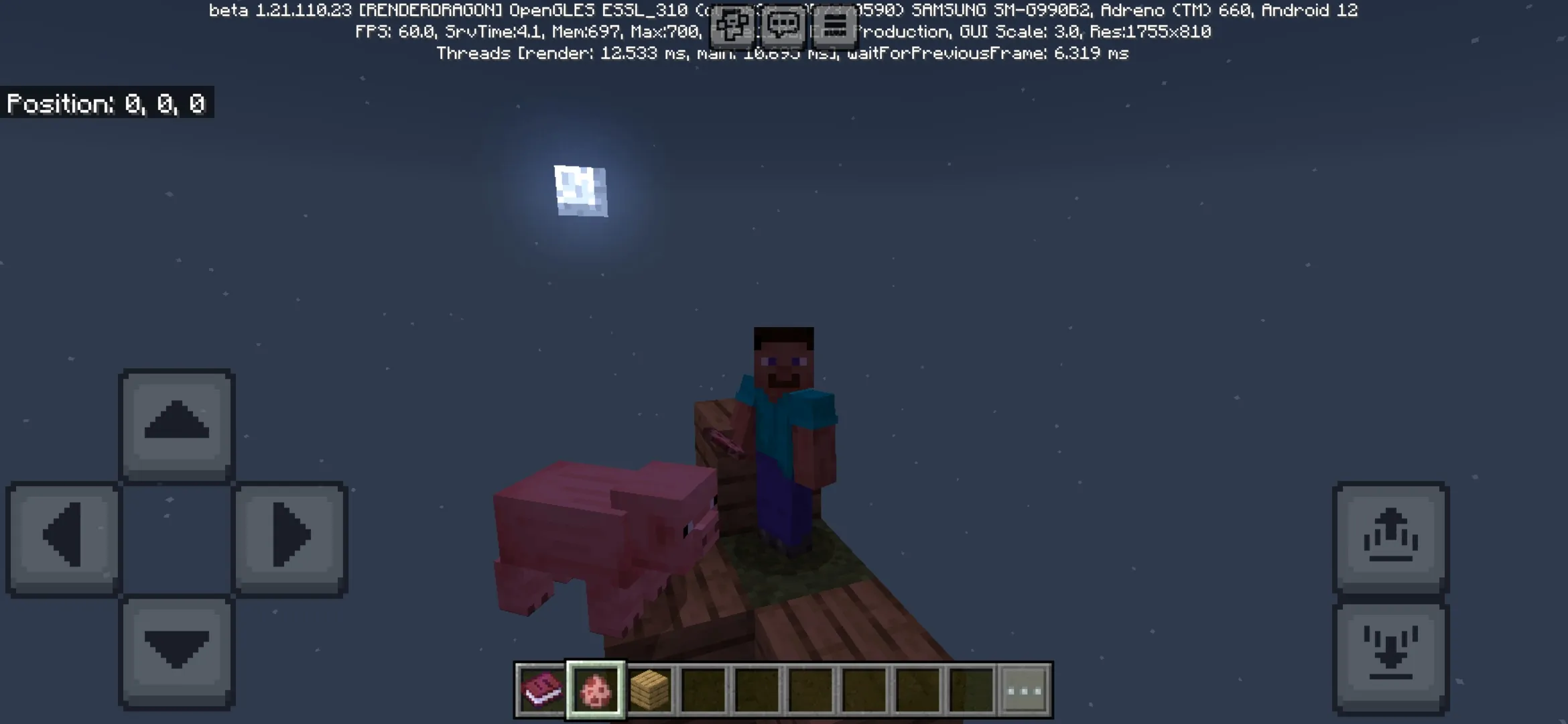
This makes the map especially useful for creative building. Players can design a city, floating base, fantasy structure, arena, testing platform, custom island, or an entire world from scratch. The map does not force a specific route, so users can choose their own direction.
Empty void gives the player full freedom because the world begins only when the first block is placed.
No Blocks
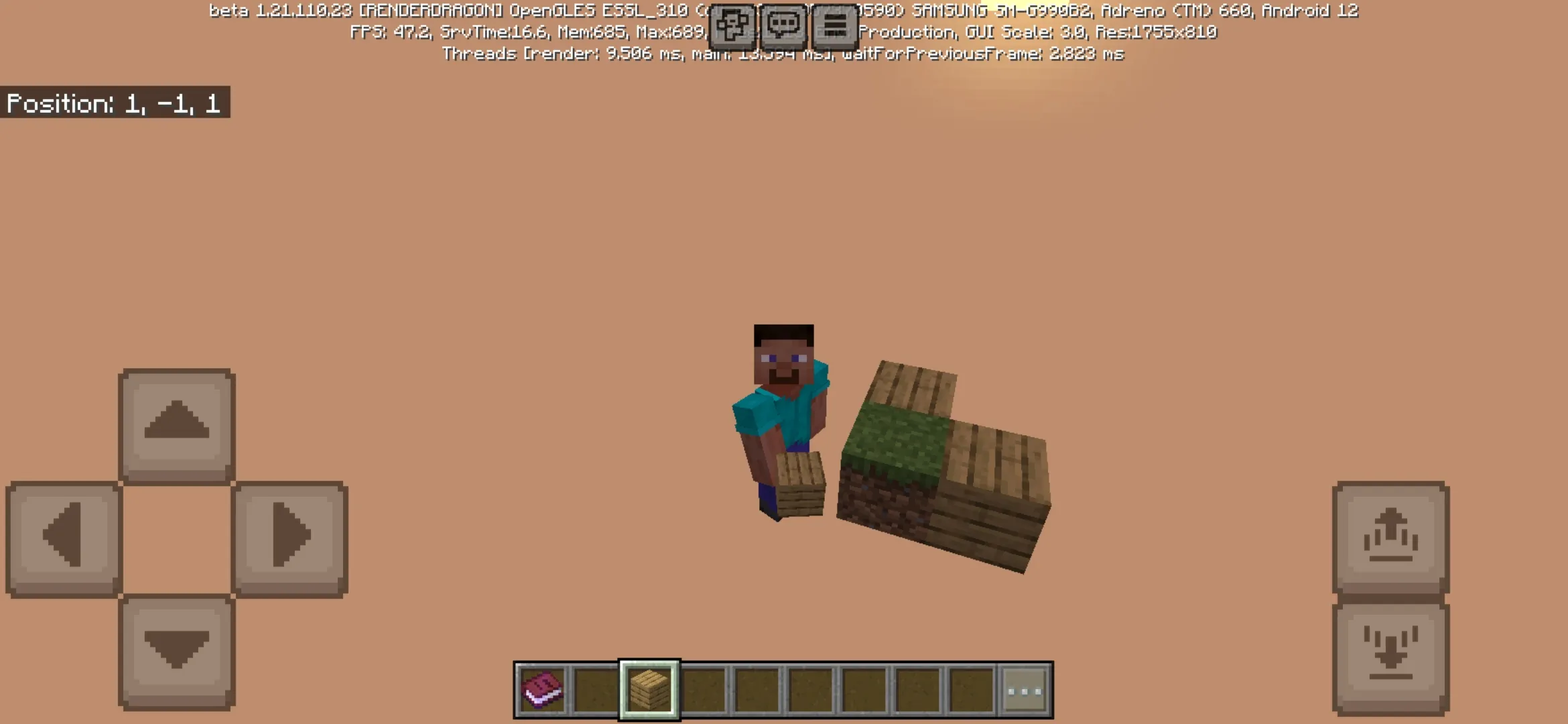
No Blocks Map for Minecraft PE 1.26 and 1.21 works exactly as its name suggests. The player starts in a completely empty space and needs to create the beginning manually. To add the first block, users can enter the /fill command in the chat.
After the first area appears, players can continue adding blocks, expanding the platform, and turning the void into a custom location. There are no strict limits on what can be created, so the map is suitable for both small ideas and very large projects.
| Map feature | What it gives players |
| Complete void | A blank space without terrain, villages, mobs, or ready structures. |
| /fill command | Allows players to add the first blocks and begin building. |
| Creative freedom | Lets users create cities, arenas, bases, platforms, and fantasy locations. |
| No distractions | Removes mobs and villagers so players can focus on their own project. |
Options and Features
Starting from scratch may seem difficult at first, but it can also become one of the most interesting creative experiences in Minecraft PE. The player does not need to clear land, remove mountains, flatten terrain, or destroy unnecessary structures before building.
This makes No Blocks Map useful for projects where clean space is important. Builders can create symmetrical worlds, floating cities, sky bases, technical platforms, testing areas, or unusual fantasy structures without fighting against natural terrain.
Players can use the empty space as a clean foundation for custom worlds, creative projects, multiplayer builds, city layouts, and experimental structures.
How the Map Changes Gameplay
No Blocks Map changes Minecraft PE by removing the normal world and leaving only the player’s idea. Instead of exploring existing biomes, users create everything themselves. This makes the map more focused on imagination, planning, and construction.
The map can also be useful for multiplayer. Friends can join the same empty world and build together from the first block. One player can create the main platform, another can design buildings, and others can add roads, decorations, arenas, or special zones.
Best Uses for No Blocks Map
This map is a good choice for players who want a blank canvas. It can be used for city construction, fantasy builds, skyblock-style ideas, creative testing, redstone experiments, multiplayer projects, and custom adventure creation.
No Blocks Map is also suitable for users who do not want limits. Since the world begins empty, every object appears only because the player decides to place it there. This gives the map a special creative feeling and makes every project more personal.
More Survival Maps
Players who want more unusual worlds can also visit Survival Maps for Minecraft Bedrock Edition and find maps with custom locations, sky challenges, limited resources, dangerous areas, and creative survival adventures.
No Blocks Map for Minecraft PE 1.26 and 1.21 is a strong choice for Android users who want to create a world from nothing. It gives players an empty void, command-based starting options, freedom from mobs and villagers, and enough space for cities, structures, arenas, and fantasy builds. For creative projects and custom adventures, this map turns Minecraft PE into a completely open building platform.
FAQ
No Blocks Map has several important details that players should know before installing it. These answers explain what the map adds and how users can start building in Minecraft PE.
What is No Blocks Map for Minecraft PE?
No Blocks Map for Minecraft PE is a custom Bedrock map where players start in a complete void and create their own world from the beginning.
How can players add the first block?
Players can use the /fill command in the chat to add the first blocks and begin creating a custom space.
Are there mobs or villagers on the map?
No, the map starts without dangerous mobs or villagers, so players can focus on building and creating their own world.
What can players build on No Blocks Map?
Players can build cities, floating bases, arenas, fantasy structures, testing platforms, sky locations, and any other custom projects.
Is No Blocks Map good for multiplayer?
Yes, the map can be useful for multiplayer because friends can join the same empty world and create a shared project together.
Why should players download No Blocks Map for Minecraft PE 1.26 and 1.21?
Players should download No Blocks Map for Minecraft PE 1.26 and 1.21 if they want an empty void, full creative freedom, command-based building, and a clean space for custom Bedrock projects on Android.