Download Minecraft PE 1.26 (26.x) APK for Android
Minecraft Bedrock 1.26

Why Minecraft 1.26 Matters
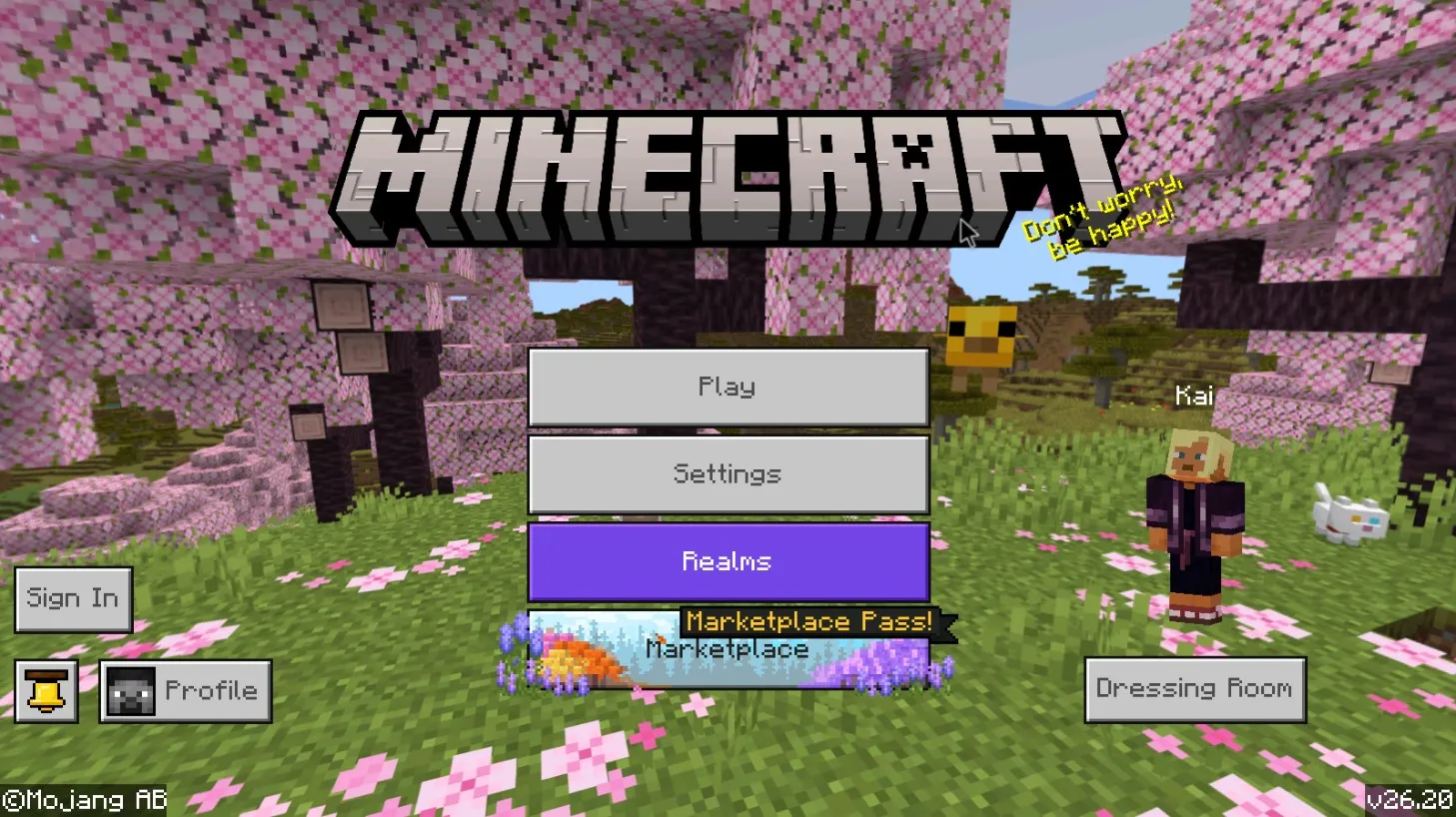
Minecraft 1.26 is the first Bedrock branch released under Mojang’s new year-based numbering system.
Every build inside this branch has two valid names — the legacy 1.26.x format and the new 26.x format. They refer to the same APK file, byte-for-byte identical.
1.26.13 and 26.13 are the same build. The only difference is which format the changelog or download page uses to label it.
The 1.26 branch launched in February 2026 with build 26.0 and replaces the 1.21 Tricky Trials cycle as the active update line. Mojang ships new patches every few weeks, with Beta builds appearing between Release versions.
The branch is split into two named content drops.
Tiny Takeover covers the early 26.0–26.13 range. Chaos Cubed starts from the 26.20 Preview line and continues through current Beta builds.
Both drops add new mechanics, mobs, and blocks rather than just bug fixes.
Tiny Takeover — Baby Mobs, Name Tags, Golden Dandelion
Tiny Takeover is the first themed drop inside the 1.26 branch.
It rolled out across Release builds 26.0 through 26.13 and reworks how baby mobs look, behave, and interact with the player.
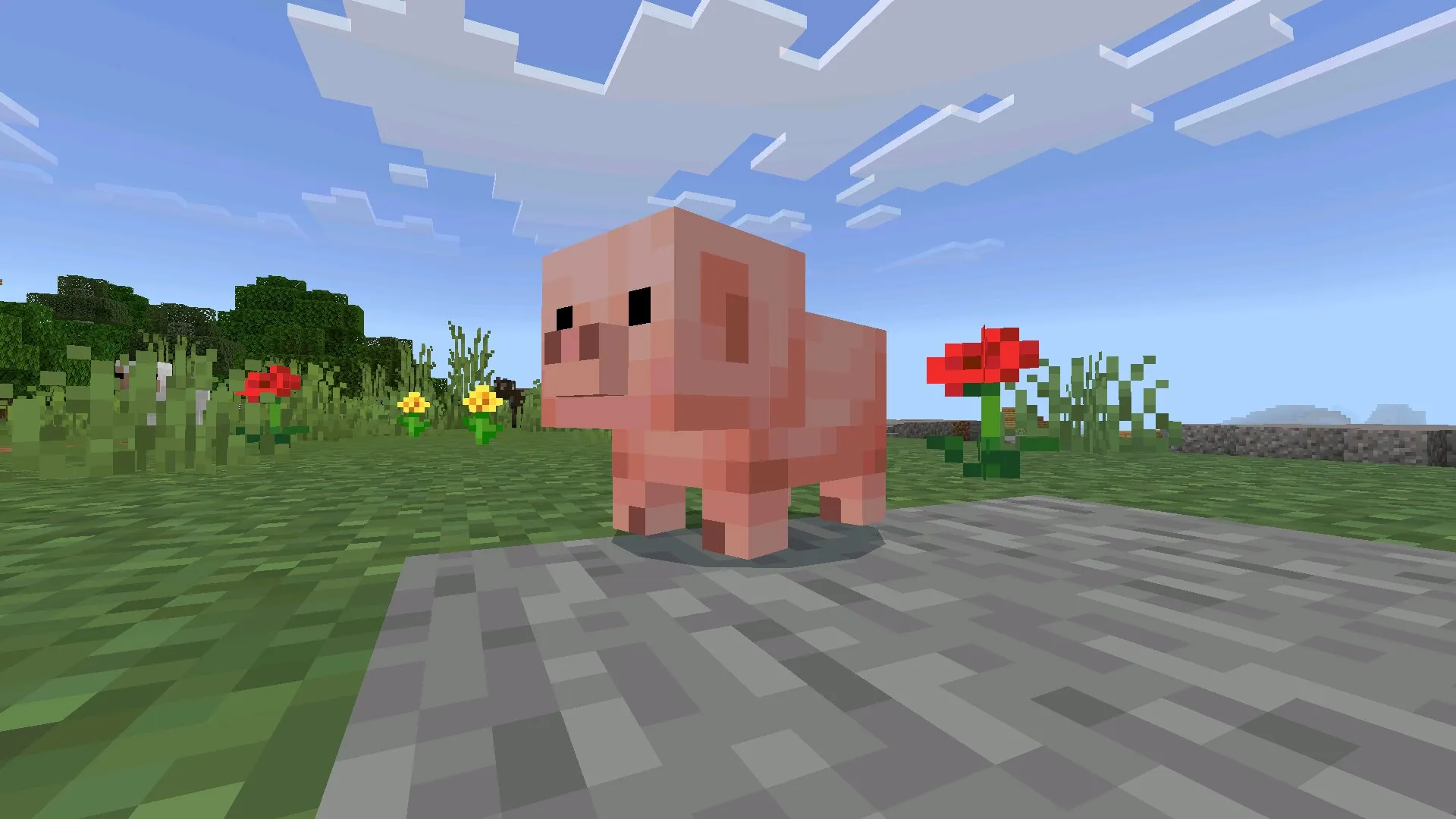
Baby variants of pigs, cows, sheep, and other passive mobs got fully redesigned models and textures. The new visuals make it easier to spot baby mobs from a distance, especially on mobile screens where the smaller silhouettes used to blur into the background.
For the first time in Bedrock, Name Tags have a crafting recipe. Combine paper, ink sac, and string in the Crafting Table — no more digging through dungeon chests or trading with librarians for every name tag.
The drop also adds the Golden Dandelion. Pair it with a Name Tag to permanently name your favorite baby mobs and protect them from despawning.
It is a small change, but it changes how survival farms get built. Players can now mark breeding stock without a Marketplace pack or addon.
If you want the original Tiny Takeover content without later changes, pick build 26.0 or 26.1. For the most polished version with all bug fixes layered in, pick the latest Release of the 26.10 patch chain.
Chaos Cubed — Sulfur Caves, Cinnabar, Sulfur Cube
Chaos Cubed is the second themed drop inside the 1.26 branch.
It started rolling out through the 26.20 Preview line and continues in the 26.30 Beta builds. Most of the content is still experimental — final mechanics may change before the stable Release.
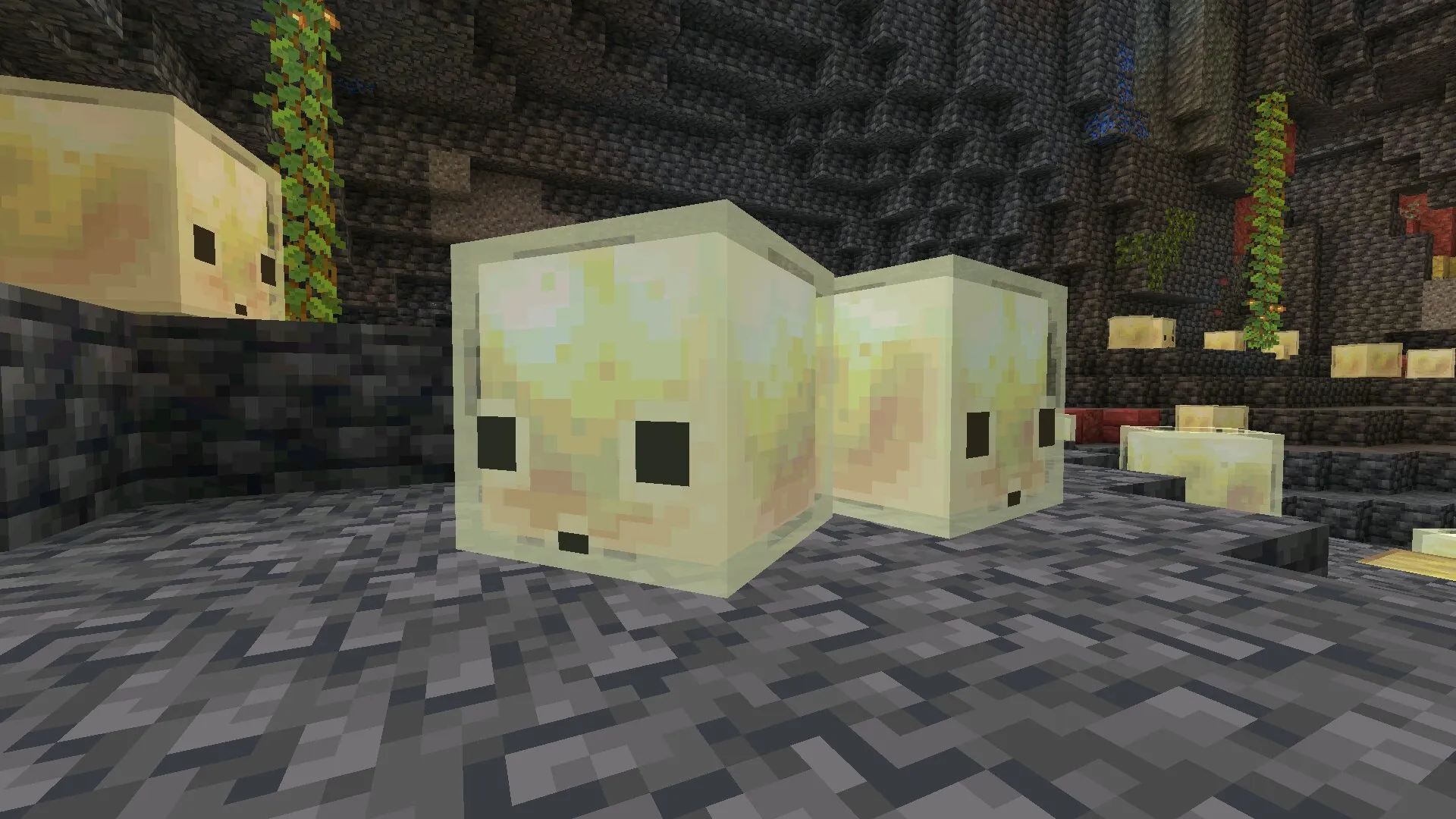
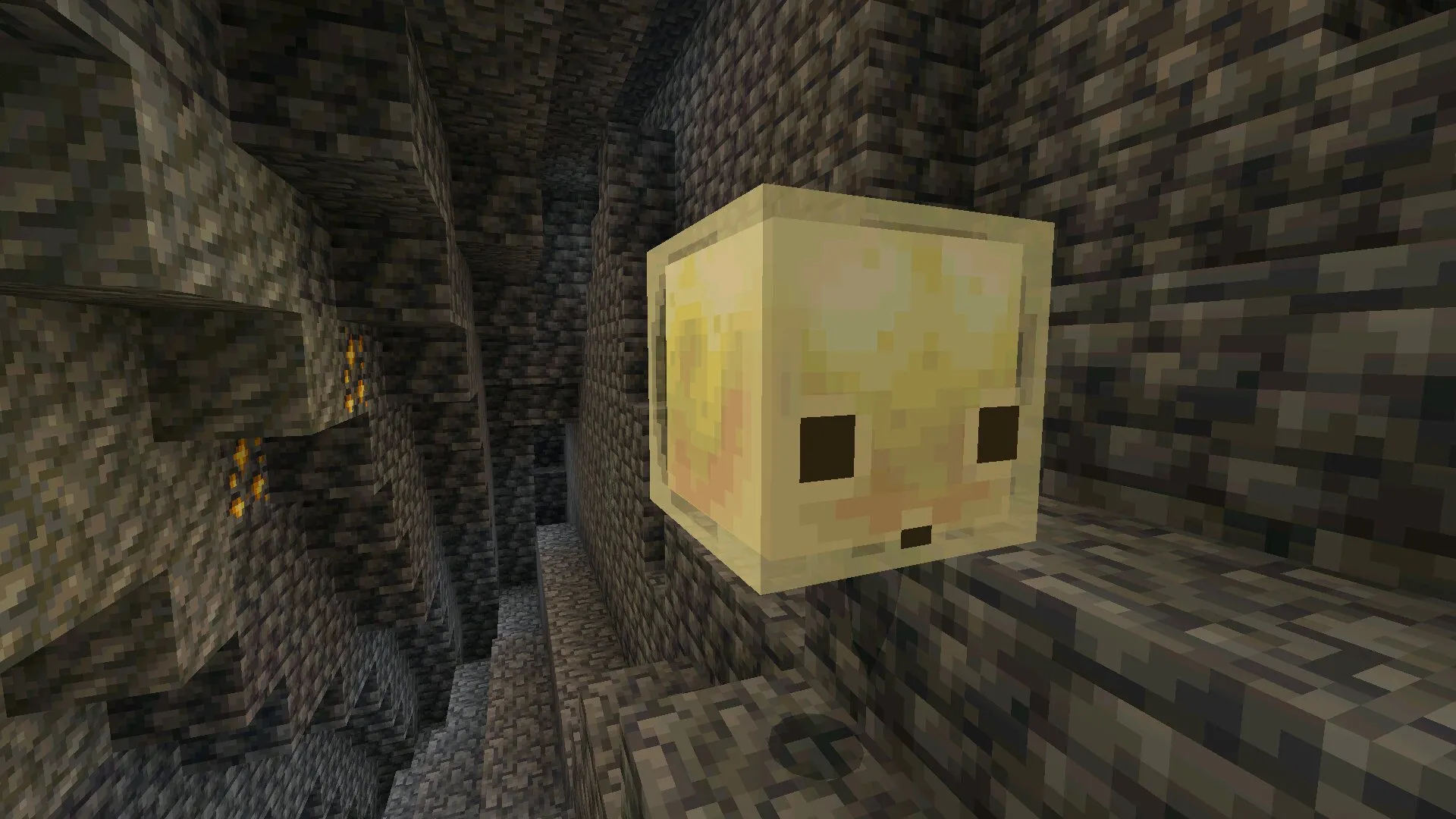
The headline addition is the Sulfur Cave biome.
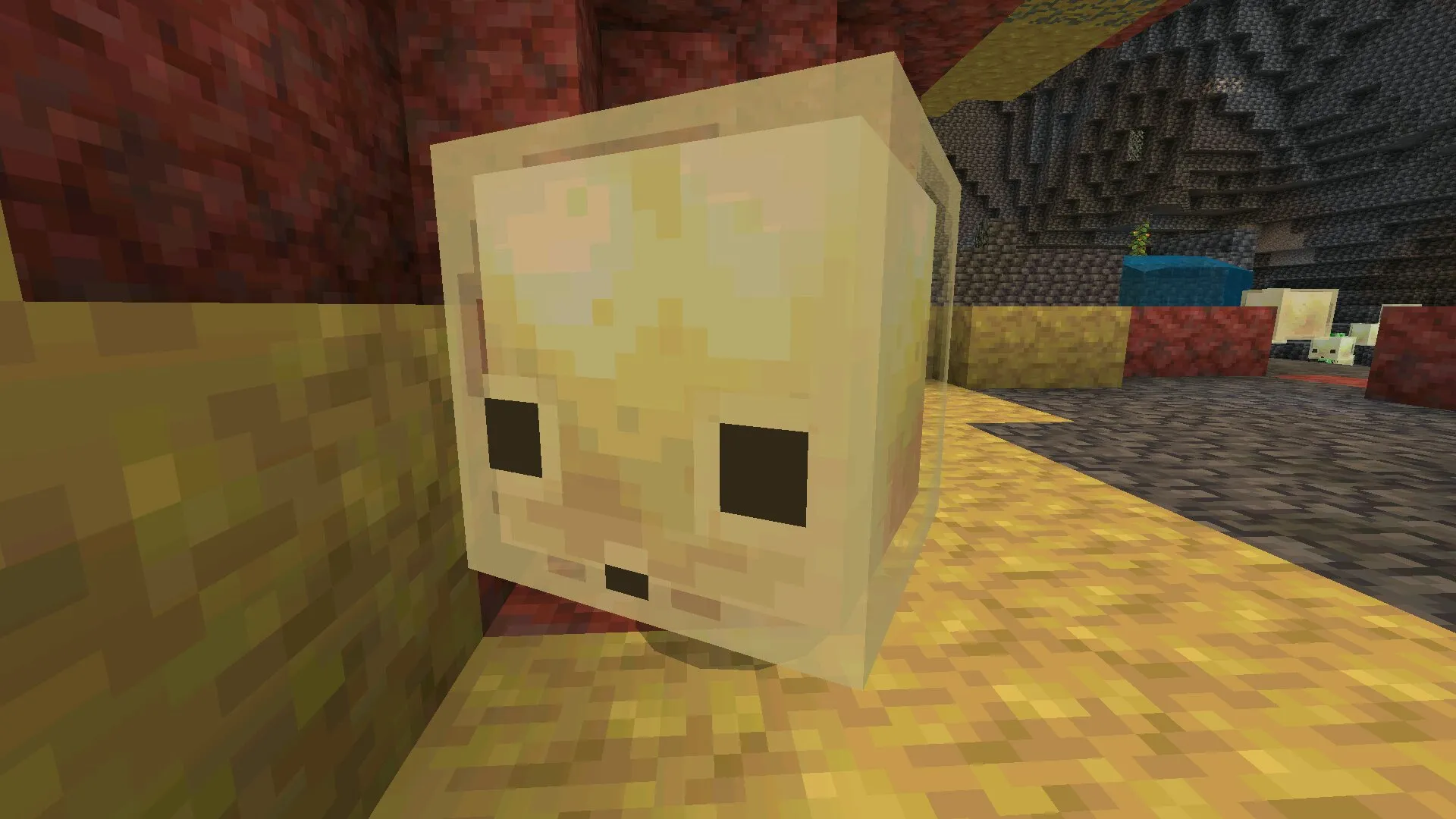
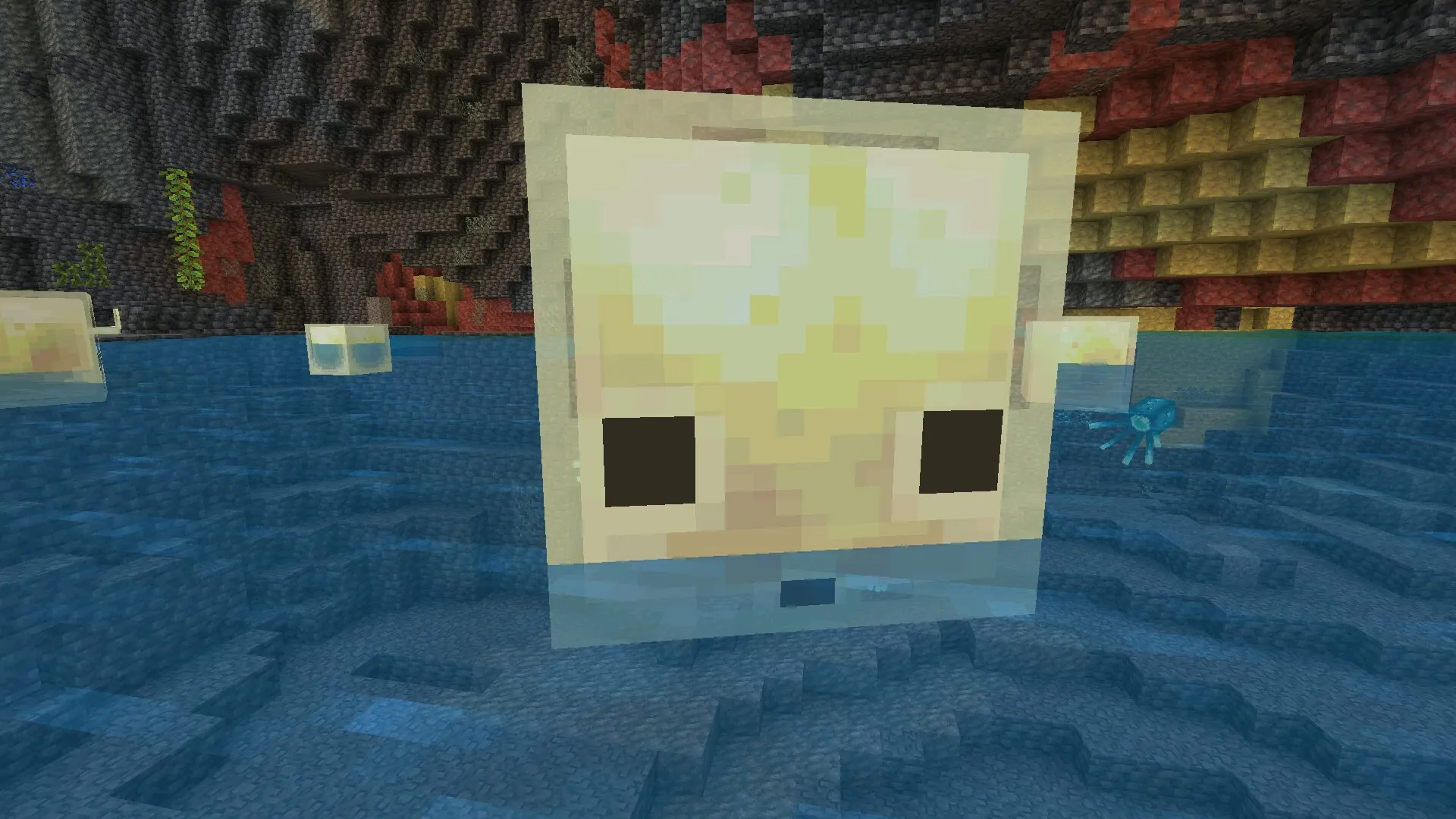
Sulfur Caves generate underground in specific world regions and look completely different from regular caves. Yellow sulfur deposits cover the walls, red Cinnabar veins run through the stone, and the lighting tone shifts to warmer reds and oranges.
Mining inside Sulfur Caves yields two new resources.
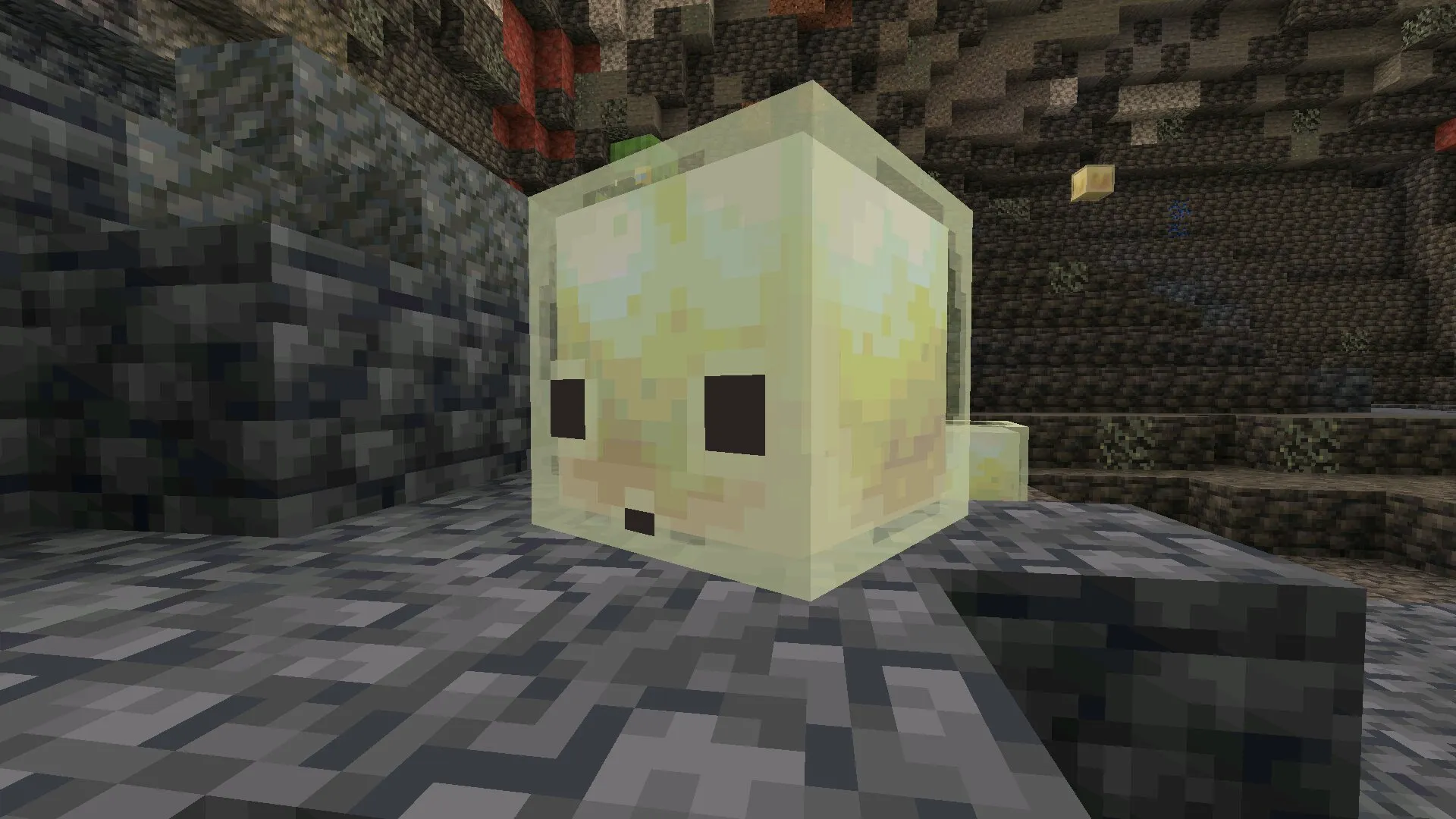
Sulfur Cubes are used in new crafting recipes added by the drop. Cinnabar works as a trade resource and as input for redstone-adjacent mechanics.
Both resources only spawn in the new biome, so finding a Sulfur Cave becomes a meaningful exploration goal.
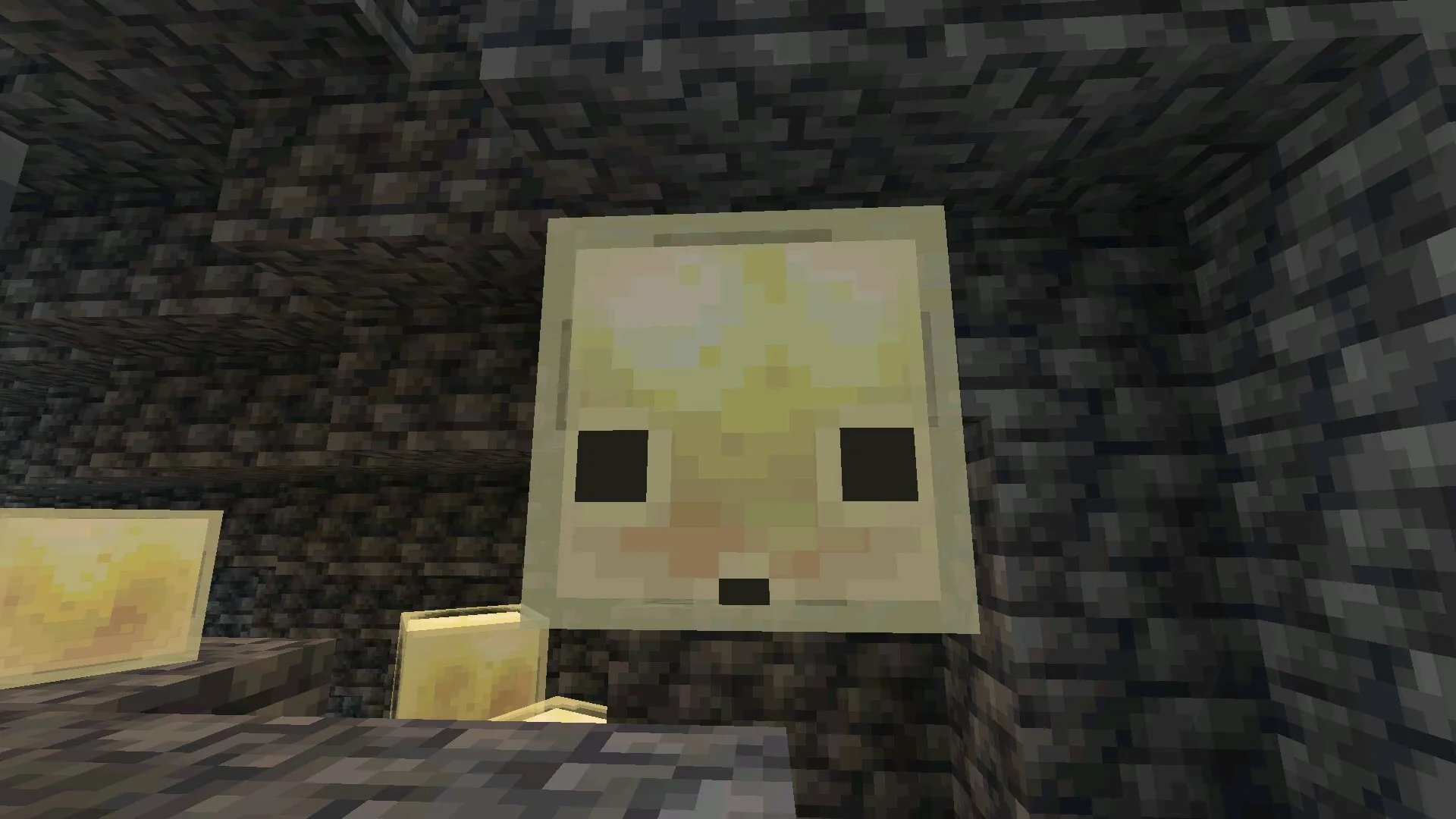
The drop also introduces the Sulfur Cube mob — an adaptive entity that responds to player movement and lighting conditions inside the cave.
Behavior is still being tuned across Preview builds, so expect changes between 26.20.21 and the final stable Release.
To explore Chaos Cubed content, you need a Beta or Preview build (26.20+) and the relevant experimental toggle enabled in world settings. Stable Release builds (26.13 and earlier) do not include Sulfur Caves yet — they will arrive in a later Release once Mojang finalizes the mechanics.
Build Types Inside the 1.26 Branch
The 1.26 branch contains three parallel build streams.
Each stream serves a different purpose. Picking the wrong one is the most common reason 26.x APKs fail to do what the player expected.
| Build Type | What It’s For |
|---|---|
| Release (26.0, 26.10, 26.12, 26.13) |
Stable public builds. Connect to Realms and Featured Servers. Default choice for everyday play and long-term worlds. |
| Hotfix (26.13) |
Small urgent update layered on top of a Release to fix critical crashes or UI bugs. Same compatibility as the Release it patches. |
| Beta (26.10.x, 26.20.x, 26.30.x) |
Early access to upcoming features. Distributed through Google Play opt-in on Android. Includes Chaos Cubed experimental content. |
The fourth-segment number tells you which stream a build belongs to.
Files like 26.30.21 or 1.26.20.28 with three dots and a final number in the .20–.29 range are Beta or Preview builds. Files like 26.13 or 1.26.13 with two dots are Release or Hotfix.
Beta and Preview builds cannot connect to Realms.
If you play on Realms or rely on Featured Servers, install the latest stable Release of the 1.26 branch (currently 26.13) — never a Beta APK.
System Requirements for Minecraft 1.26
Minecraft 1.26 is the heaviest Bedrock branch released so far.
New rendering features, larger biomes, and Chaos Cubed assets push the engine harder than 1.21 or 1.20. The minimum bar is also higher.
| Requirement | Minimum / Recommended |
|---|---|
| Android version | Android 9 minimum, Android 11+ recommended |
| RAM | 4 GB minimum, 6 GB recommended |
| Processor | 64-bit ARM (arm64-v8a) |
| Free storage | 1.5 GB to install, 2 GB recommended |
32-bit ARMv7 devices and Android 8 or older cannot run 1.26 reliably. If your phone falls below the minimum, install a lighter Bedrock branch instead — see the Minecraft APK download hub for older versions.
Add-on Compatibility on 1.26
Add-ons are version-locked to the engine they were built against.
An add-on made for 1.21 will often break on 1.26. Internal APIs, entity formats, and scripting hooks changed between branches.
This is the main reason to think twice before jumping to 1.26. Your existing add-on library may stop working until each creator releases a 1.26-compatible update.
Patches inside 1.26 itself usually preserve compatibility with each other. Once an add-on supports 26.x, it generally keeps working across the patches inside that branch.
The risky moves are between branches — 1.21 to 1.26.
Before installing 1.26, check each add-on you depend on for 26.x support. If they only list 1.21.x, either wait for an update or install 26.x in parallel and keep your main 1.21 setup untouched. Browse the mods and add-ons category for packs already updated to 1.26.
Some Chaos Cubed content also requires Experimental Gameplay enabled in world settings.
If you install an add-on built for 26.20+ and the new content does not appear, open world settings and turn on the experimental toggles the add-on lists.
Common Issues on Minecraft 1.26
Most 1.26 problems are specific to the new branch. They did not exist on 1.21 or earlier.
Sulfur Caves do not generate.
Chaos Cubed content only ships in Beta and Preview builds (26.20+). Stable Release builds (26.13 and earlier) do not include Sulfur Caves yet.
Install a Beta APK and enable the Chaos Cubed experimental toggle in world settings.
Vibrant Visuals option is missing or grayed out.
Vibrant Visuals is the new graphics mode introduced in 1.26. It needs a recent GPU.
Phones with lower graphics capability fall back to standard rendering automatically, and the option does not appear in settings. The rest of 1.26 still runs correctly.
Game runs noticeably slower than on 1.21.
The 1.26 branch is heavier on GPU and RAM. On 4 GB devices, lower Render Distance to 8 chunks, disable Fancy Graphics, and turn off Smooth Lighting.
If performance is still poor, the 1.21 branch will run smoother on the same hardware.
“App not installed” error when upgrading from 1.21.
Android blocks the install when an existing Minecraft has a different signature.
Uninstall the old build first (back up /sdcard/games/com.mojang/minecraftWorlds/ beforehand), then install the 1.26 APK.
Realms refuses to connect.
You are on a Beta or Preview build. Beta and Preview clients cannot connect to Realms by design.
Switch to the latest stable Release of 1.26 — currently 26.13.
Add-ons stopped working after upgrading.
The add-on was built for 1.21 and has not been updated for 1.26. Check the add-on’s page for a 26.x version, wait for an update, or downgrade to your previous Minecraft branch.
World conversion is one-way and permanent. Once a world loads in 1.26, the 1.21 engine cannot read it back. Always back up worlds before opening them in 1.26 for the first time.
FAQ — Minecraft 1.26 / 26.x
Is Minecraft 26 the same as Minecraft 1.26?
Yes. Both names describe the same Bedrock branch.
The file 26.13 and the file 1.26.13 are byte-for-byte identical. Mojang switched to year-based notation starting with this branch, and both formats are valid across changelogs, websites, and add-on creators.
Which 1.26 build should I download?
For everyday play, Realms, and stable add-ons, install the latest Release. As of April 2026, that is 26.13.
For early access to Chaos Cubed content (Sulfur Caves, Cinnabar, Sulfur Cube), install a Beta build from the 26.20 or 26.30 line. Beta cannot connect to Realms.
What is Tiny Takeover?
Tiny Takeover is the first themed content drop inside the 1.26 branch.
It rolled out across builds 26.0 through 26.13 and adds redesigned baby mob models, craftable Name Tags (paper + ink sac + string), and the Golden Dandelion for permanent baby mob naming.
What is Chaos Cubed?
Chaos Cubed is the second themed drop inside the 1.26 branch.
Started in Preview build 26.20 and continues through 26.30 Beta. Adds Sulfur Caves as a new underground biome, plus Sulfur Cubes, Cinnabar, and the Sulfur Cube mob.
Most content is still experimental and may change before the stable Release.
Will 1.21 add-ons work on 1.26?
Often no. Add-ons built for 1.21 frequently break on 1.26 because internal APIs and entity formats changed between branches.
Check each add-on’s page for 26.x compatibility before upgrading. If the add-on you need is not yet updated for 1.26, stay on the latest 1.21 patch until the creator releases a new build.
Why does Vibrant Visuals not appear in my settings?
Vibrant Visuals is the new graphics mode added in 1.26. It requires a recent GPU.
Older or low-end Android devices do not support it and the option is hidden. The game falls back to standard rendering automatically, which still runs the rest of 1.26 content correctly.
Can I downgrade from 1.26 back to 1.21?
You can install the 1.21 APK, but worlds opened in 1.26 cannot be opened in 1.21 afterward. World conversion is one-way and permanent.
Always back up /sdcard/games/com.mojang/minecraftWorlds/ before loading any world in 1.26 for the first time. To roll back, uninstall 1.26, install the 1.21 APK, and restore the world backup.
Why does Minecraft 1.26 run slower than 1.21 on my phone?
The 1.26 branch is heavier on GPU and RAM than 1.21. New rendering features, larger biomes, and Chaos Cubed assets push the engine harder.
On 4 GB devices, lower Render Distance, disable Fancy Graphics, and turn off Smooth Lighting. If performance is still poor, the 1.21 branch is the better fit for your hardware.