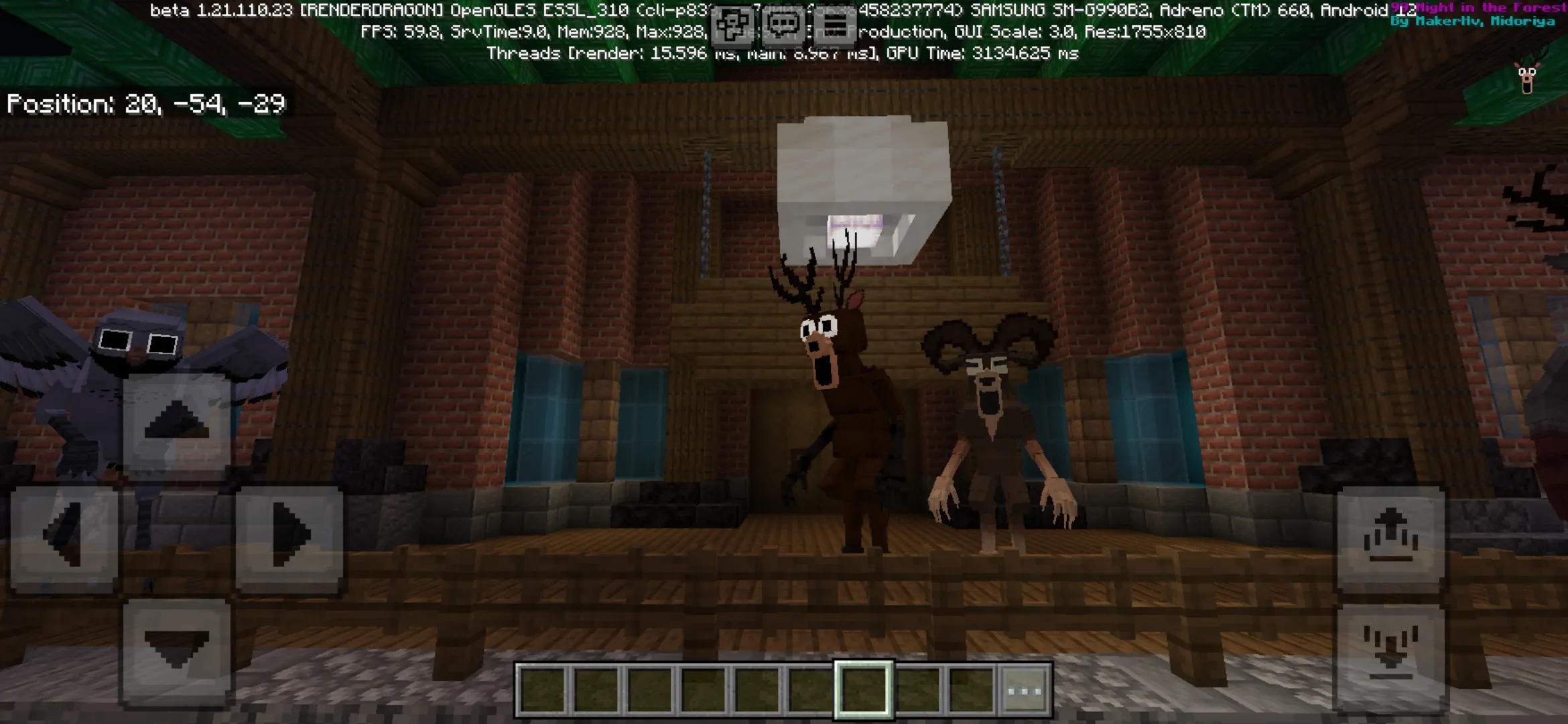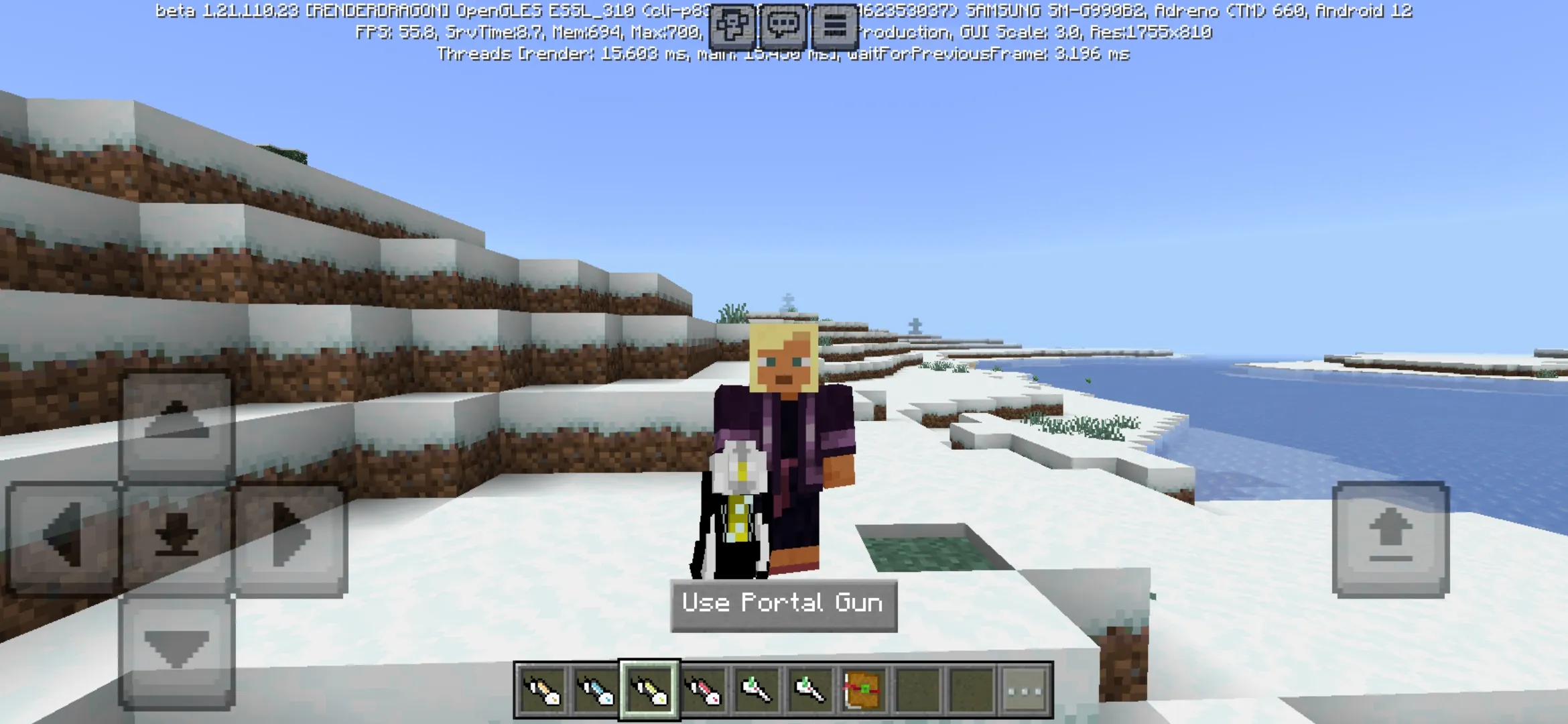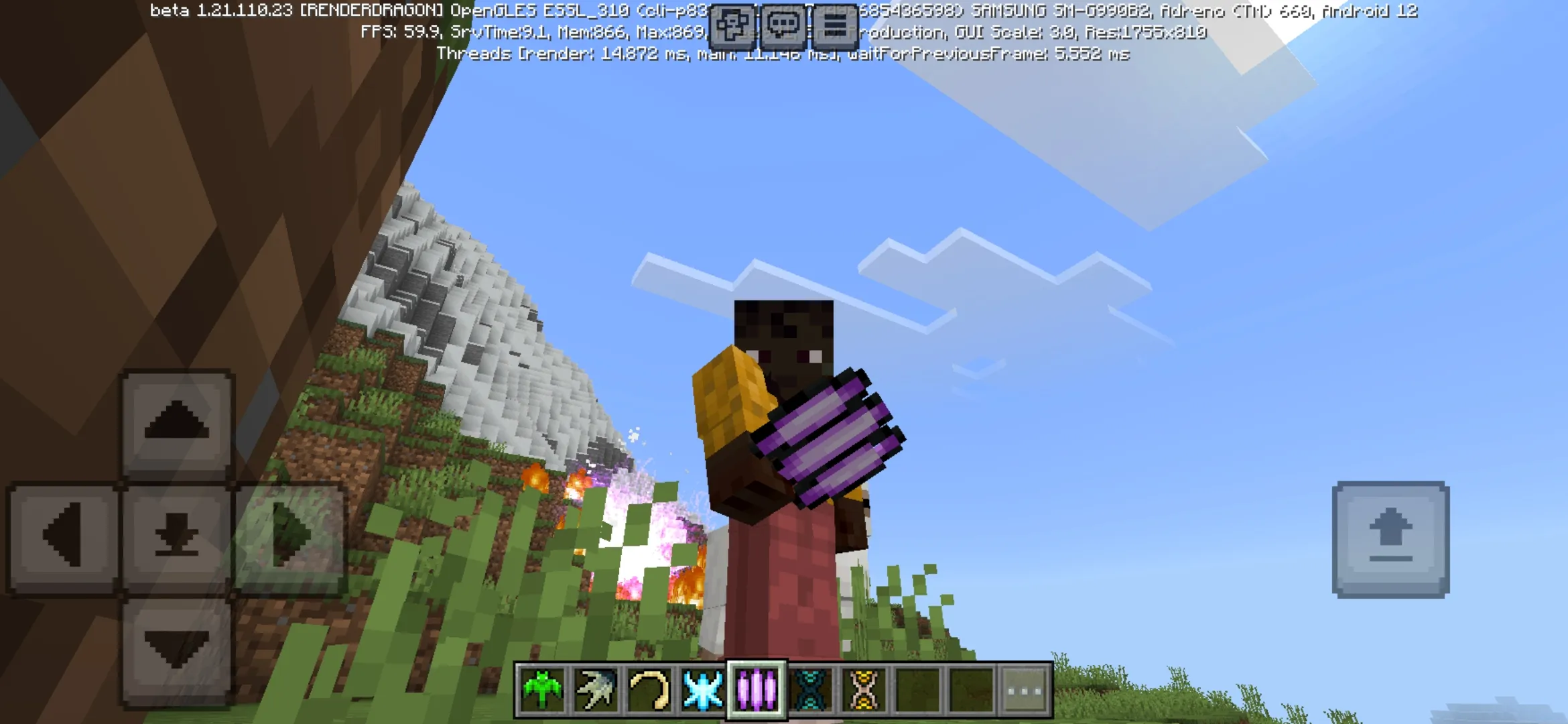

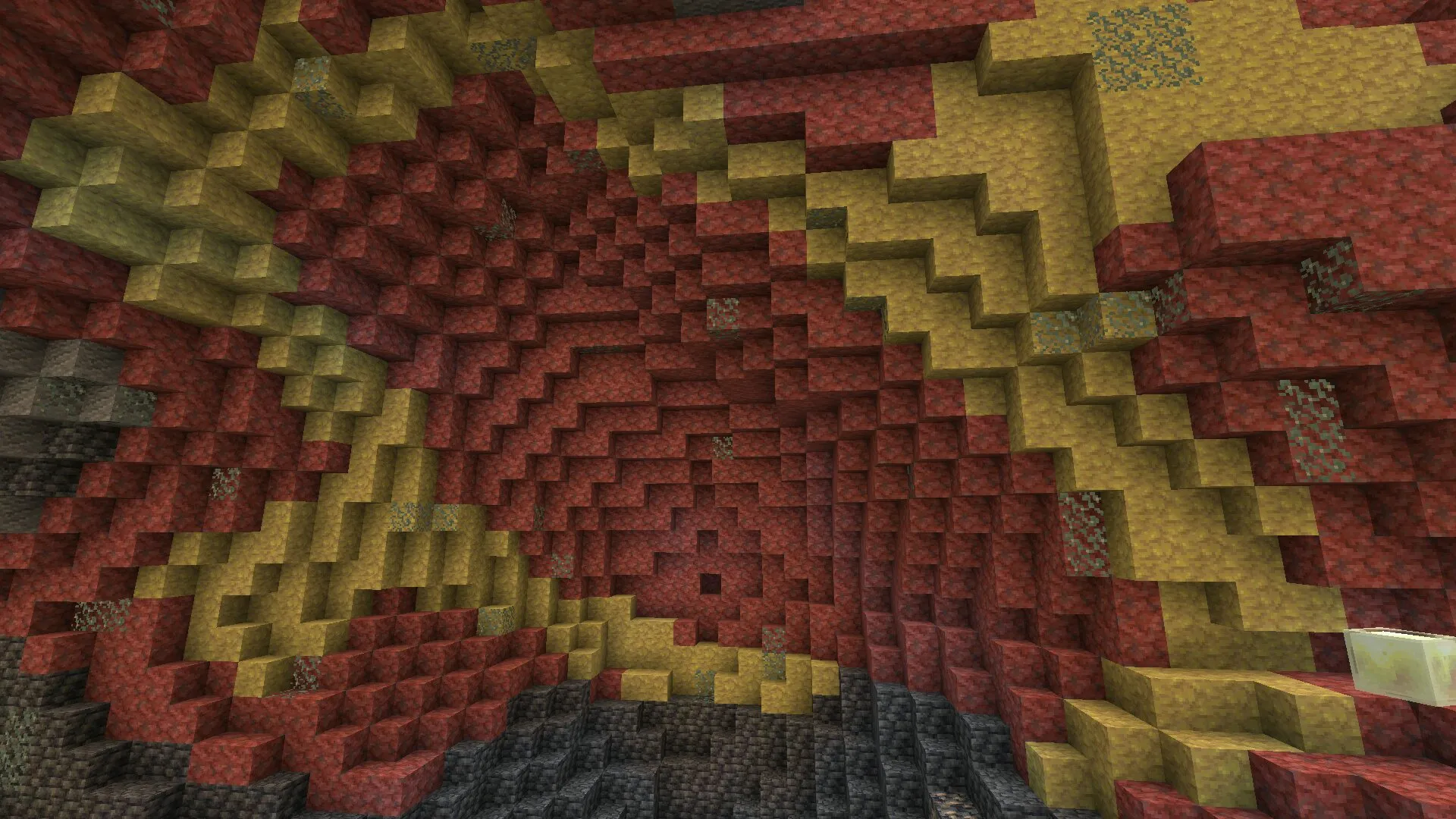
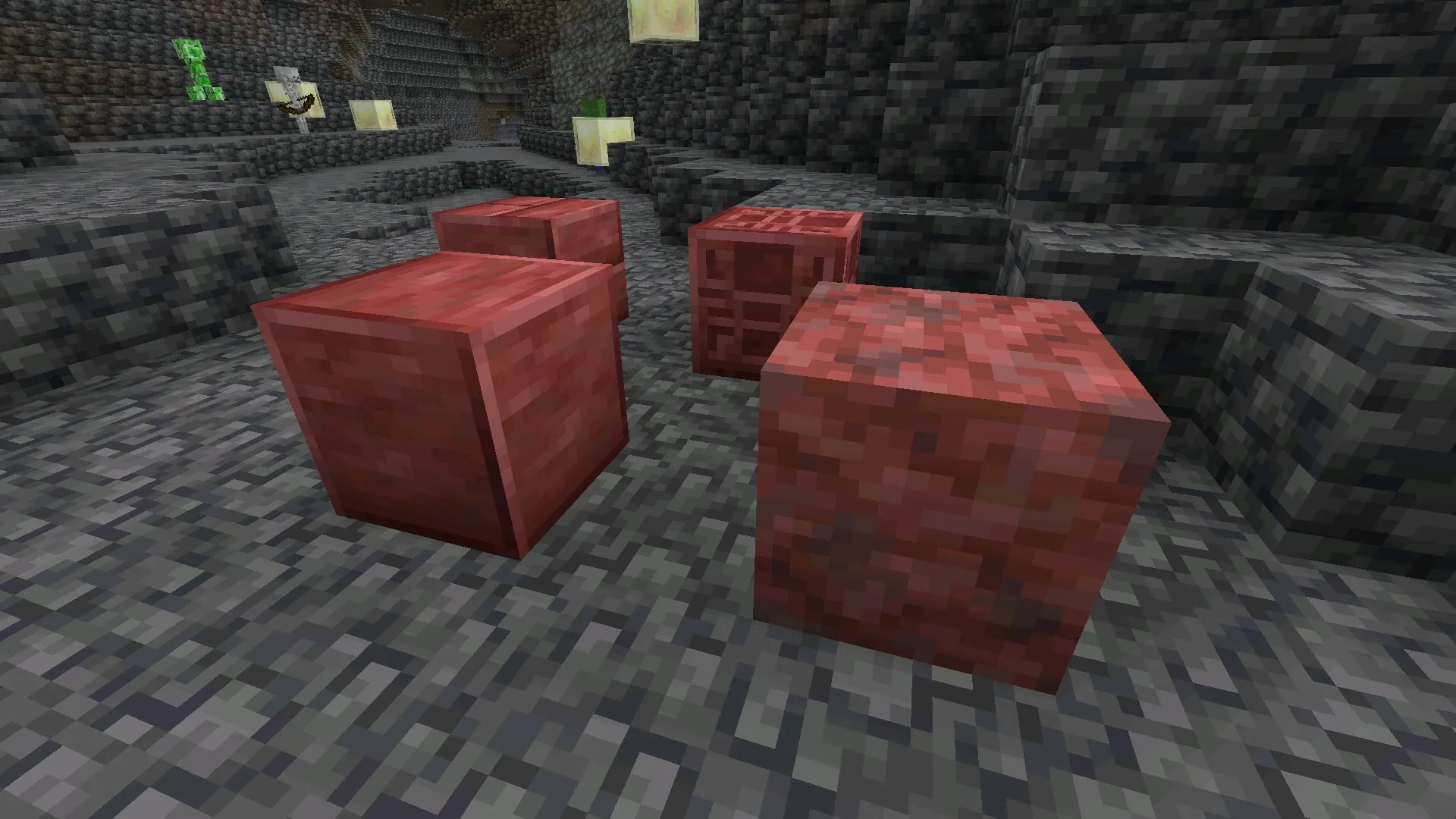
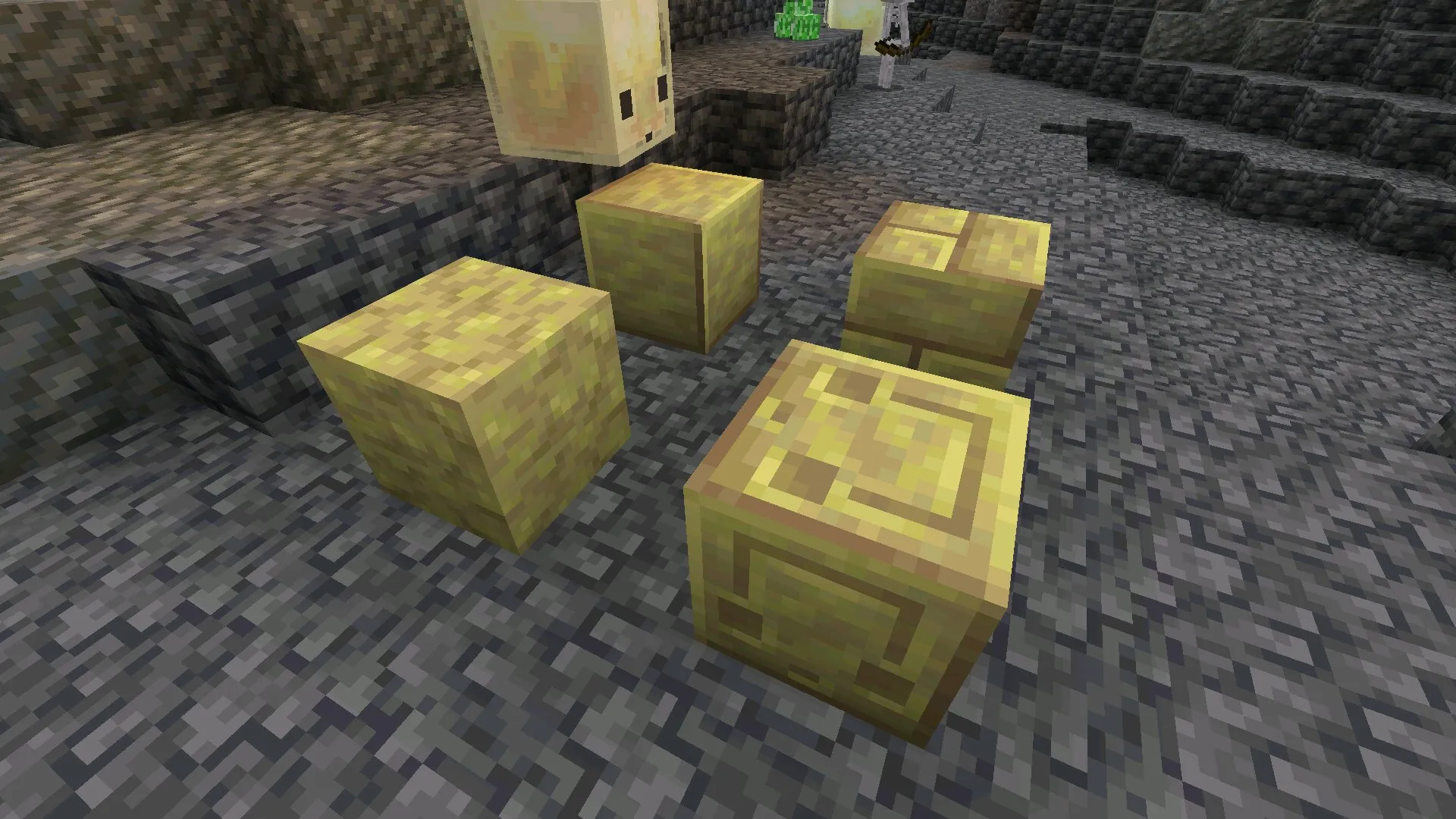
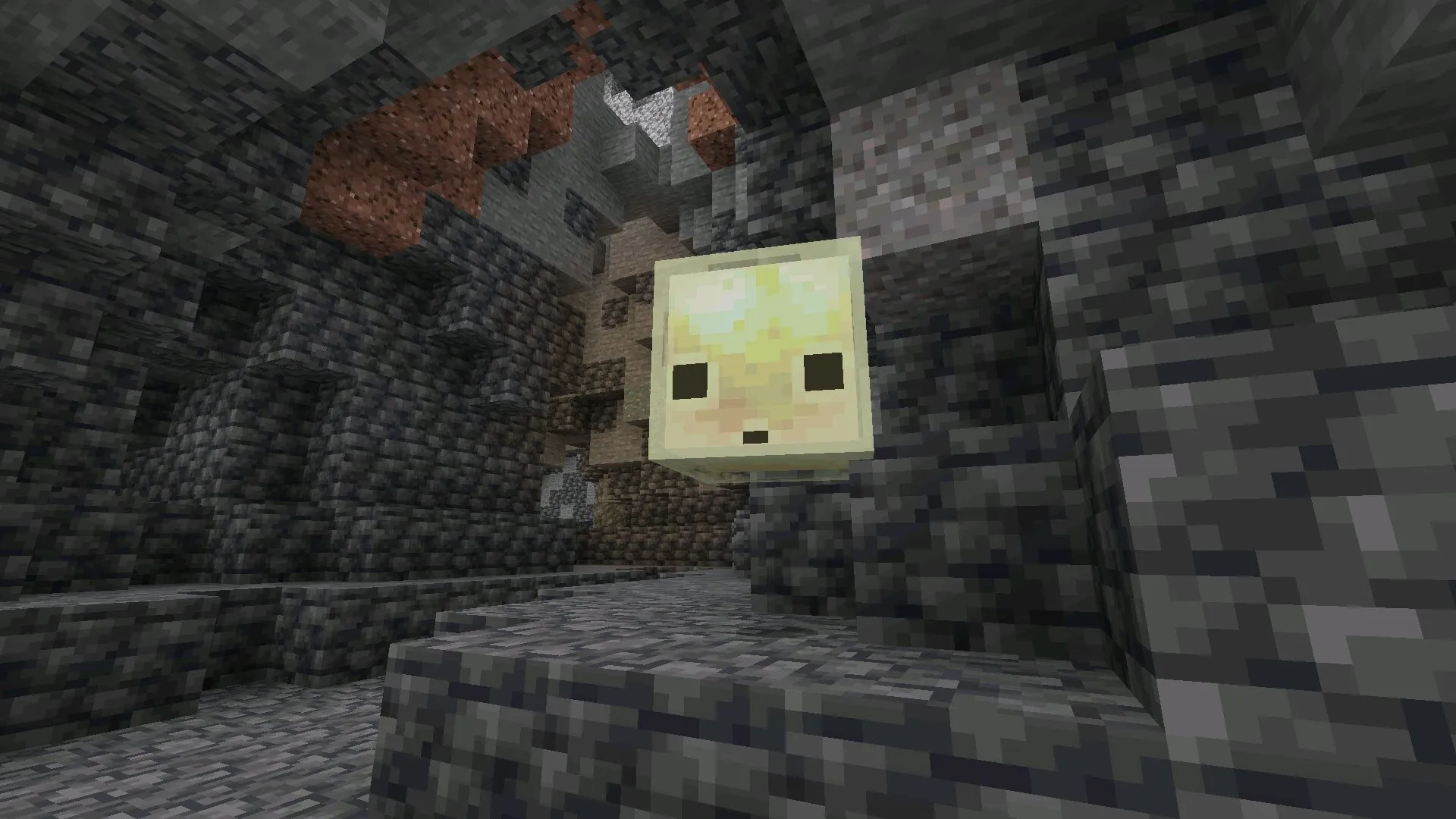
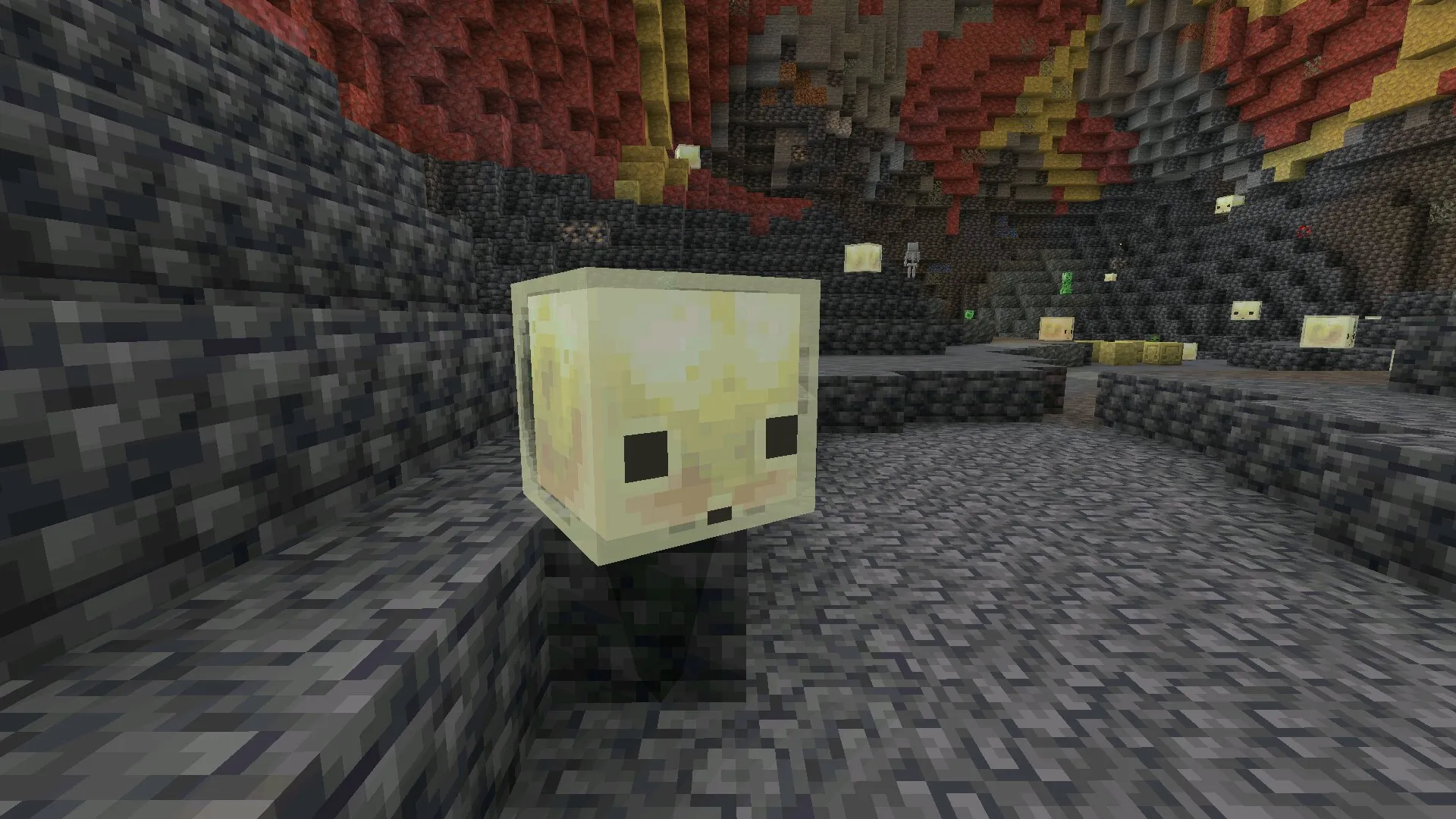
Download Minecraft 26.30.32 / 1.26.30.32 APK for Android if you want a Beta build that focuses on cleaner Chaos Cubed testing, more reliable Sulfur Cube behavior, repaired visuals, and practical fixes for mobile gameplay.
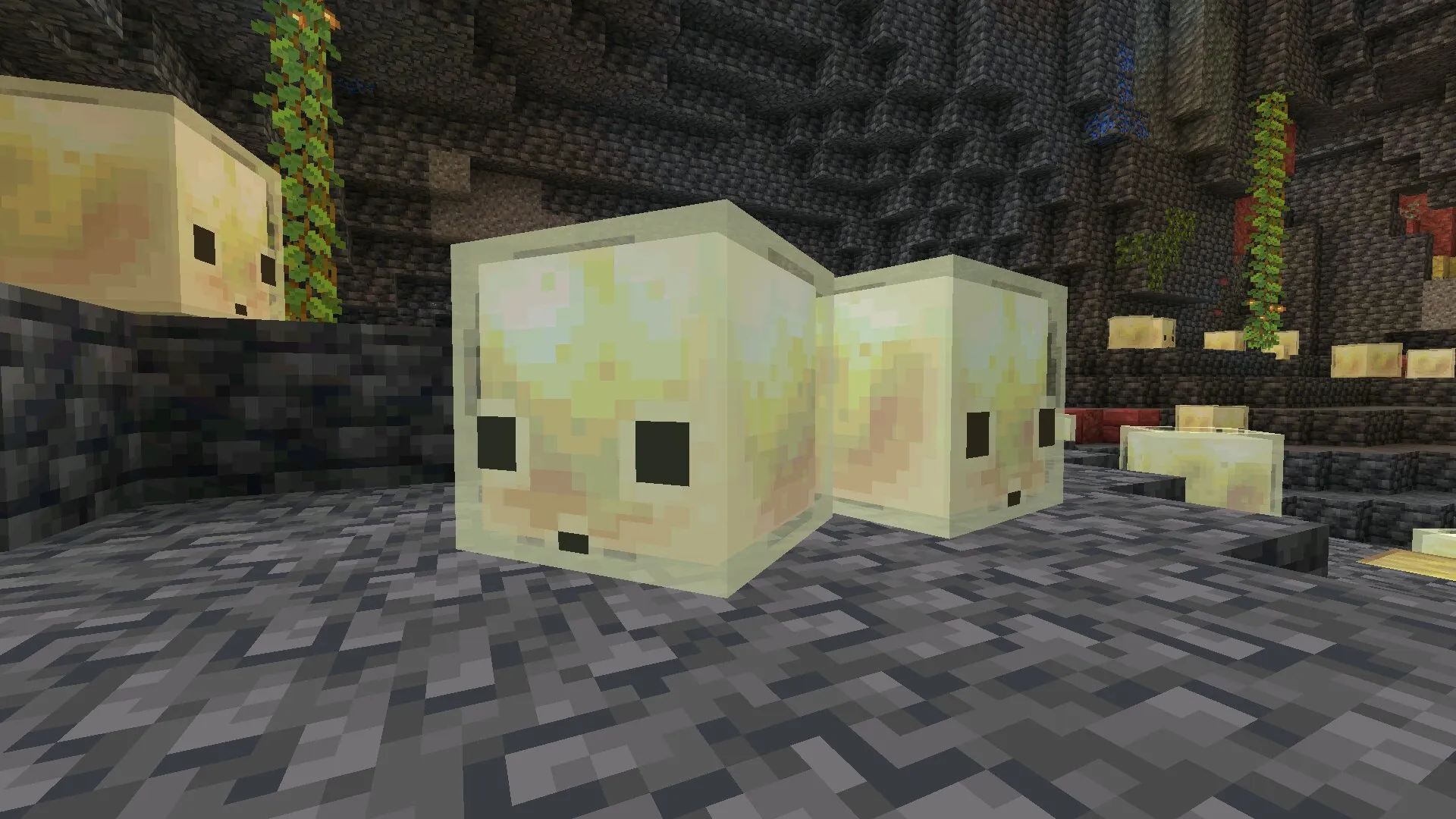
This update is not built around a huge content drop. Instead, Mojang uses Minecraft Bedrock Edition 26.30.32 / 1.26.30.32 to polish experimental systems that already exist, especially the way Sulfur Caves, Sulfur Cubes, Potent Sulfur, music, and technical features behave during real play.
What Kind of Update Is Minecraft 26.30.32?
MCPE 26.30.32 / 1.26.30.32 is a Beta version for players who want to test fixes before they become part of a wider stable build. For Android users, this matters because small bugs can feel much more noticeable on a phone, especially when a world includes experimental mechanics, custom resource packs, or heavy visual settings.
The main value of this APK is not a new mob or a new dimension. It is about making active gameplay less awkward. If a Sulfur Cube gets stuck, if terrain looks wrong near older chunks, or if mobs appear visually corrupted with advanced graphics enabled, the whole test experience feels less trustworthy. This update tries to remove several of those problems.
Quick Version Details
Before installing Minecraft 26.30.32 / 1.26.30.32 apk, check the basic information below. It helps avoid confusion with other builds from the same 1.26 branch.
| Detail | Information |
|---|---|
| Version Number | 26.30.32 / 1.26.30.32 |
| Game Edition | Minecraft Bedrock Edition |
| Build Type | Beta |
| Main Platform | Android phone and tablet |
| Package Format | APK |
| Main Focus | Chaos Cubed fixes, visuals, music, stability, and technical updates |
Main Fixes in Minecraft Bedrock 26.30.32 / 1.26.30.32
This release is easier to understand if it is viewed as a cleanup update. Mojang adjusted several systems that could create strange results while testing Chaos Cubed features or playing with enhanced visuals.
- Sulfur Caves now blend correctly with neighboring pre-generated chunks.
- Sulfur Cubes no longer sink or stop moving after ejecting a block.
- A Sulfur Cube released from a Bucket no longer keeps the movement it had when captured.
- Sulfur Cube TNT can now be primed by Redstone dust pointing at it.
- The slow bouncy Sulfur Cube archetype now reacts to damage knockback correctly.
- The hot Sulfur Cube archetype is now thrown as far as the regular archetype.
- Erupting Potent Sulfur can now propel Boats and falling blocks.
- Corrupted mob visuals with Vibrant Visuals and PBR actor heightmaps were fixed.
- Music now plays again in Mega Taiga and Redwood Taiga Mutated biomes.
Chaos Cubed Changes Explained
The biggest gameplay-related fixes are connected with Chaos Cubed systems. These mechanics are still experimental, but Minecraft PE 26.30.32 / 1.26.30.32 Download makes several of them easier to test on Android.
Sulfur Caves and Older Terrain
Sulfur Caves now connect more correctly with nearby pre-generated chunks. This is important when a world already contains older terrain next to newly generated areas. Instead of rough or broken transitions, the biome should now blend in a cleaner way.
For mobile players, this kind of fix matters because many users keep testing the same world across multiple Beta builds. Better chunk blending helps those worlds feel less damaged when new terrain rules are introduced.
Sulfur Cube Movement Fixes
Sulfur Cubes received several behavior corrections. In previous builds, they could sink, stop moving, or behave oddly after ejecting a block. That made encounters feel unreliable, especially when the creature was supposed to keep moving naturally through the environment.
In this version, the movement logic is more predictable. A Sulfur Cube released from a Bucket also no longer carries over its captured movement, so it should not behave as if it still has old momentum from before.
TNT and Redstone Interaction
Sulfur Cubes with TNT can now be primed by Redstone dust pointing at them. This is a small but useful fix for players who test traps, redstone setups, and experimental combat situations.
The change does not turn the update into a redstone expansion. It simply makes one specific interaction work closer to how players would expect it to work.
Archetype Knockback Behavior
Mojang also corrected how different Sulfur Cube archetypes react to force. The slow bouncy archetype is now kicked back based on the damage dealt, while the hot archetype is thrown as far as the regular one.
These are subtle gameplay corrections, but they help combat and physics feel more consistent. In a test build, that consistency is important because players need to understand whether a strange result is intended behavior or just a bug.
Potent Sulfur and World Interaction
Potent Sulfur received a practical physics-related change. Erupting Potent Sulfur can now propel Boats and falling blocks, which makes eruptions feel more connected to the surrounding world.
This adjustment may be especially noticeable when experimenting with moving objects or building around sulfur-heavy areas. The update gives the eruption effect a stronger physical presence without adding unrelated mechanics.
Graphics Music and Stability
The update also repairs problems outside the Chaos Cubed feature set. One important graphical fix is related to Vibrant Visuals and PBR resource packs that include heightmap textures for actors.
Mob Visuals With PBR Packs
Some mobs could appear visually corrupted when advanced visual settings and specific resource pack data were used together. This was fixed in the new Beta, which is helpful for players testing enhanced lighting, material detail, and mobile-friendly visual packs.
Not every Android device will use these features smoothly. However, players with stronger phones may notice that experimental visuals now behave more correctly in affected situations.
Music in Taiga Biomes
Music now plays again in Mega Taiga and Redwood Taiga Mutated. This is not a performance feature, but it improves atmosphere during exploration and restores an expected part of normal gameplay.
Crash Fix Context
Mojang also fixed a crash that could happen when a player took too long to join local multiplayer on XBOX. Although this issue is not directly Android-specific, it still belongs to the broader stability work in this build.
Technical Updates for Creators
This version includes a few changes for creators and advanced users. They are not the main reason most mobile players install the APK, but they still help keep Bedrock systems more reliable.
The Export World button was disabled on the Edit Project screen. To export a world, users must enter the Project, open File, choose Export, and then select Shareable World from the dropdown.
The redstone_strength_at_position entity filter now evaluates correctly when no signal is present. It also correctly reads redstone strength when Redstone Wire points at the evaluated position. In addition, the only_check_intersection_for_motion_blocking_blocks field in the block_intersection constraint of minecraft:structure_template_feature is now optional.
Android Compatibility and Install Notes
Download Minecraft 26.30.32 / 1.26.30.32 APK only if your Android device can handle recent Bedrock builds. A modern phone with enough free storage, stable memory, and updated system components will usually give a better result than an older device with limited resources.
Heavy resource packs, experimental worlds, and advanced graphics can increase load on the device. If the game closes, lags, or freezes, lower visual settings first before assuming the APK itself is broken.
For other builds from the same branch, check the minecraft 26 versions section. It is useful when comparing Beta builds and deciding which Android version fits your device better.
Safety and File Responsibility
APK installation always requires care. The safest approach is to check the version number, file name, package source, and permissions before opening the game. A clean file should match the expected version and should not include suspicious extra changes.
It is also smart to keep a backup of important worlds before installing any Beta version. Experimental builds can change behavior between updates, and a world opened in a newer build may not always behave the same after returning to an older one.
This page is based on official Mojang update notes, not on modified gameplay claims. That makes it easier to separate real changes from rumors, fake feature lists, or unrelated APK descriptions.
FAQ
These short answers cover the most common questions before installing MCPE 26.30.32 / 1.26.30.32 on Android.
What changed in Minecraft 26.30.32 / 1.26.30.32?
The update fixes Sulfur Caves blending, Sulfur Cube movement, TNT redstone activation, Potent Sulfur object propulsion, corrupted mob visuals with Vibrant Visuals, missing taiga music, and several technical systems.
Is Minecraft 26.30.32 a Beta version?
Yes, it is a Beta version. It is designed for testing fixes and experimental Bedrock behavior, not for players who only want the most stable everyday build.
Can I install this APK on my Android phone?
Yes, if your device supports current Bedrock builds and has enough storage and performance headroom. Older phones may run the game with lower stability, especially with resource packs or enhanced graphics enabled.
Does this update add new mobs or blocks?
No major new mob or block is listed in the official notes. The update focuses on fixing existing Chaos Cubed mechanics, visuals, music, stability, and technical behavior.
Source: https://feedback.minecraft.net/hc/en-us/articles/46149394356877-Minecraft-Beta-Preview-26-30-32