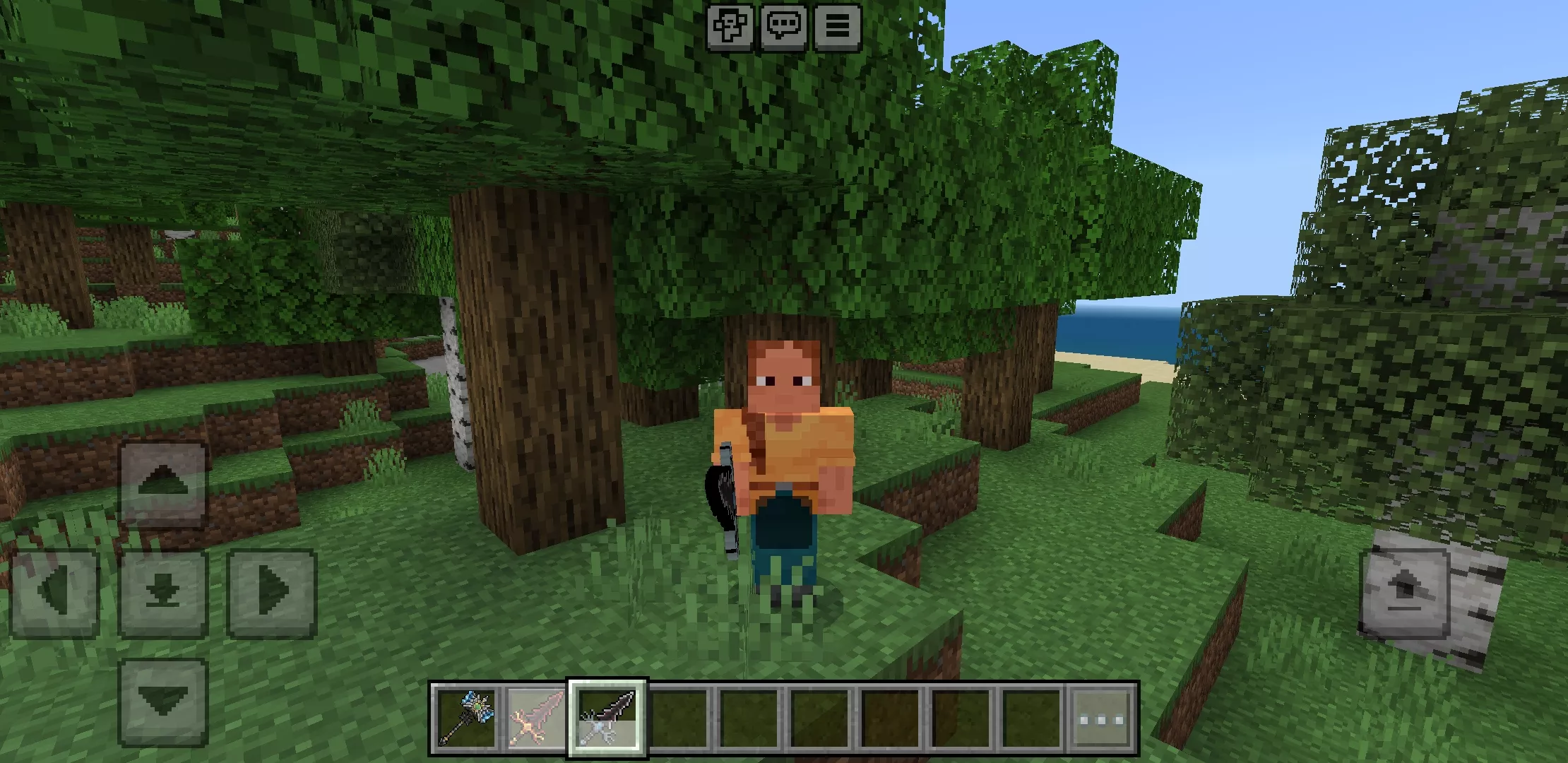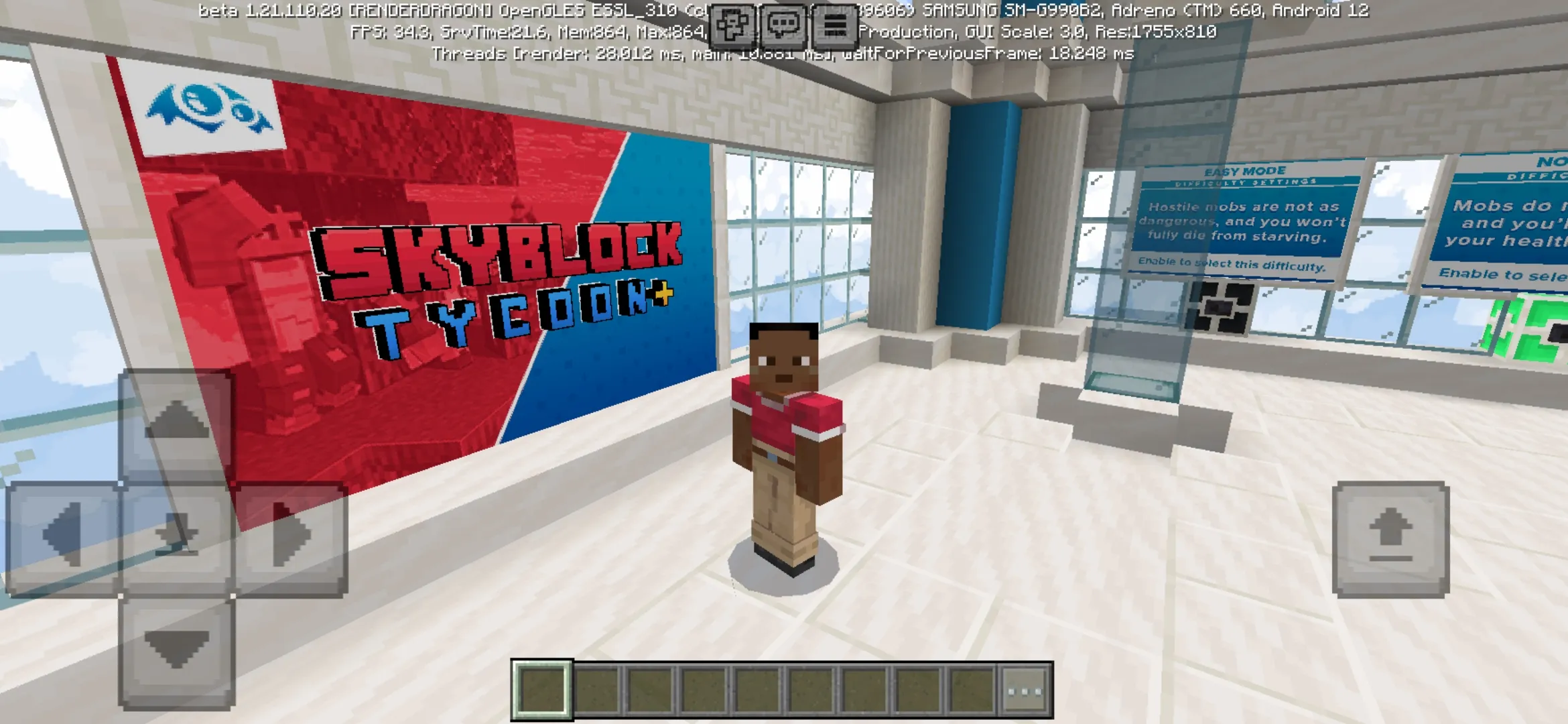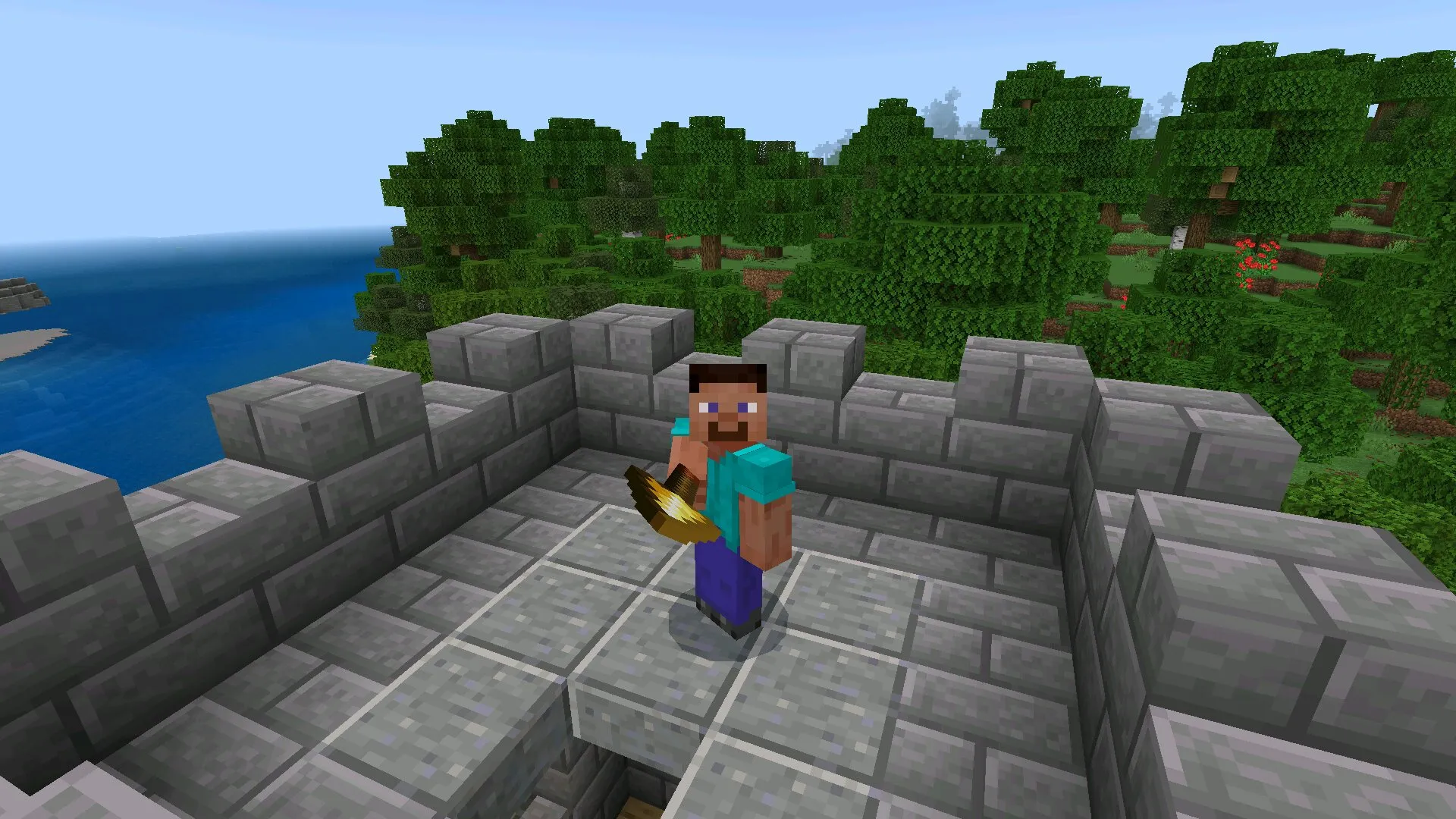

Download Minecraft 26.13 / 1.26.13 APK for Android and install a stable Release hotfix focused on smoother Bedrock gameplay, saved personalization settings, cleaner technical behavior, and fewer interruptions during normal mobile sessions.
Minecraft 26.13 / 1.26.13 APK is not a large content update with new mobs, new blocks, or experimental mechanics. This build is more practical: it improves the existing Release branch and fixes problems that could make the game feel less consistent after relaunching, switching worlds, or using custom Bedrock systems on Android devices.
For many players, that kind of update is more important than a long list of visible additions. A stable hotfix helps the game behave correctly in survival worlds, multiplayer sessions, creative testing, and addon-based gameplay. If the main goal is to play Minecraft Bedrock on a phone or tablet without unnecessary issues, Minecraft 26.13 is a useful version to install.
What is Minecraft 26.13 / 1.26.13 APK
Minecraft 26.13 is a stable Release hotfix in the 1.26 branch. It was made to polish the main Bedrock experience after previous updates and to correct issues that affected regular play. Unlike Beta or Preview builds, this version is not designed for testing unfinished features. It belongs to the stable Release line, which makes it more suitable for everyday Android gameplay.
The update focuses on reliability. It corrects selected gameplay problems, improves custom entity component behavior, and fixes an issue where chosen emotes could reset after restarting the game. These changes may look small compared with a major update, but they directly affect how comfortable the game feels during repeated use.
Main focus of version 26.13
The main purpose of Minecraft 26.13 is to make the current Bedrock build feel more dependable. This means fewer small problems during gameplay, better technical consistency, and more stable behavior after closing and opening the app again. On Android, where players often switch between apps, restart the game, or play in short sessions, these fixes matter a lot.
| Update area | Practical result |
|---|---|
| Gameplay fixes | Reduces small issues that can affect survival, exploration, and world interaction. |
| Custom entity components | Helps Bedrock systems and addon-based content behave more correctly. |
| Emote selection | Keeps selected emotes saved after restarting the game. |
| Android stability | Makes the mobile Bedrock experience smoother across repeated launches. |
Gameplay feels more stable on Android
Minecraft 26.13 improves the everyday feel of Bedrock on Android by reducing problems that could interrupt normal play. This matters in survival worlds where players collect resources, build bases, explore structures, or return to the same world many times. A hotfix like this does not need to change the whole game to be valuable. Its main advantage is that the existing experience becomes cleaner.
Players can spend more time playing and less time dealing with unexpected behavior. For a mobile build, that is a major improvement because Android users often expect quick access, fast relaunching, and stable world loading.
Custom entity components work more correctly
One of the more technical improvements in Minecraft 26.13 affects custom entity components. In earlier behavior, some systems depended on runtime IDs, which could create limits or inconsistent behavior for custom Bedrock content. This kind of issue is not always visible to every player, but it matters for addons, custom worlds, and more complex entity setups.
With this hotfix, custom entity behavior becomes more reliable. Players who use addons may notice fewer strange problems, while creators receive a more stable base for their content. In the middle of the 1.26 branch, this makes Minecraft 26.13 a smart option for users who want to download Minecraft Bedrock and keep the build practical for daily Android gameplay.
Selected emotes stay saved after relaunch
The emote fix is one of the easiest changes to understand. Before this hotfix, selected emotes could fail to remain saved after restarting Minecraft. The problem did not remove major gameplay content, but it made the game feel less polished. Players had to recheck their personalization setup, and that created unnecessary friction after each relaunch.
Minecraft 26.13 corrects this behavior. After installing the hotfix, selected emotes remain saved more consistently between sessions. This is a small but useful quality-of-life improvement. It helps the game remember user choices properly and makes personalization feel more dependable on mobile devices.
Why this hotfix matters for mobile players
Android players often value stability more than experimental content. A phone or tablet is used in short sessions, during travel, at home, or between other tasks. Because of that, the game needs to open correctly, remember settings, and keep worlds working without extra complications. Minecraft 26.13 supports that use case very well.
Difference between Minecraft 26.12 and 26.13
Minecraft 26.12 already worked as a corrective update inside the 1.26 line, but Minecraft 26.13 continues that cleanup with a more specific focus. The newer hotfix improves reliability, corrects the emote saving issue, and removes a technical limitation connected with custom entity components. This makes 26.13 the better practical choice for Android users who want the cleanest available Release build in this part of the branch.
The difference is not about new content. Players should not expect a new biome, new mob, or major gameplay mechanic from this version. The difference is about polish. Minecraft 26.13 feels more mature because it fixes problems that could remain noticeable during normal use.
Is Minecraft 26.13 APK safe to install
Minecraft 26.13 APK is suitable for players who want a stable Android package from the Release line. Since it is not a Beta or Preview build, it is a better choice for daily gameplay, long survival worlds, and users who prefer predictable behavior. The safest approach is to check the version number before installation and make sure the file matches 26.13 / 1.26.13.
Players should also avoid mixing Release and Beta packages without understanding the difference. A Beta build can contain unfinished features, test mechanics, and unexpected bugs. A Release hotfix like Minecraft 26.13 is different because it focuses on improving the main version.
Install and update on Android
To install Minecraft 26.13 APK on Android, choose the correct file variant for the device, check that the displayed version matches 26.13 / 1.26.13, allow installation from the selected source in Android settings, and launch the game after setup is complete. If an older build is already installed, confirming the version before updating helps prevent confusion between different files in the 1.26 branch.
Who should use Minecraft 26.13
Minecraft 26.13 is best for players who want the 1.26 branch to feel cleaner on Android. It is a good choice for survival players, casual builders, addon users, and anyone who noticed that previous builds had small but annoying problems. The update does not overload the game with experiments. It keeps the Release branch focused on stable play.
Final thoughts
Minecraft 26.13 / 1.26.13 APK is a stable Bedrock hotfix built around reliability, not spectacle. It does not introduce a large wave of content, but it improves how the existing version works on Android. That makes it valuable for players who want smoother gameplay, saved emotes, better custom entity behavior, and fewer interruptions during regular sessions.