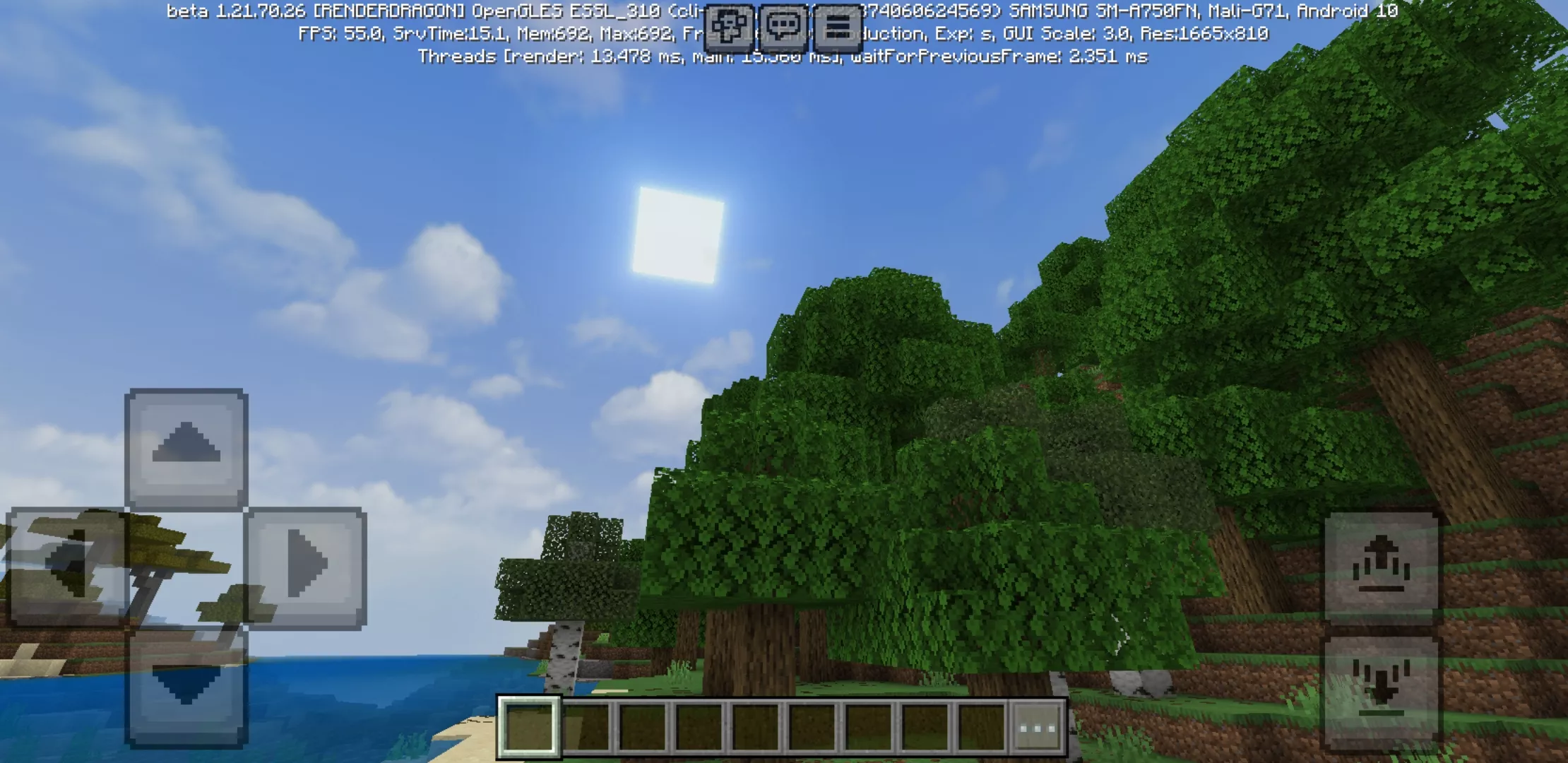

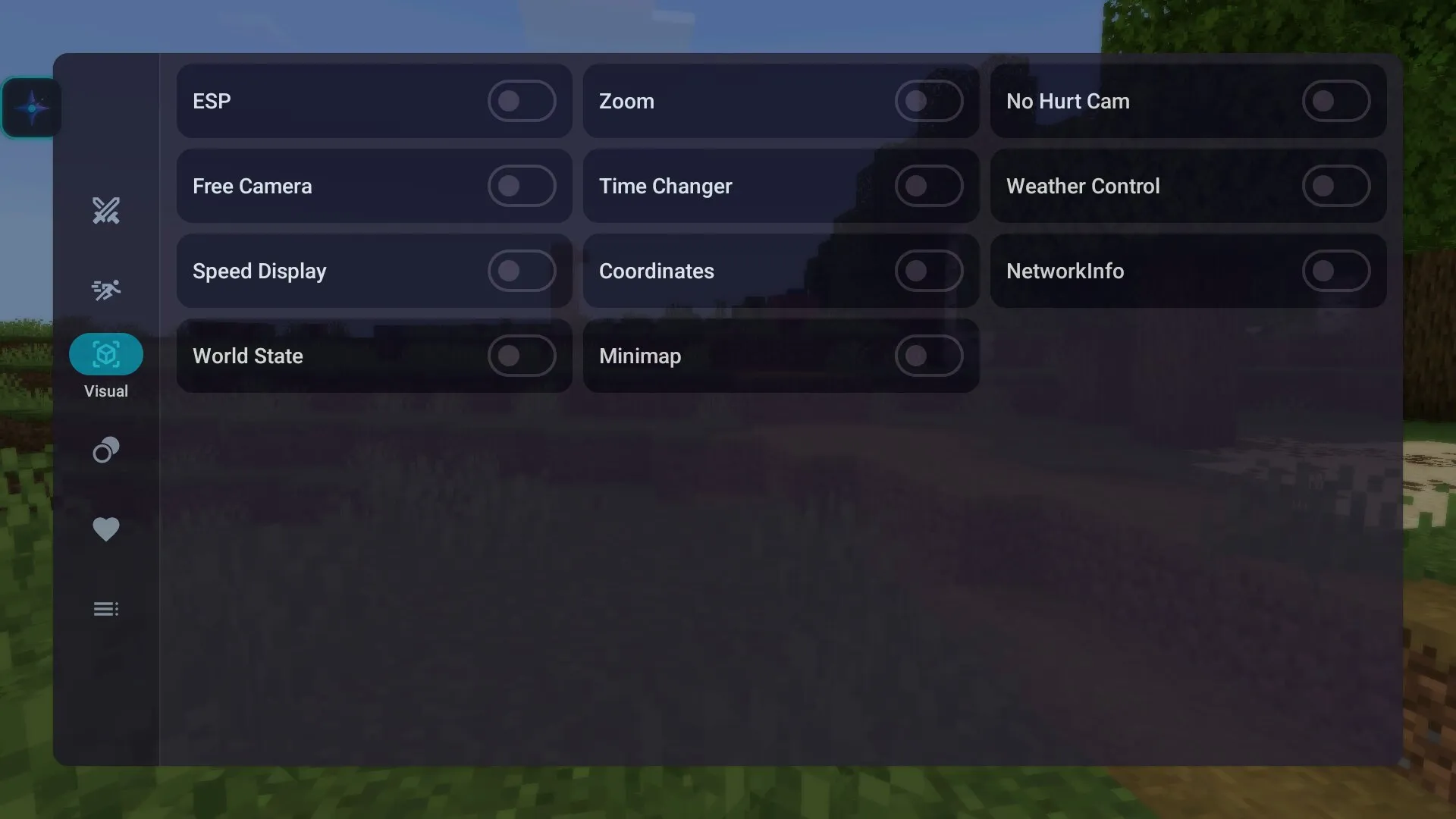
Download Nova Client for Minecraft PE Free on Android: use a custom Bedrock client with combat tools, movement options, interface settings, world information, and advanced gameplay controls.
Nova Client for Minecraft Bedrock Edition
Nova Client for Minecraft PE is a custom tool for players who want more control over the Bedrock Edition interface, combat options, movement settings, and in-game information. It works as an additional client layer and gives users access to features that are not available in the standard Minecraft PE menu.
The main purpose of Nova Client is to make gameplay more flexible. Players can change the overlay, use extra control options, check world data, adjust visual interface elements, and activate different gameplay modules. This makes the client especially interesting for users who often play PvP, test servers, explore maps, or want a more configurable Minecraft Bedrock experience.
Nova Client for Minecraft PE gives Android players extra Bedrock controls, combat modules, movement features, and interface settings in one custom client. This makes it useful for users who want to test advanced options and change the way the game feels on mobile devices.
What Is Nova Client?
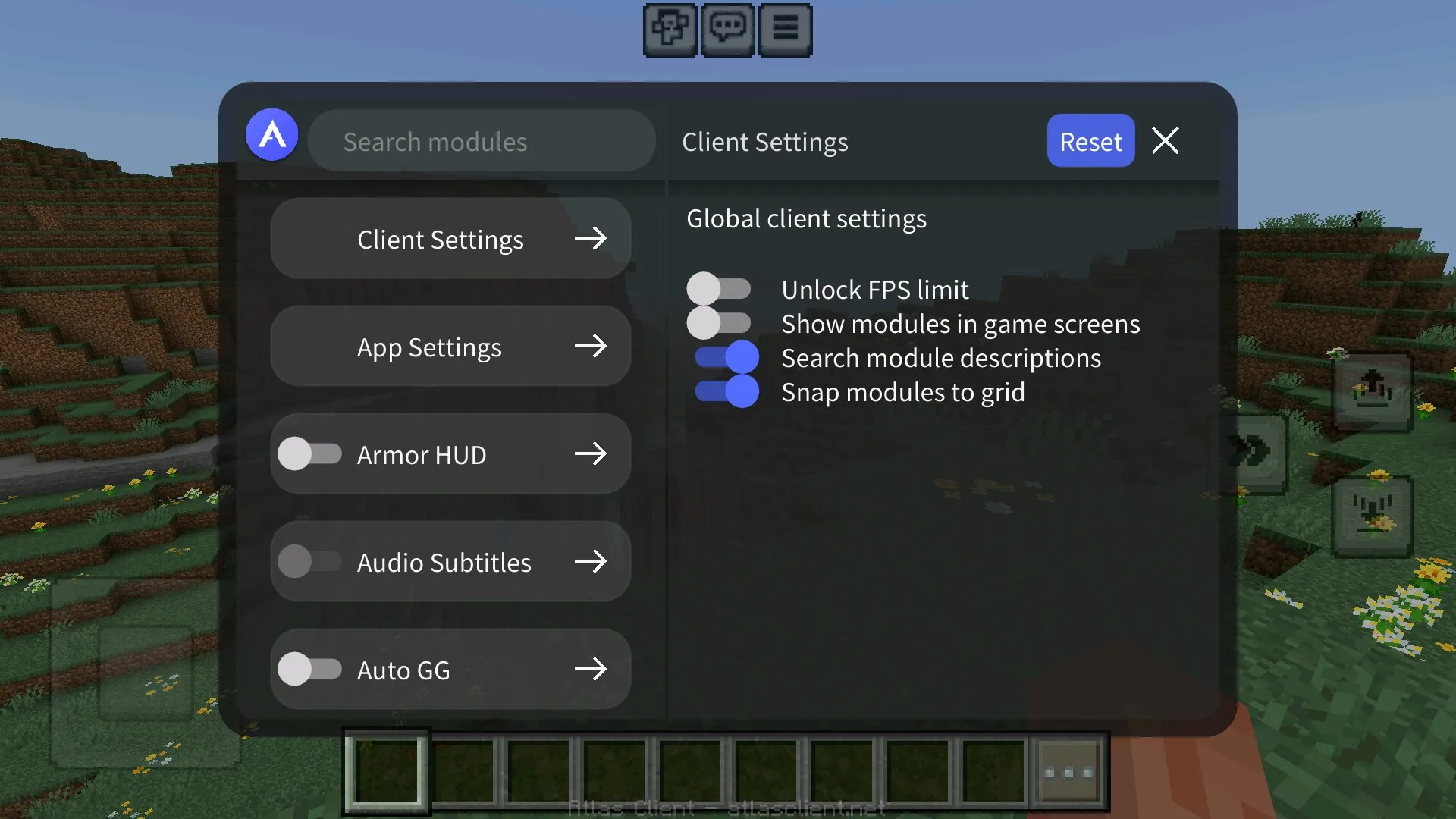
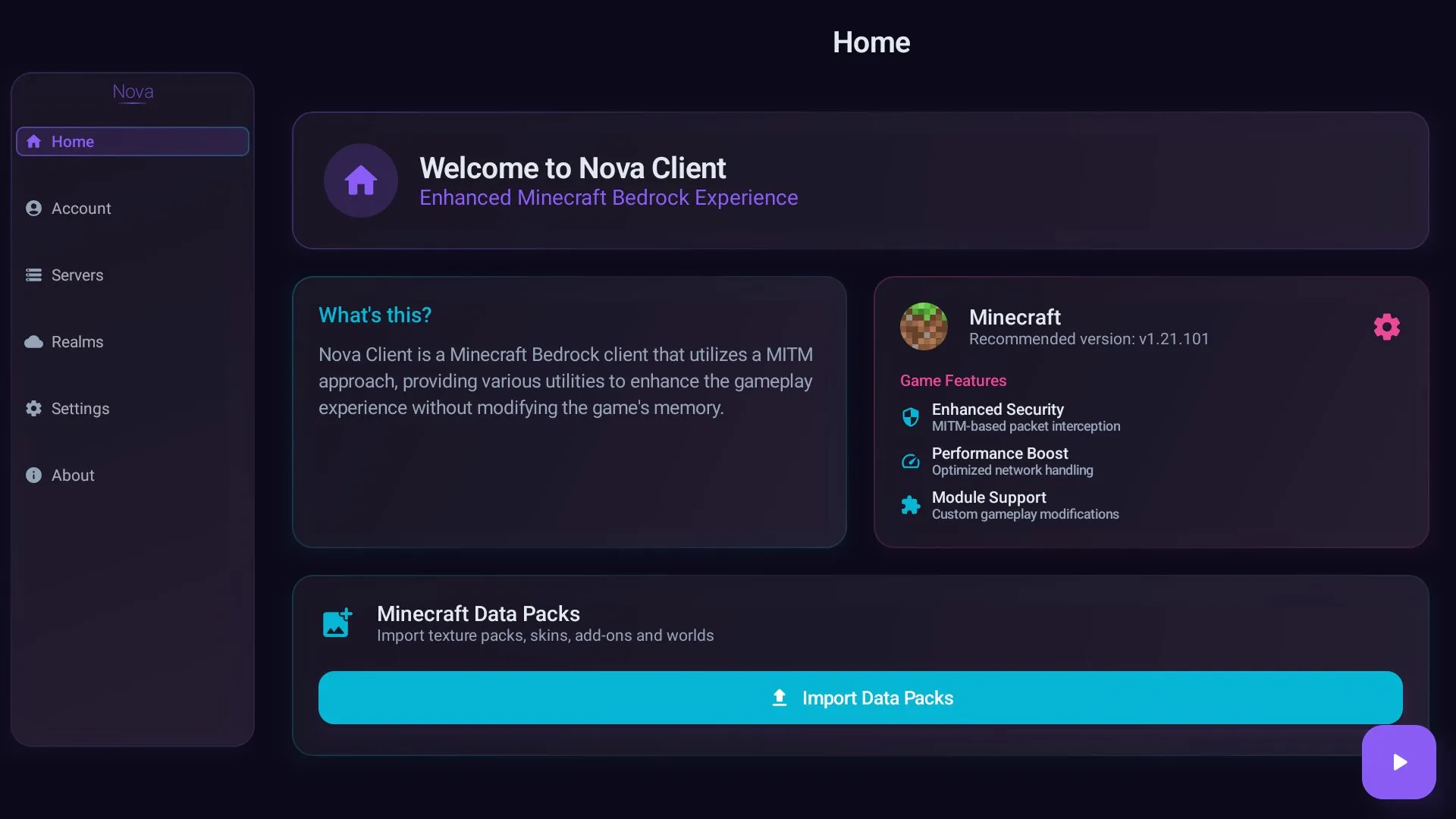
Nova Client is not a regular texture pack or simple addon. It is a separate client tool that connects with Minecraft Bedrock and adds its own menu during gameplay. After launch, players can open the overlay and choose which features they want to activate.
The client can show extra information, highlight important objects, help track enemies, improve movement, and give access to different combat-related options. These features are designed for players who want faster reactions, better control, and more detailed gameplay settings.
Extra control is the main reason why many users look for Nova Client. Instead of relying only on default Bedrock settings, players can adjust the client interface and use additional modules directly during the game.
How to Set Up Nova Client on Android
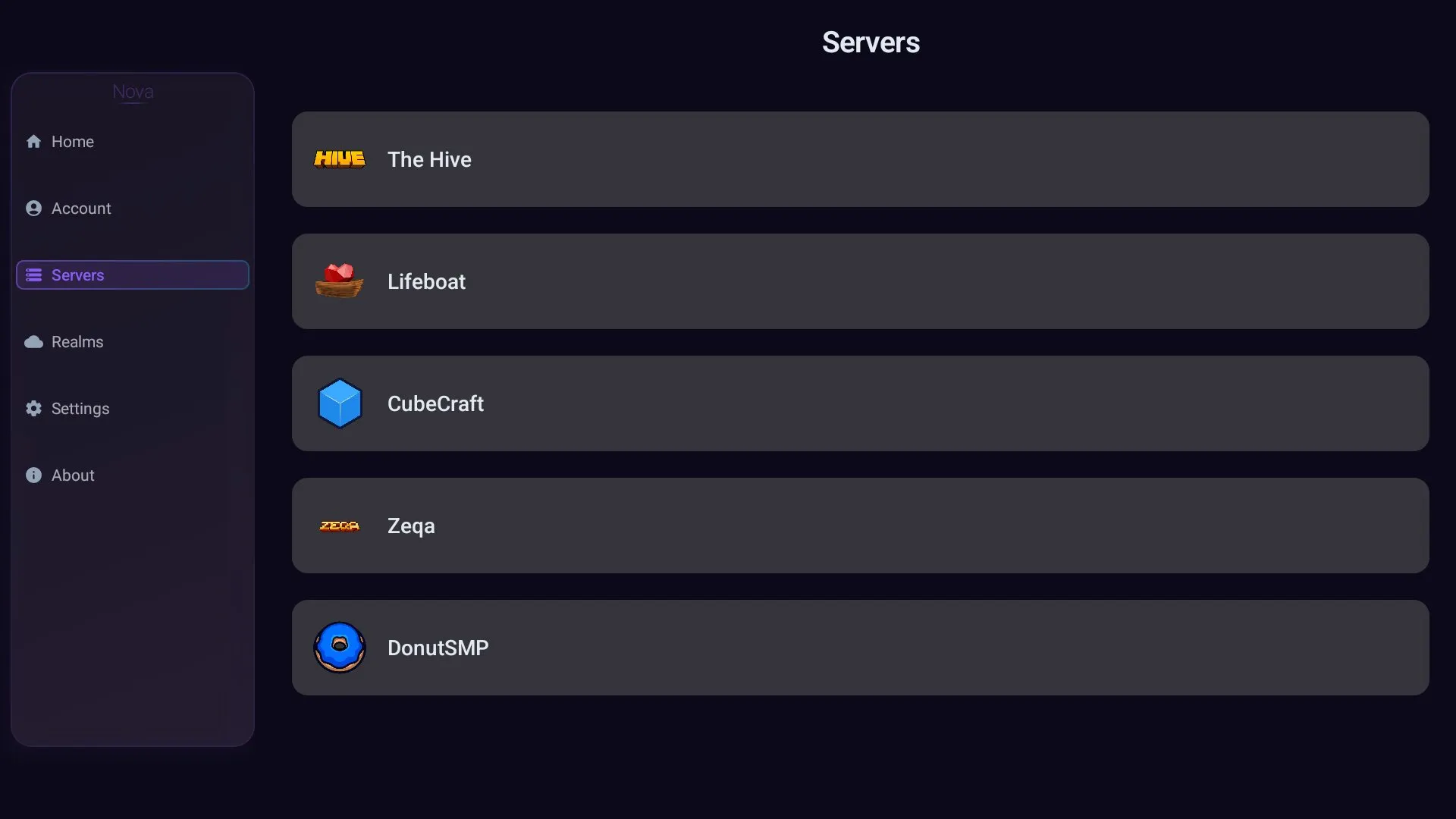
Before using the client, players need to launch the Nova Client application and connect it with their Minecraft PE installation. The setup process includes logging in, opening the client menu, selecting the required game or server, and adjusting the overlay before starting Minecraft Bedrock.
- Open the Nova Client app from the Android shortcut;
- Log in with a Microsoft account if the client requires authorization;
- Use the settings icon to connect the client with Minecraft PE;
- Select the world or server where the client will be used;
- Adjust the overlay, transparency, fonts, and interface layout;
- Start Minecraft Bedrock through the client menu.
After these steps, Nova Client can run in the background while Minecraft PE is open. The custom menu usually appears as a small overlay icon on the screen, allowing players to open the client interface and manage available features during gameplay.
Combat Features
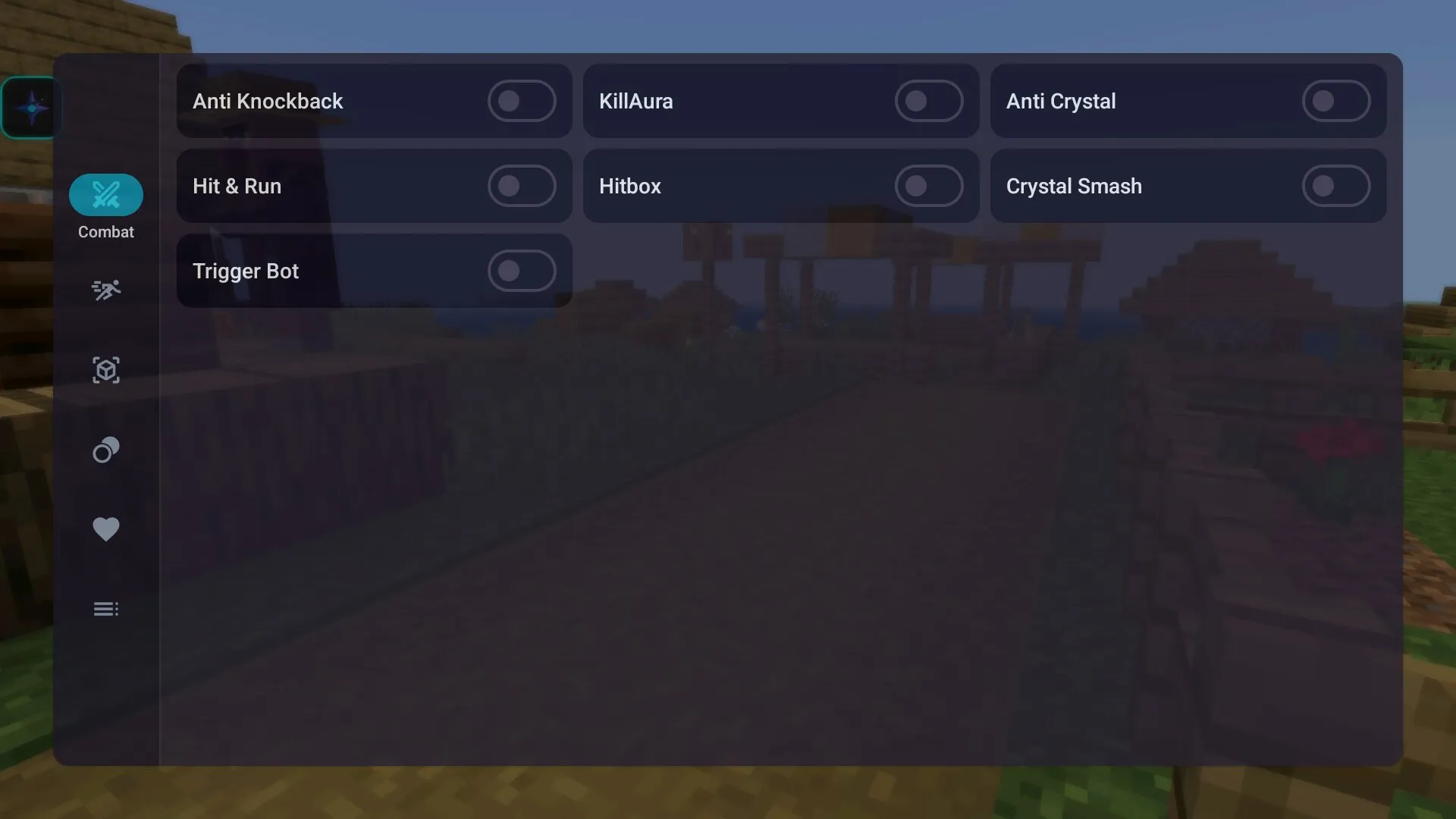
Combat is one of the most noticeable parts of Nova Client for Minecraft Bedrock. The client includes modules that can help during PvP battles, mob fights, and fast encounters. These tools may include auto attacks, aim assistance, sprint-hit options, hitbox visibility, and other settings that change how combat feels.
Such features can give players a strong advantage, especially in PvP situations. For this reason, they should be used carefully and only where they are allowed. In private worlds, test servers, or permitted gameplay environments, these tools can be useful for experimenting with different battle styles.
| Feature type | What it changes |
| Combat modules | Adds auto attacks, aim support, sprint hits, and other PvP-focused options. |
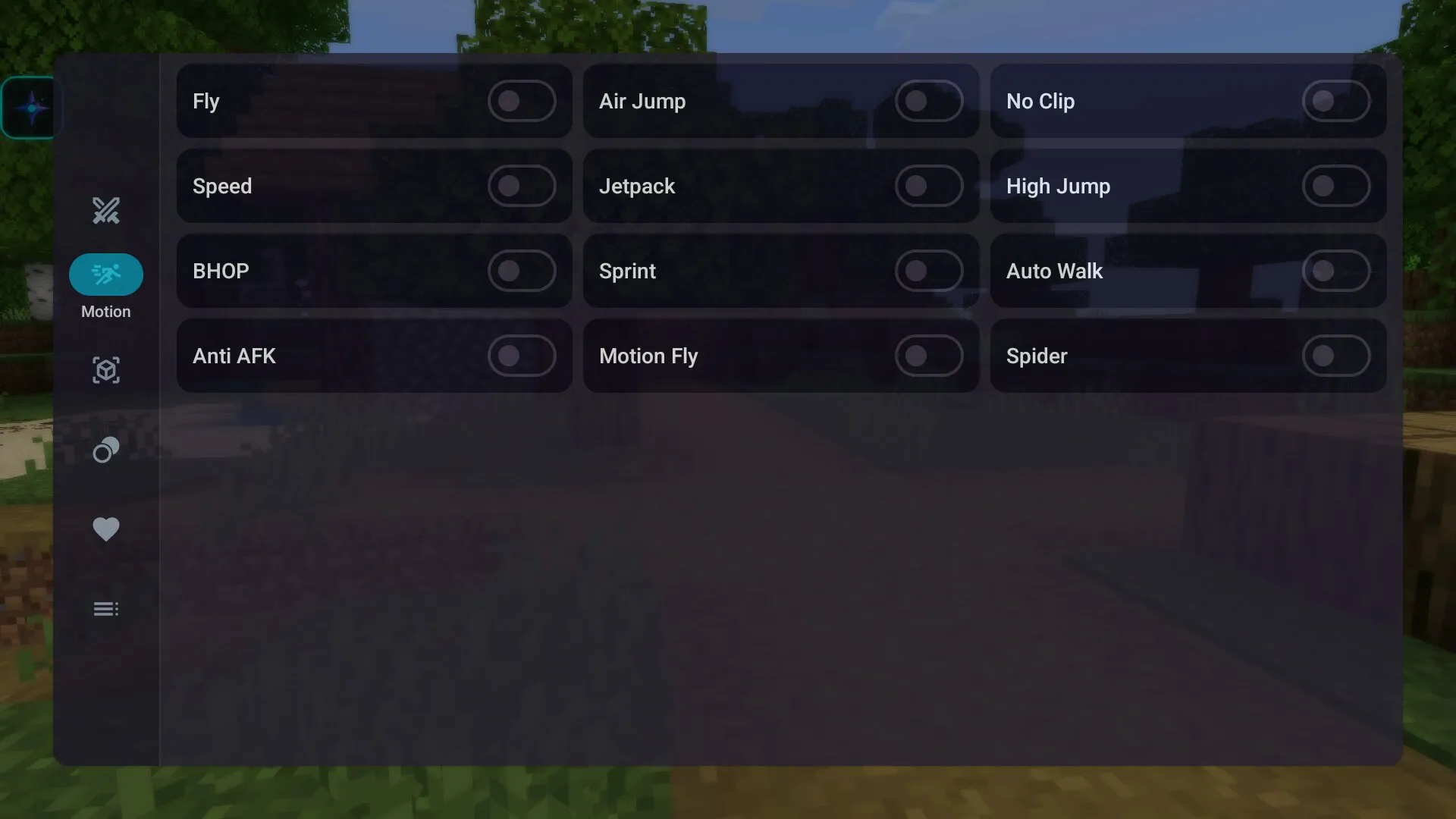
| Movement tools | Improves speed, sprinting, climbing, and movement control during gameplay. |
| Overlay settings | Allows players to adjust transparency, fonts, layout, and client menu display. |
| World information | Shows extra data that can help with navigation, tracking, and situational awareness. |
Movement and Effects
Nova Client also includes movement-related options. Players can use faster sprinting, speed changes, and special movement modules that make exploration more dynamic. These features can help during travel, escape, PvP movement, or testing custom worlds.
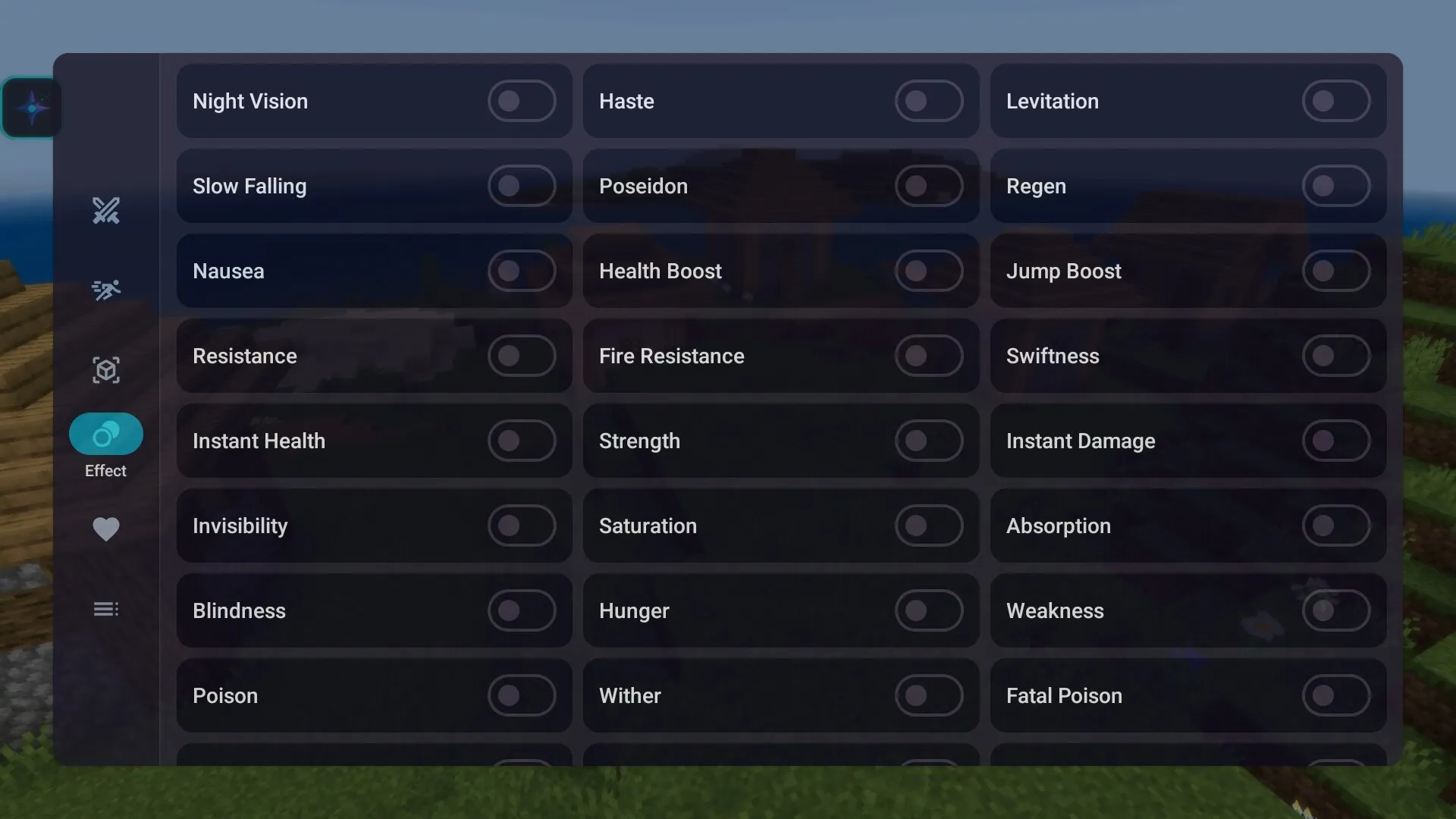
Some versions of the client may also include Spider Mode, which lets the character climb surfaces more easily. Other options can work with in-game effects, including resistance, levitation, blindness, poison, and similar status changes. These settings give players more control over how the game behaves during testing or custom gameplay.
Interface Customization
One of the useful parts of Nova Client is its customizable overlay. Players can change how the menu appears on the screen, adjust transparency, select fonts, and move interface elements. This is important on Android because screen space is limited, and a crowded interface can make gameplay less comfortable.
A clean overlay helps players access client features without losing control of movement or combat. This is especially useful during fast PvP moments, exploration, or server testing, where every second matters.
FAQ
Nova Client has several important features that players should understand before installing it. These answers explain what the client does, how it works, and where it is better to use it.
What is Nova Client for Minecraft PE?
Nova Client for Minecraft PE is a custom Bedrock client for Android that adds extra gameplay modules, interface settings, movement options, combat tools, and world information features.
Is Nova Client a texture pack?
No, Nova Client is not a texture pack. It is a separate client tool that works with Minecraft Bedrock and adds its own overlay menu with additional options.
What combat features does Nova Client include?
Nova Client can include combat modules such as auto attacks, aim support, sprint-hit options, hitbox visibility, and other PvP-focused tools. Available features may depend on the client version.
Can Nova Client improve movement?
Yes, the client can include movement options such as speed changes, auto-sprint, and special movement modes. These features can make travel, escape, and PvP movement more dynamic.
Can I customize the Nova Client interface?
Yes, Nova Client allows players to adjust the overlay, transparency, fonts, and layout. This helps make the client menu more comfortable on Android screens.
Is Nova Client allowed on all servers?
No, not every server allows third-party clients or combat assistance tools. Players should check the rules of each server before using Nova Client in multiplayer.
Why should players download Nova Client for Minecraft PE?
Players may download Nova Client for Minecraft PE if they want extra Bedrock controls, combat modules, movement settings, interface customization, and advanced gameplay options on Android.